Best for back button usefulness
Retro Fighters BattlerGC Pro
5.0 attribute score
Highest scored product for this attribute based on supporting review evidence.

Highest scored product for this attribute based on supporting review evidence.
Balances the attribute score, supporting reviews, and overall product strength.
Has the broadest review evidence for this attribute.
Strongest overall product among items with scored evidence for this attribute.
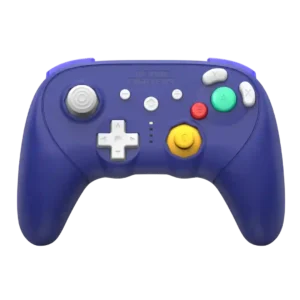
The rear buttons can be genuinely useful in non-GameCube games, giving frequently used inputs a more convenient position.
Pros: overall satisfaction, overall comfort
Cons: button quality, value for money

The rear buttons can keep thumbs on the sticks and move common actions under the fingers, which testers found genuinely useful for faster play.
Pros: overall satisfaction, button quality
Cons: d-pad accuracy, charging dock support
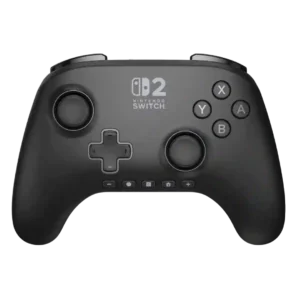
The rear controls are generally seen as genuinely useful for faster inputs and quick access, especially when remapped for demanding games.
Pros: overall satisfaction, design and aesthetics
Cons: Switch wake support, Start and Select button design
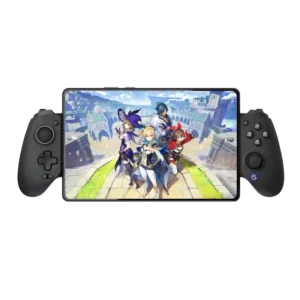
Programmable rear controls add meaningful shortcuts and can provide a real advantage in shooters.
Pros: value for money, phone grip and fit
Cons: companion app quality, vibration quality

Back buttons were useful in specific games, improving comfort and control when mapped to movement or weapon actions.
Pros: value for money, charging dock support
Cons: d-pad feel, compatibility with Xbox
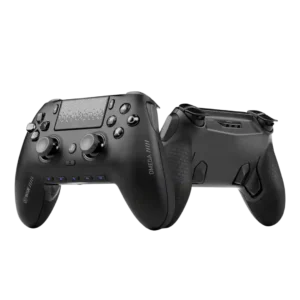
Rear paddles are often considered genuinely useful for keeping thumbs on the sticks in shooters and competitive games. Their value is strongest once the user has adapted to the layout.
Pros: overall satisfaction, companion app quality
Cons: back button placement, value for money

Rear buttons are a practical upgrade for actions such as jump, reload, parry, or stick-click functions, and the physical locks solve accidental presses for many players. A few users still...
Pros: overall satisfaction, value for money
Cons: wired performance, vibration quality
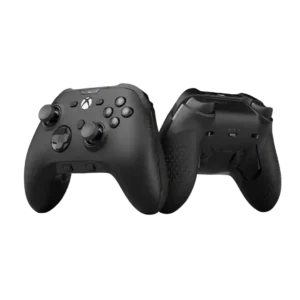
Back button usefulness was a strong point, especially for keeping thumbs on sticks and reducing accidental inputs in shooters.
Pros: analog stick precision, software customization
Cons: value for money, companion app quality
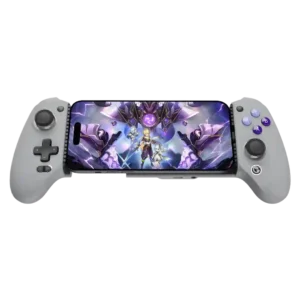
The rear buttons are useful for jumping, attacks, emulator shortcuts, and other actions that keep the thumbs on the sticks. Their value depends on whether the player actually uses extra...
Pros: overall satisfaction, overall comfort
Cons: phone grip and fit, durability
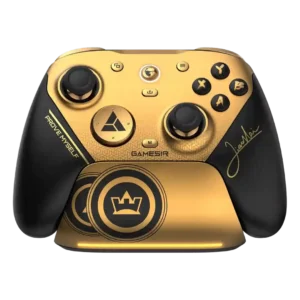
The lockable rear controls help keep thumbs on the sticks and can be disabled to prevent accidental presses. Most reviewers find them valuable for shooters and action games.
Pros: overall satisfaction, button quality
Cons: vibration quality, compatibility with Xbox
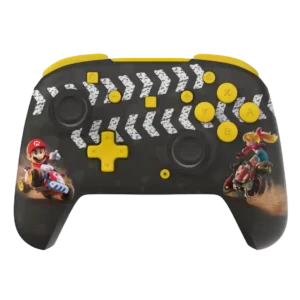
The rear controls are broadly useful for remapping and competitive play, though several Switch reviewers found limited need for them in typical Nintendo games.
Pros: overall satisfaction, value for money
Cons: premium feel, vibration quality
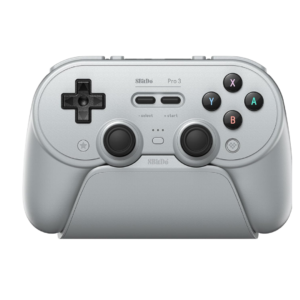
Rear buttons are useful for sprinting, skills, emulator shortcuts, and other actions that would otherwise require leaving the sticks. They are one of the controller's strongest modern additions.
Pros: overall satisfaction, charging dock support
Cons: button noise, 2.4GHz dongle performance
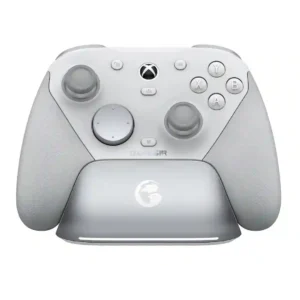
Extra rear controls are useful for actions such as reload, crouch, melee, and shifting while keeping thumbs on the sticks. Lock switches are repeatedly praised for preventing accidental presses when...
Pros: overall satisfaction, premium feel
Cons: compatibility with Xbox, d-pad feel
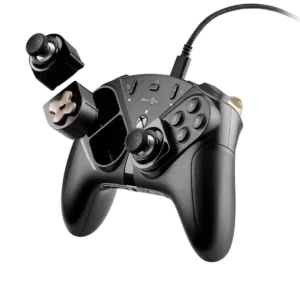
Rear-button usefulness depends heavily on hand fit. They can provide a competitive edge, but some players find them less intuitive or prone to accidental presses.
Pros: overall satisfaction, customization depth
Cons: value for money, upgrade value