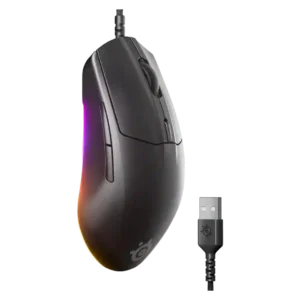
Primary click quality was praised as firm, balanced, and close to best-in-class for feel and performance.
Pros: connection stability, left and right click quality
Cons: palm grip comfort, profile switching

Primary click quality was praised as firm, balanced, and close to best-in-class for feel and performance.
Pros: connection stability, left and right click quality
Cons: palm grip comfort, profile switching
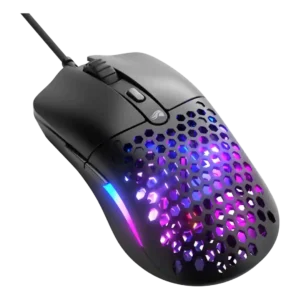
Left and right click quality was a standout, with reviewers praising main clicks as loved, responsive, precise, and tight.
Pros: value for money, click latency
Cons: water and dust resistance, cable flexibility

Left and right click quality was mostly praised for crispness, feedback, and satisfying actuation, with one review finding the feel a little mushy.
Pros: click latency, macro support
Cons: firmware reliability, tilt gesture controls
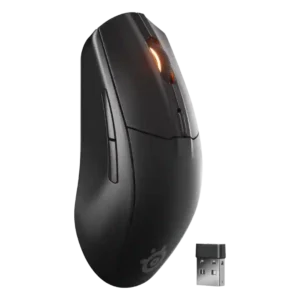
Primary clicks were usually praised as snappy, responsive, tactile, bouncy, or satisfying for the price.
Pros: build quality, ergonomic design
Cons: handedness options, RGB features

Left and right click quality was mostly strong, but one early unit had main-trigger rattle, creating a mild build-related caveat.
Pros: acceleration control, wireless latency
Cons: onboard memory, MMO gaming suitability

Left and right click quality was mostly positive for crisp, responsive clicks, with some caveats around hollow sound.
Pros: Accuracy and tracking precision, sensor performance
Cons: onboard memory, handedness options

Left and right clicks were mostly praised for clickiness, precision, and tactility, though one reviewer struggled with the button shape.
Pros: ecosystem integration, sensor performance
Cons: AI Prompt Master, durability over time

Left and right click quality was viewed as consistent and quality-feeling.
Pros: glide smoothness, sensor performance
Cons: grip texture, firmware reliability

Main click quality was mostly positive, especially the light break and rapid reset, though one unit had a slightly heavier right button.
Pros: motion consistency, wireless latency
Cons: palm grip comfort, software stability
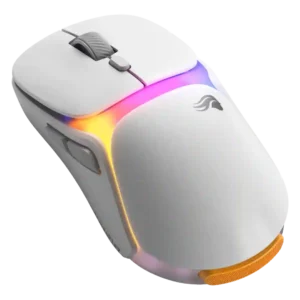
Main click quality was mostly solid, though one reviewer heard a hollow left-click ring and another noted stronger positive pop.
Pros: battery life, programmable buttons
Cons: software stability, firmware reliability
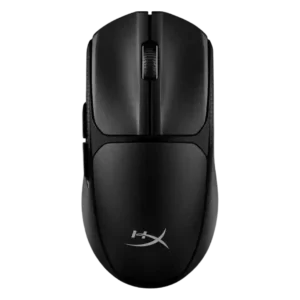
Left and right clicks were usually praised as crisp, tactile, and satisfying, with one first impression noting heavier actuation.
Pros: wireless latency, Accuracy and tracking precision
Cons: side button quality, materials quality
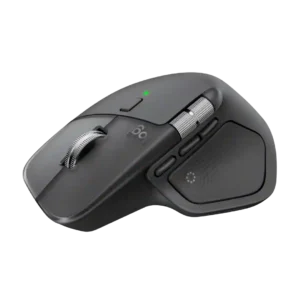
The primary clicks are widely praised for being soft, quiet, and satisfying without feeling mushy. Several reviewers consider them an improvement over earlier MX Master models.
Pros: software usability, software stability
Cons: double-click reliability, warranty
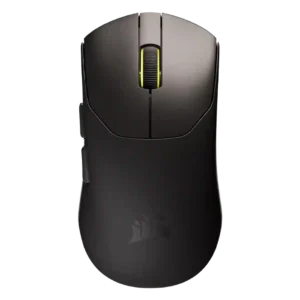
Left and right clicks were usually considered good or responsive, though a few reviewers criticized softness, hollow sound, or mushiness.
Pros: connection stability, weight
Cons: click latency, cable flexibility

Main click quality was mixed: some reviews praised crisp, quiet clicks, while others reported tightness or main-button wobble.
Pros: onboard memory, software stability
Cons: handedness options

Primary click quality was split: one reviewer praised the tight clickfeel, while another complained the buttons sounded hollow and cheap.
Pros: 2.4GHz connectivity, surface compatibility
Cons: click noise, software stability

Main left and right clicks were mixed, ranging from solid and tactile to too padded or unsatisfying for some testers.
Pros: wireless latency, surface compatibility
Cons: RGB features, firmware reliability