Best for macro support
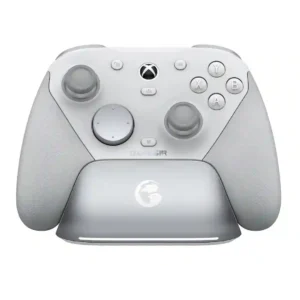
GameSir Cyclone 2 Wireless Controller
5.0 attribute score
Highest scored product for this attribute based on supporting review evidence.

Highest scored product for this attribute based on supporting review evidence.
Balances the attribute score, supporting reviews, and overall product strength.
Has the broadest review evidence for this attribute.
Strongest overall product among items with scored evidence for this attribute.

Macro support received strong praise for multi-input mapping, turbo, and shift-layer possibilities.
Pros: value for money, charging dock support
Cons: d-pad feel, compatibility with Xbox
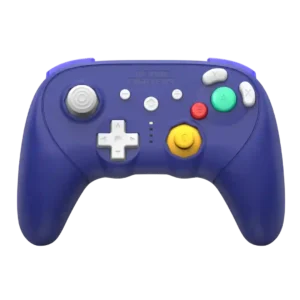
Rear buttons can execute multi-command macros without external software, adding useful flexibility for players who want more than simple remapping.
Pros: overall satisfaction, overall comfort
Cons: button quality, value for money
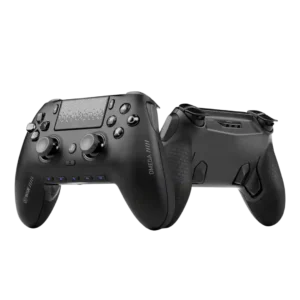
Macro support is useful for PC players who want push-to-talk, recording, or keyboard-style shortcuts. Fortnite-focused feedback notes that missing scroll-wheel mapping keeps it from being perfect.
Pros: overall satisfaction, companion app quality
Cons: back button placement, value for money
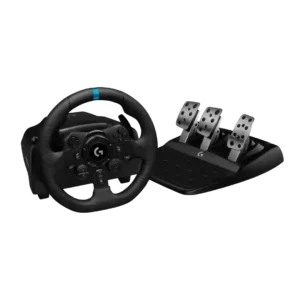
G Hub supports macro assignment, adding useful flexibility beyond standard racing controls.
Pros: overall satisfaction, brake pedal performance
Cons: value for money, TrueForce game support
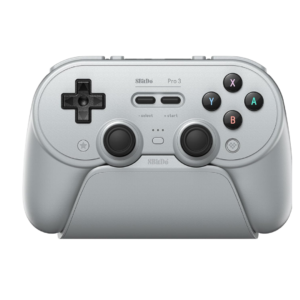
Macros are especially popular for automation, turbo tasks, and Pokémon shiny hunting, and they work well once configured. Software bugs and unintuitive editing make setup harder than the feature deserves.
Pros: overall satisfaction, charging dock support
Cons: button noise, 2.4GHz dongle performance
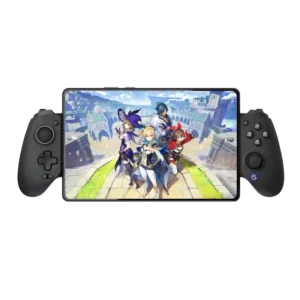
Bluetooth versions can record multi-button sequences, but the MFi model removes macro support.
Pros: value for money, phone grip and fit
Cons: companion app quality, vibration quality
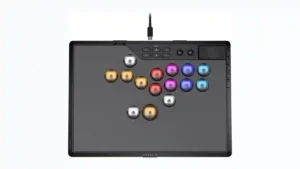
Macros can be handy for training and advanced customization, but the implementation is not universally loved. Real-time recording and PC-only limits make the feature more cumbersome for some players.
Pros: overall satisfaction, button quality
Cons: control placement, button noise
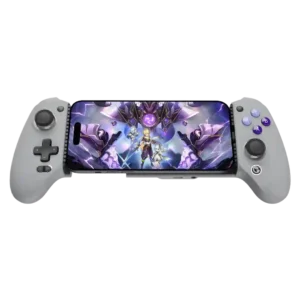
Turbo and macro-style functions are useful for repetitive inputs and can be activated quickly. One owner strongly disliked that the related buttons could not be disabled.
Pros: overall satisfaction, overall comfort
Cons: phone grip and fit, durability

Macros can be useful for complex inputs, but implementation is inconsistent. Some users report practical mappings while others say macros or turbo settings fail to save or execute correctly.
Pros: overall satisfaction, button quality
Cons: vibration quality, compatibility with Xbox
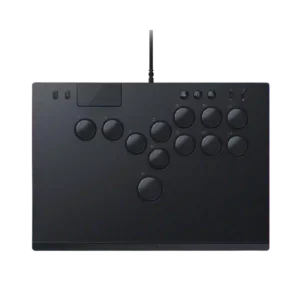
Macro support was limited in reviewer evidence, with complaints that extra action or macro buttons were poorly placed or missing.
Pros: face button responsiveness, button quality
Cons: value for money, learning curve

Macro support is a clear limitation: complex macros, turbo and button-combination programming are unavailable or non-functional in the tested software.
Pros: overall satisfaction, button quality
Cons: d-pad accuracy, charging dock support
Macro and turbo support is a weakness on the licensed G7 Pro. Several reviewers note that these functions are restricted or absent, which matters for players who expect full automation...
Pros: overall satisfaction, premium feel
Cons: compatibility with Xbox, d-pad feel