Best for user interface
Lenovo Legion Go S
4.5 attribute score
Highest scored product for this attribute based on supporting review evidence.

Highest scored product for this attribute based on supporting review evidence.
Balances the attribute score, supporting reviews, and overall product strength.
Has the broadest review evidence for this attribute.
Strongest overall product among items with scored evidence for this attribute.

Overall: 3.9/5
SteamOS is the product's biggest usability win, delivering a fast, console-like, controller-first experience. Windows reviews describe the opposite: clunky layouts, poor touch behavior, and too much desktop friction.
Pros: display quality, user interface
Cons: controller features, battery life
Overall: 4.0/5
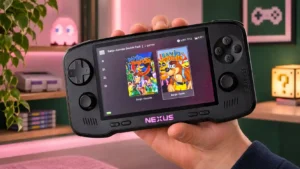
The menus are pleasant, organized, and customizable, with helpful cartridge artwork and game details. In-game access to certain global settings is inconsistent.
Pros: controller features, display quality
Cons: TV output connectivity, Suspend and resume
Overall: 4.4/5
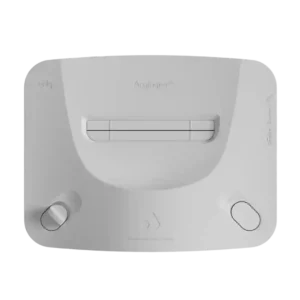
3DOS is widely praised for clean navigation, cartridge tracking, and unusually deep per-game display and performance controls. Early reviews also found it sparse in places, with missing features, manual updating,...
Pros: display quality, performance
Cons: availability

Overall: 4.3/5
Most reviewers find the interface clean, colorful, and simple enough for children to navigate independently. A smaller group reports clunky menus, shifting categories, unclear start flows, or insufficient prompts that...
Pros: game library quality, value for money
Cons: subscription service value, graphical performance

Overall: 4.0/5
Xbox Mode makes controller navigation and a combined library more useful, and several find it noticeably smoother. Others still encounter clutter, sluggish overlays or input failures that interrupt the experience.
Pros: display quality, controller ergonomics
Cons: value for money, ease of use
Overall: 3.7/5
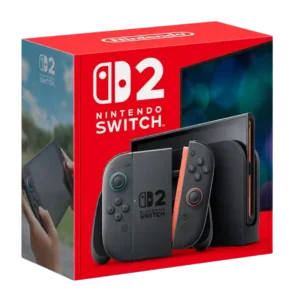
The UI is familiar, simple, and faster, but some reviewers dislike its blandness, lack of folders, and limited customization.
Pros: value for money, controller features
Cons: power efficiency, user interface

Overall: 3.7/5
Xbox Mode puts games and common settings within easier controller reach than the Windows desktop. Opinions on its polish are sharply divided: library aggregation and switching help, while ads, focus...
Pros: performance, frame rate performance
Cons: ease of use, user interface
Overall: 3.6/5
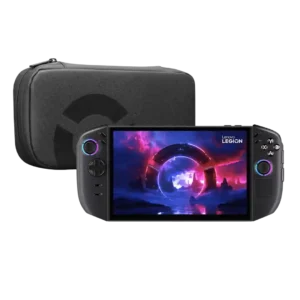
Legion Space and its quick settings panel are much improved, responsive, and useful for tuning performance and controls. Windows 11 still introduces setup friction, pop-ups, small touch targets, and inconsistent...
Pros: display quality, performance
Cons: value for money, power efficiency
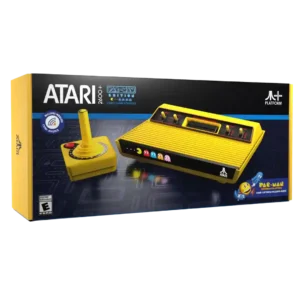
Overall: 3.7/5
The deliberately bare-bones software approach preserves the original Atari feel, but one detailed reviewer wanted a more useful central interface and additional visual or software options. The minimal loading screen...
Pros: performance, collectibility and presentation
Cons: controller quality, controller ergonomics