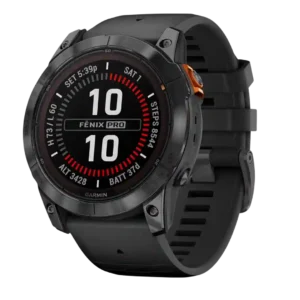
Button controls were consistently praised for intuitive navigation, glove/rain usability and reliable interaction during activity.
Pros: battery life, mapping and navigation
Cons: value for money, score tracking

Button controls were consistently praised for intuitive navigation, glove/rain usability and reliable interaction during activity.
Pros: battery life, mapping and navigation
Cons: value for money, score tracking
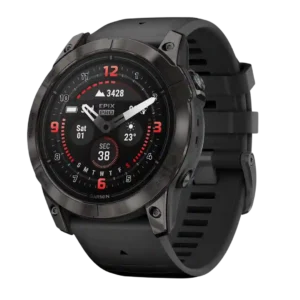
Button controls are a standout usability feature, especially for workouts, with praise for tactile clicks and mid-activity control.
Pros: battery life, GPS accuracy
Cons: user interface, fit
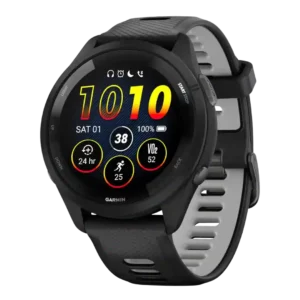
Button controls were widely praised for workout reliability, tactile feedback, and the larger Run button, though one reviewer disliked squishy secondary buttons.
Pros: battery life, value for money
Cons: mapping and navigation, smartwatch features
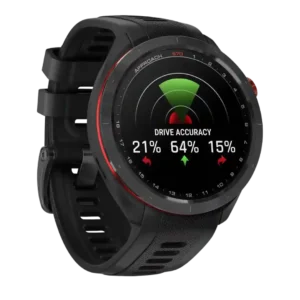
Button controls are generally useful and easy, though one reviewer still noted a learning curve.
Pros: display quality, value for money
Cons: charging convenience, smartphone notifications
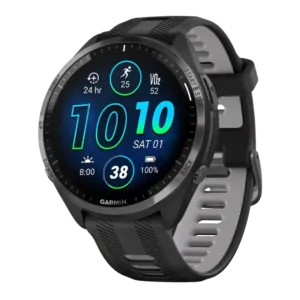
Buttons were consistently praised as tactile, easy to use during workouts, and a dependable alternative to touch controls.
Pros: battery life, GPS accuracy
Cons: smartwatch features, charging convenience
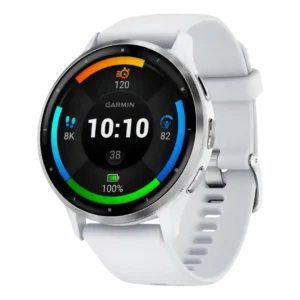
Button controls are useful during workouts, but opinions are mixed because some reviewers wanted more button navigation or found the smaller buttons less usable.
Pros: battery life, GPS accuracy
Cons: smartwatch features, smartphone notifications
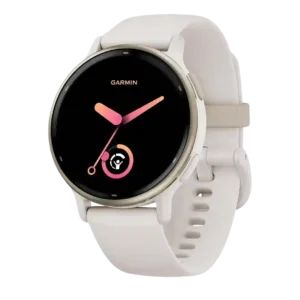
Button controls drew mixed reactions: some liked having dual navigation, while others preferred more dedicated buttons or found presses fiddly.
Pros: value for money, GPS accuracy
Cons: sleep tracking accuracy, recovery insights
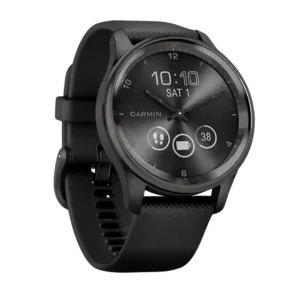
Button controls were a recurring weakness because reviewers missed even a single physical button and found touch-only exercise control harder.
Pros: style and design, charging convenience
Cons: battery life, charging speed