
Overall: 3.5/5
Controls and app navigation feel approachable to the enthusiastic owner, with a mobile-like simplicity.
Pros: art display mode, design and appearance
Cons: overall satisfaction, HDMI port accessibility

Overall: 3.5/5
Controls and app navigation feel approachable to the enthusiastic owner, with a mobile-like simplicity.
Pros: art display mode, design and appearance
Cons: overall satisfaction, HDMI port accessibility
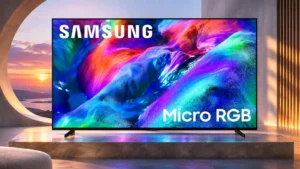
Overall: 3.8/5
The redesigned Tizen home screen and straightforward navigation make everyday operation less cumbersome.
Pros: overall satisfaction, color gamut
Cons: value for money, local dimming performance
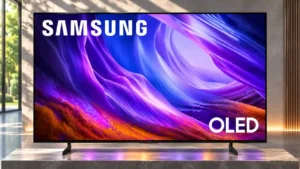
Overall: 4.0/5
Settings and apps are easier to navigate.
Pros: black levels, picture quality
Cons: glare resistance, reflection handling
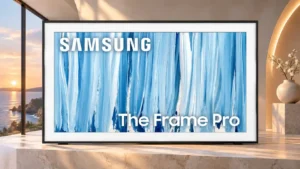
Overall: 3.8/5
The refreshed Tizen setup and everyday navigation are friendlier, though art settings and authentication still require extra effort.
Pros: cable management, design and appearance
Cons: value for money, Dolby Vision support
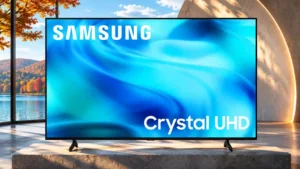
Overall: 2.7/5
Familiar Tizen menus make streaming approachable, but an increasingly crowded interface and simplified remote add friction.
Pros: white balance accuracy, design and appearance
Cons: overall satisfaction, value for money

Overall: 3.1/5
Tizen's basic settings are approachable, although crowded menus and sparse remote buttons make some tasks needlessly involved.
Pros: picture quality, overall satisfaction
Cons: sound quality, black levels
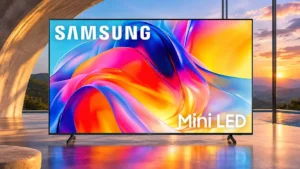
Overall: 2.6/5
Phone-based setup and built-in apps simplify basic tasks, but Tizen menus can feel confusing and sluggish.
Pros: sound quality, picture quality
Cons: value for money, local dimming performance
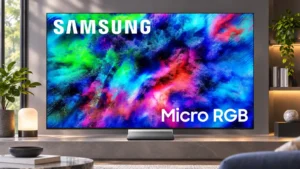
Overall: 3.7/5
Daily navigation has improved, but the number of hubs, extra settings and startup behaviors can feel complicated at first.
Pros: color volume, overall satisfaction
Cons: value for money, color accuracy