#1

Core controls are consistently considered intuitive, tactile, and easy to reach, including volume, playback, pairing, Auracast, and bass modes. The physical layout reduces the need to open the app for...
Pros: Overall satisfaction, Overall sound quality
Cons: Energy efficiency, Microphone
#2
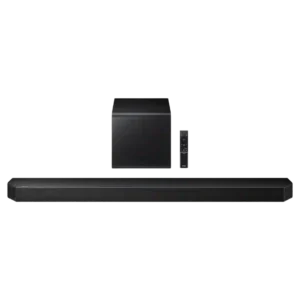
Physical controls on the bar are simple, accessible, and useful for quick adjustments without reaching for the remote.
Pros: Overall product quality, Overall sound quality
Cons: Bass performance, Surround sound simulation
#3
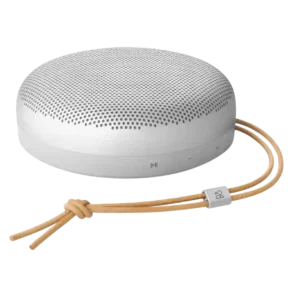
On-device controls were praised as nice and clicky in direct use.
Pros: Frequency response balance, Price / value for money
Cons: Drop resistance durability, Smart assistant integration (Alexa
#4

Physical controls on the main bar and detachable speakers are effective and provide a useful fallback to app control.
Pros: Rear speaker versatility, Overall product quality
Cons: Size and TV fit, Gaming HDMI passthrough
#5
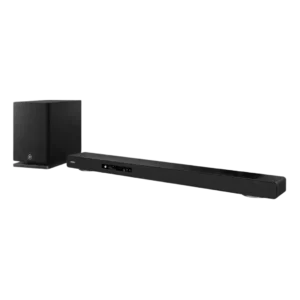
Physical controls are responsive and provide useful tactile feedback for quick operation. They complement the remote and on-screen interface rather than forcing app-only control.
Pros: Home theater integration, Overall product quality
Cons: Value for money, Small-room suitability
#6
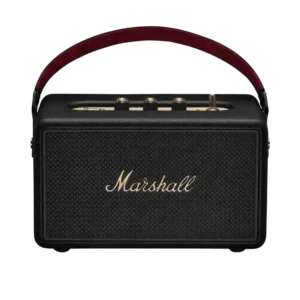
On-device controls are one of the most praised usability features, especially the tactile knobs, playback toggle, power switch, and direct adjustments without relying on the app.
Pros: Design and aesthetics, Battery life (if portable)
Cons: Weight convenience, Inter-speaker connectivity
#7

On-device controls were praised as complete and reliable, including direct buttons and touch controls that worked perfectly.
Pros: Water resistance rating, Float capability
Cons: Distortion at high volume
#8

The top-panel controls are tactile, clearly labeled and intuitive, giving useful access to core functions without opening the app.
Pros: Design and aesthetics, Overall sound quality
Cons: Value for money, App reliability
#9
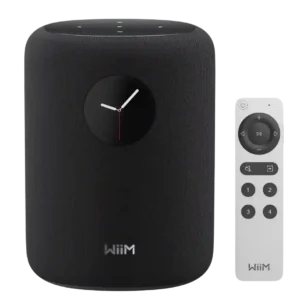
The circular touchscreen is more useful than it first appears, giving quick access to playback, sources, presets, EQ, artwork, and settings. A few caveats remain around screen size, placement height,...
Pros: Overall product quality, Overall sound quality
Cons: AirPlay compatibility, Smart assistant integration (Alexa
#10
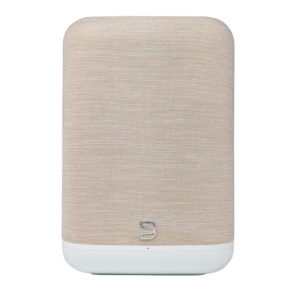
Physical playback controls and programmable presets are genuinely useful day to day, reducing how often a phone needs to come out.
Pros: Design and aesthetics, Overall product quality
Cons: Bass performance, Stereo imaging accuracy
#11

Physical controls are a standout usability feature, letting users handle playback, volume, bass, and treble without opening the app. Reviewers repeatedly described the layout as intuitive and convenient.
Pros: Overall sound quality, Battery life (if portable)
Cons: Price / value for money, Weight convenience
#12

Physical controls were easy to understand and useful for quick speaker, light, and karaoke adjustments without relying entirely on the app.
Pros: Smart features, Microphone
Cons: Weight convenience, Handle or strap quality
#13

The angled front buttons are easy to reach and clearer than the old Studio's controls, while top tapping adds quick playback actions. The basic physical layout is simple even for...
Pros: Overall sound quality, Design and aesthetics
Cons: Value for money, Overall product quality
#14
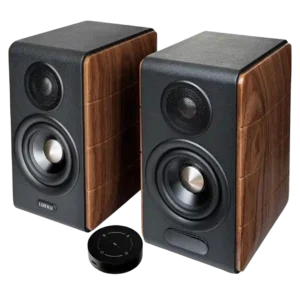
The physical volume, bass, and treble knobs feel precise and useful, and they provide a welcome escape from the touch remote. Their rear placement can make daily access awkward.
Pros: Overall product quality, Overall sound quality
Cons: Remote control usability, Control button responsiveness
#15

On-device controls are viewed positively, with easy-to-use playback controls and added track-skip behavior noted.
Pros: Frequency response balance, Battery life (if portable)
Cons: Backwards compatibility, Stereo imaging accuracy
#16
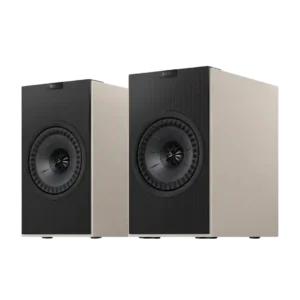
On-device controls are convenient and responsive, especially for power, volume, and source changes without opening the app. The main annoyance is that source selection on the speaker often cycles in...
Pros: Stereo imaging accuracy, Aesthetic design / Finish options
Cons: Smart features, EQ customization
#17

On-device controls are adequate-to-strong, with tactile/easy controls in positive reviews and only a mild complaint about button selection.
Pros: Frequency response balance, LED lighting effects
Cons: Float capability, Handle or strap quality
#18

On-device controls were praised as tactile, easy to use, and logically arranged.
Pros: Frequency response balance, Price / value for money
Cons: Microphone, Dust resistance rating
#19
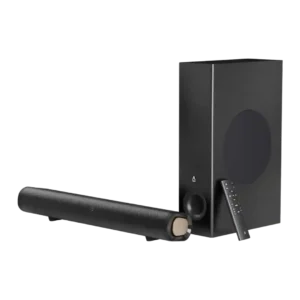
On-device controls are useful as backup basics, with reviewers appreciating physical buttons, though fuller control still depends on the remote.
Pros: Value for money, Surround sound simulation
Cons: Stereo imaging accuracy, Smart features
#20

On-bar controls range from intuitive and nicely backlit to frustratingly hidden in horizontal placement. Physical usability depends heavily on orientation.
Pros: Overall product quality, Overall sound quality
Cons: Value for money, Video passthrough support
#21
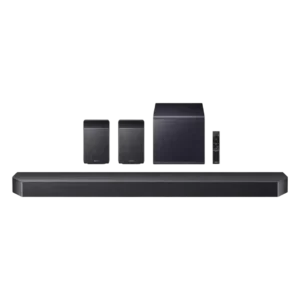
On-device controls are useful and accessible, though the strongest control praise tends to shift toward the app.
Pros: Value for money, Surround sound simulation
Cons: Status indicators, Wi-Fi streaming reliability
#22
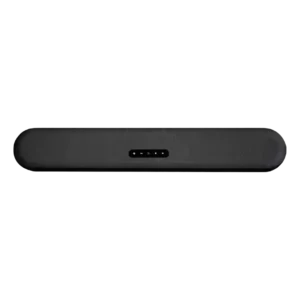
On-device controls are minimal but functional. Reviewers note the clean touch layout, while most deeper control still happens in the BluOS app.
Pros: App reliability, Subwoofer
Cons: Remote control usability, Value for money
#23
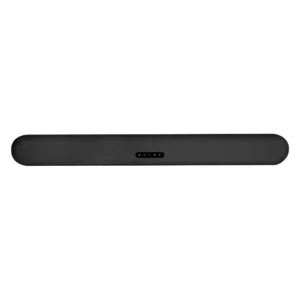
On-device controls received limited but positive evidence, with one reviewer calling the touch controls nice.
Pros: Dialogue clarity (for TV/soundbar use), Subwoofer
Cons: EQ customization, AI Room Calibration
#24

On-device controls are praised in one review, which says Bose improved the physical button interface.
Pros: Handle or strap quality, Frequency response balance
Cons: Price / value for money, Loudness / maximum volume
#25
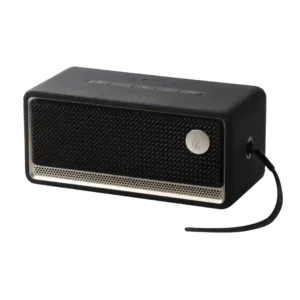
Physical controls are usually simple, tactile, and easy to use. The main weakness is that volume-button behavior can be inconvenient when the speaker is connected to a PC over USB.
Pros: Overall sound quality, Overall satisfaction
Cons: Battery life (if portable), EQ customization
#26
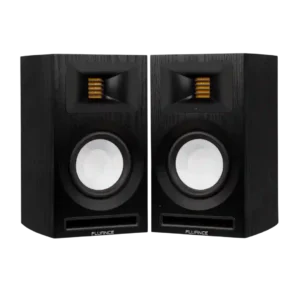
On-device controls were divisive: some found the top/rear volume control substantial and accessible, while others disliked its placement, speed, or learning curve.
Pros: Detail retrieval, Value for money
Cons: optical, Smart features
#27

On-device controls are generally tactile and satisfying, though one reviewer criticizes the lack of a backward-skip control.
Pros: Frequency response balance, Price / value for money
Cons: Distortion at high volume, Backwards compatibility
#28

Physical controls range from solid and clicky to awkward in the dark. Hidden button combinations for stereo and USB-C modes make advanced functions less intuitive.
Pros: Design and aesthetics, Music performance
Cons: Price / value for money, App reliability
#29
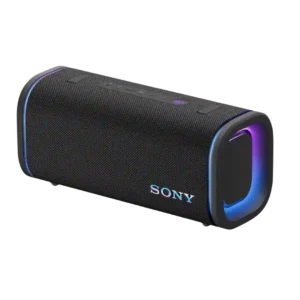
On-device controls cover the basics and are easy to find, but button sounds and rubbery feel create some usability complaints.
Pros: Loudness / maximum volume, Battery life (if portable)
Cons: Voice clarity, Stereo imaging accuracy
#30

On-device usability is mixed. Some reviewers find the touchscreen clean, fast, and easy to customize, while others report confusing smart-home controls, lag, cluttered menus, or frustration with the fixed screen...
Pros: Overall product quality, Smart features
Cons: Privacy and data, On-device controls
#31
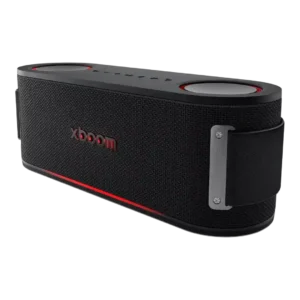
On-device controls were functional and convenient for some reviewers, but others disliked missing skip controls or hard-to-see buttons.
Pros: Battery life (if portable), Loudness / maximum volume
Cons: Detail retrieval, Smart features
#32
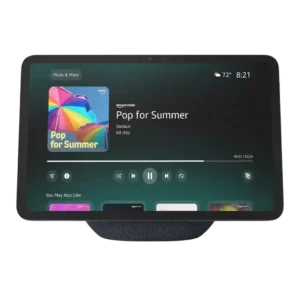
The touchscreen interface itself gets mixed marks. Some reviewers find the menus simple and straightforward, while others call navigation crowded, unintuitive, or frustrating compared with voice control.
Pros: Overall product quality, Display experience
Cons: Value for money, Privacy and data
#33
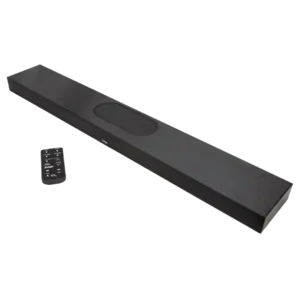
The controls are easy to learn through the remote, but there are no physical controls on the soundbar itself.
Pros: Dialogue clarity (for TV/soundbar use), Overall product quality
Cons: TV connection stability, Reliability
#34

Manual controls are the design's biggest recurring weakness. Many reviewers dislike the missing action button and report that front-button presses can push the lightweight speaker across a table, although a...
Pros: Overall sound quality, Smart features
Cons: Value for money, On-device controls
#35
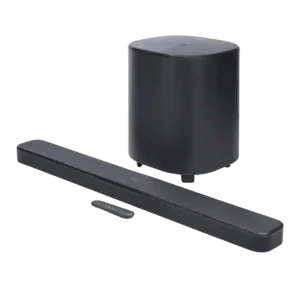
On-device controls drew a usability complaint from one reviewer who disliked that any button could turn the unit on.
Pros: Dialogue clarity (for TV/soundbar use), Surround sound simulation
Cons: App reliability, Audio format support
