Best for Button control usability
Bose QuietComfort (2nd Gen)
5.0 attribute score
Highest scored product for this attribute based on supporting review evidence.

Highest scored product for this attribute based on supporting review evidence.
Balances the attribute score, supporting reviews, and overall product strength.
Has the broadest review evidence for this attribute.
Strongest overall product among items with scored evidence for this attribute.
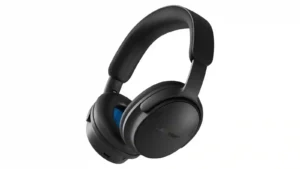
The physical buttons are an across-the-board success. Reviewers repeatedly prefer their tactile, predictable operation to touch controls and find them easy to use without looking.
Pros: Overall recommendation, Active noise cancellation
Cons: Battery, Equalizer customization

The Digital Crown and physical button controls were repeatedly praised as intuitive, tactile and among the best on headphones.
Pros: Active noise cancellation, Sound quality
Cons: Value for money, Carry case quality
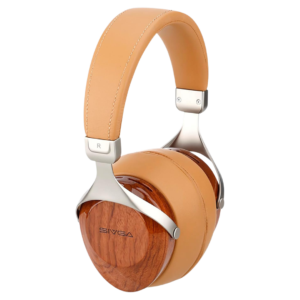
With the optional boom-mic cable, the inline volume and mute controls are simple and work well.
Pros: Comfort during long use, Sound quality
Cons: Treble clarity, Durability over time
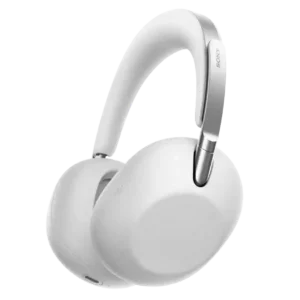
Physical controls are easy to locate, while the touch interface responds quickly and avoids most accidental commands.
Pros: Comfort during long use, Premium feel
Cons: Battery, Value for money
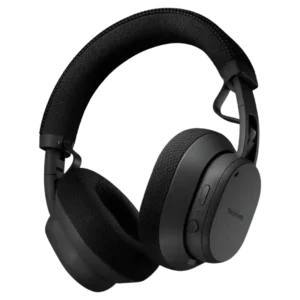
The joystick is one of the most consistently loved features. Reviewers find it tactile, simple, responsive, and easier than touch-heavy control schemes.
Pros: Sustainability and repairability, Sound quality
Cons: Value for money, Transparency mode quality
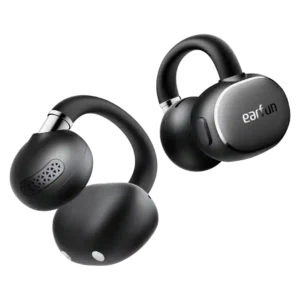
The physical buttons are one of the most praised design choices, registering reliably with sweaty hands and avoiding accidental touch inputs. Actions are customizable in the app.
Pros: Overall satisfaction, Sound quality
Cons: Maximum volume clarity, Noise isolation (passive)

Separated physical buttons make volume changes and track skipping easy even mid-run, with sweaty hands or gloves. Their reliable tactile feel is consistently preferred to finicky touch controls.
Pros: Charging, Stability
Cons: Bass performance, Sound quality
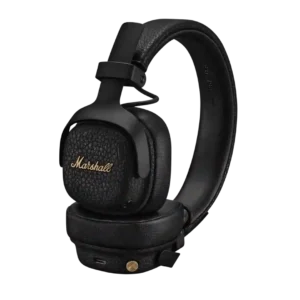
Marshall’s brass joystick is one of the product’s most universally praised features. It is tactile, responsive, easy to find, and simpler than touch gestures.
Pros: Overall recommendation, Battery
Cons: Wear detection auto-pause, Noise isolation (passive)
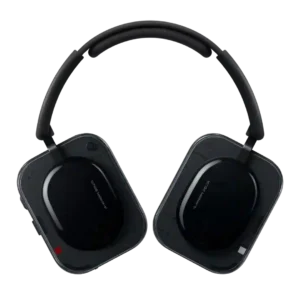
The Roller, Paddle, and physical buttons are one of the strongest points of agreement. Reviewers repeatedly call them intuitive, tactile, distinctive, and easier to use than touch controls.
Pros: Battery, Active noise cancellation
Cons: Bass performance, Carry case quality

The tactile roller, paddle and physical buttons are a standout strength. Reviewers repeatedly call them intuitive, easy to identify by feel and among the best headphone controls available.
Pros: Active noise cancellation, Overall recommendation
Cons: Carry case quality, Value for money
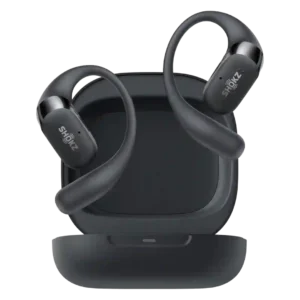
Physical button controls are one of the clearest upgrades, widely praised as easier, more precise, and better for workouts than touch-only controls.
Pros: Sound quality, Comfort during long use
Cons: Active noise cancellation, Sensors
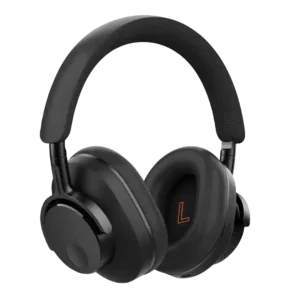
Physical button controls are praised for usability and responsiveness.
Pros: Overall recommendation, Comfort during long use
Cons: Headband padding quality, Spatial audio

Physical buttons are overwhelmingly preferred to touch controls because they give clear tactile feedback and avoid accidental commands while adjusting the fit. Minor complaints include small, flush buttons and one...
Pros: Overall satisfaction, Sound quality
Cons: Spatial audio
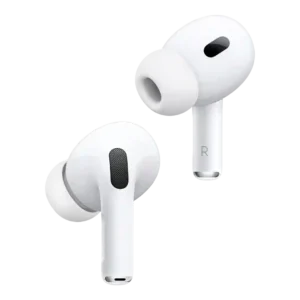
Button and pinch controls were praised as intuitive and superior to less comfortable tap-based controls.
Pros: Active noise cancellation, Sound quality
Cons: Android compatibility, Equalizer customization
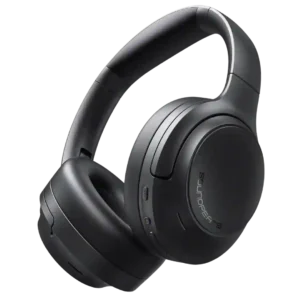
Physical buttons are widely liked for predictable feedback and easy operation by feel, with only a short adjustment period needed on some units.
Pros: Overall satisfaction, Sound quality
Cons: Carry case quality, Transparency mode quality
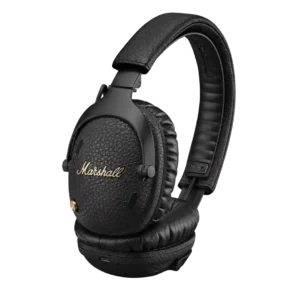
Button controls were a standout strength, with reviewers preferring the tactile joystick and physical buttons over touch controls.
Pros: Battery, Active noise cancellation
Cons: Spatial audio, 3.5mm analog input availability
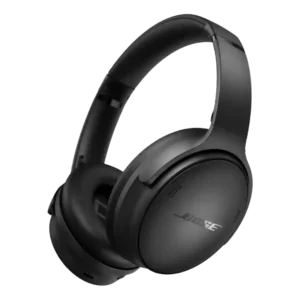
Button usability was widely praised; reviewers repeatedly preferred the tactile physical controls over touch panels.
Pros: Active noise cancellation, Carry case quality
Cons: Features at launch, Treble clarity
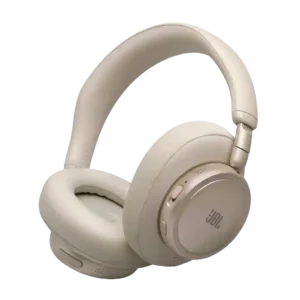
The physical volume, power, and ANC controls are repeatedly praised for tactile feedback and intuitive placement. The hybrid layout is easier to operate by feel than many touch-only designs.
Pros: Overall recommendation, Active noise cancellation
Cons: Bass performance, Clamping force comfort

The physical controls are a highlight, especially the damped crown/volume wheel. Reviewers repeatedly praised its tactility, easy reach and reliable media clicks, with only minor learning-curve complaints.
Pros: Included stand quality, Overall satisfaction
Cons: Active noise cancellation, Volume output
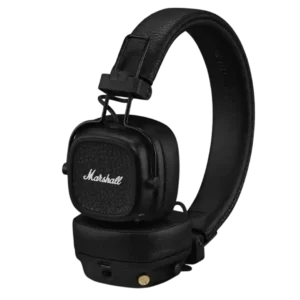
Physical button controls were one of the strongest points, with reviewers repeatedly praising the joystick-style knob as intuitive and reliable.
Pros: Battery, Overall recommendation
Cons: Active noise cancellation, Noise isolation (passive)
Physical buttons are a consistent usability strength: easy to find, responsive, and more reliable than touch controls for many reviewers. A short learning period may be needed because several buttons...
Pros: Battery, Design and Aesthetics
Cons: Clamping force comfort, Soundstage width
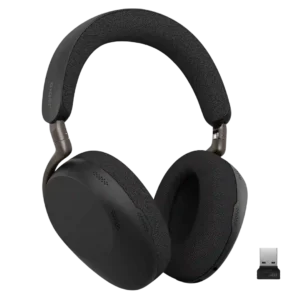
Physical controls are generally clicky, direct, and easy to learn. The main criticism is a fiddly power switch and some right-hand bias in the layout.
Pros: Battery, Charging
Cons: Value for money, Codec support
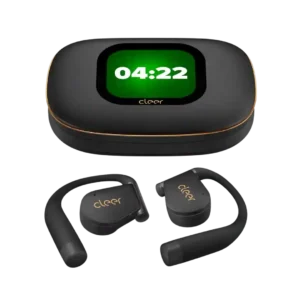
Physical buttons complement the touch controls and give users flexible ways to manage playback and calls. Most found them useful, though one reviewer needed time to learn the case and...
Pros: Overall satisfaction, Carry case quality
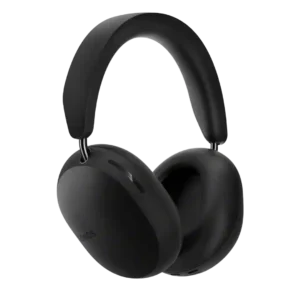
Physical controls were a consistent highlight, with reviewers praising the Content Key, buttons, and tactile operation.
Pros: Overall recommendation, Comfort during long use
Cons: Ecosystem integration, Equalizer customization

Physical controls were widely praised, especially the Digital Crown and button layout, which reviewers found tactile, smooth, intuitive, and easy to use.
Pros: Sound quality, Active noise cancellation
Cons: Carry case quality, Value for money
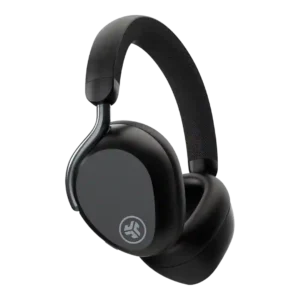
Button and physical-control usability was mostly positive, though one reviewer wanted more physical buttons.
Pros: Comfort during long use, Charging
Cons: Spatial audio, Volume output
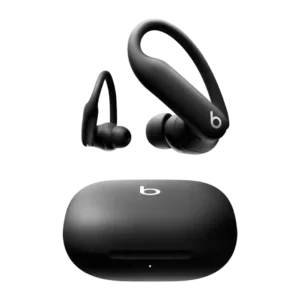
Physical button controls were a standout strength, especially for workouts, gloves, and running.
Pros: Active noise cancellation, Battery
Cons: Carry case quality, Sensors
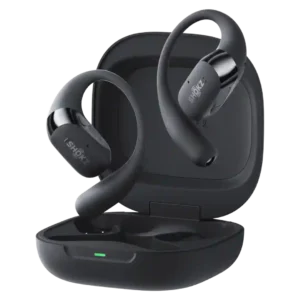
Physical buttons were widely praised as easier, more reliable, and more comfortable than touch-only controls, though one ultrarunner wanted an on/off button.
Pros: Comfort during long use, Sound quality
Cons: Find My, Carry case quality
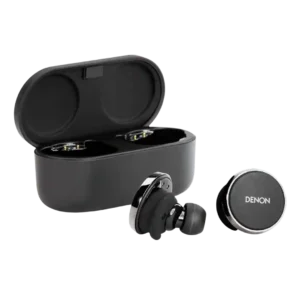
Button/control usability is a standout because reviewers praise extensive customization, many gesture options, and easy control mapping, with only one runner disliking a gesture.
Pros: Sound quality, Bass performance
Cons: Transparency mode quality, Comfort during long use
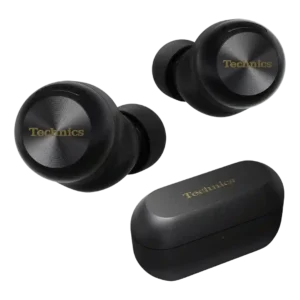
Control remapping is praised as unusually flexible and useful across the app and earbuds.
Pros: Sound quality, Active noise cancellation
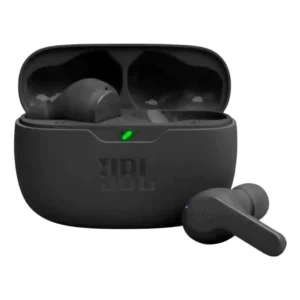
One review praises button/control customization and pressing behavior as unusually good for the price.
Pros: Battery, Value for money
Cons: Carry case quality, Treble clarity
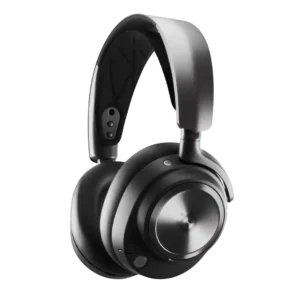
Controls are generally praised for distinct buttons, tactile wheels, useful mute indicators, and intuitive access, with only minor dock-use caveats.
Pros: Battery, Comfort during long use
Cons: Console compatibility limitations, USB-C

Physical buttons were praised as straightforward, tactile and easier to trust than uncertain touch gestures.
Pros: Battery, Active noise cancellation
Cons: Transparency mode quality, Carry case quality

Dedicated physical buttons are especially useful when running or sweating. Their spacing and position take practice, and the small volume keys can be hard to distinguish with gloves.
Pros: Sound quality, Overall satisfaction
Cons: Volume output, Sound leakage
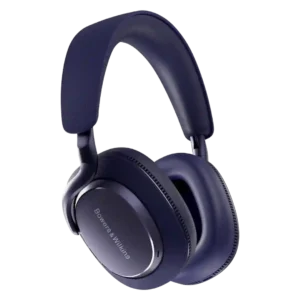
Physical controls are widely liked for being tactile, reliable, and easier than touch panels, despite some limitations in available shortcuts.
Pros: Sound quality, Active noise cancellation
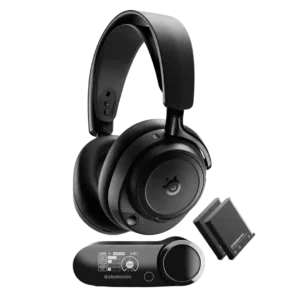
Physical controls are usually praised for tactile wheels, intuitive placement, and good feedback, though one reviewer says smaller buttons feel less premium.
Pros: Sound quality, Connectivity versatility
Cons: Value for money, Carry case quality
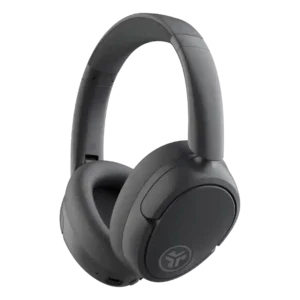
Physical button controls were widely praised as easy to find, intuitive, responsive, and preferable to finicky touch controls.
Pros: Overall recommendation, Value for money
Cons: Bass performance, Midrange clarity

Physical buttons receive consistent praise for tactile feedback and avoiding accidental touches. Customization and call-mute shortcuts are useful, though layout preferences and missing shortcuts vary by listener.
Pros: Comfort during long use, Ear cup padding quality
Cons: Frequency response accuracy, Treble clarity
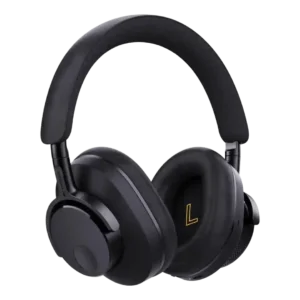
Physical button controls were mostly praised as simple, tactile and preferable to touch, despite Tom’s Guide finding the control layout imperfect.
Pros: Value for money, Sound quality
Cons: Stability, Wind noise handling

Button controls are a strength, described as simple, easy, tactile and intuitive across sources.
Pros: Design and Aesthetics, Built-in DAC and hi-res playback

Control usability is strong where volume swipes are discussed, although one review criticized the default omission of play/pause.
Pros: Sound quality, Active noise cancellation
Cons: Charging
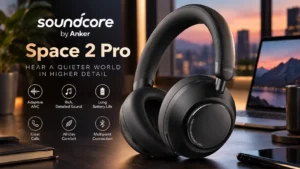
Physical buttons are commonly praised for easy, tactile control without accidental touch inputs. Customization opinions differ, with some finding full playback control straightforward and another frustrated by its limits.
Pros: Active noise cancellation, Sound quality
Cons: Carry case quality, Included accessories
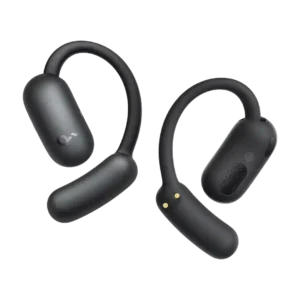
Control usability is generally positive when reviewers discuss operation, with reliable playback and call control after learning the touch target.
Pros: Value for money, Equalizer customization
Cons: Bass performance, Preset EQ profile quality
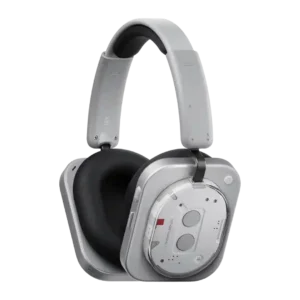
Physical controls were a standout strength, widely praised for tactility and usability, although a few reviewers found the layout or paddle/roller behavior finicky.
Pros: Sound quality, Battery
Cons: Weight comfort, Soundstage width

Physical buttons are usually preferred for sweaty workouts and reliable control, though several users found the similarly shaped or flush buttons harder to identify by touch.
Pros: Overall recommendation, Replaceable pads/headband
Cons: 3.5mm analog input availability, Travel friendliness
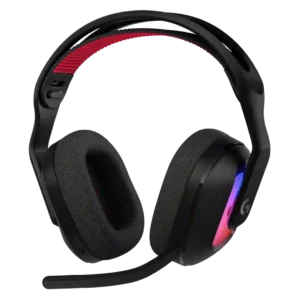
Most physical controls are easy to reach and tactile, including mute, volume, and source switching. Some users dislike the placement of the wheel and buttons because they can be bumped...
Pros: Overall satisfaction, Sound quality
Cons: Fit/seal reliability, Multipoint connectivity reliability
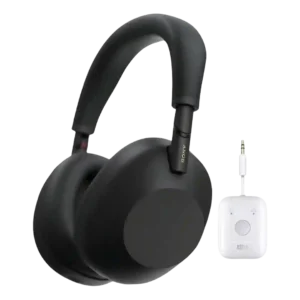
Physical button usability improved meaningfully, with reviewers liking the distinct power and ANC buttons and easier blind operation.
Pros: Sound quality, Active noise cancellation
Cons: Touch control responsiveness, Spatial audio
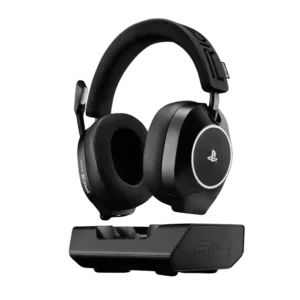
Controls were usually easy to reach and identify, but one reviewer found a button unresponsive or unclear.
Pros: Sound quality, Included stand quality
Cons: Detachable microphone convenience
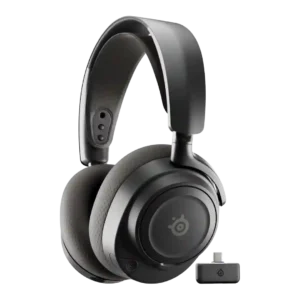
Physical controls were usually praised as tactile, easy to reach, and intuitive, though one reviewer disliked cheap-feeling dials.
Pros: Sound quality, Value for money
Cons: Dongle, Noise isolation (passive)
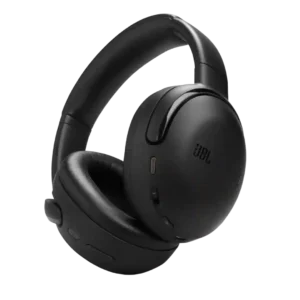
Physical controls and buttons were generally praised as easy, certain, and well implemented, especially volume controls and tactile switching.
Pros: Sound quality, Dongle
Cons: Premium feel, Build quality