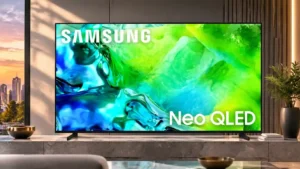
Samsung's current Tizen system is quick, feature-rich and generally intuitive, though the AI and recommendation areas are less universally useful.
Pros: picture quality, contrast ratio
Cons: blooming control, glare resistance

Samsung's current Tizen system is quick, feature-rich and generally intuitive, though the AI and recommendation areas are less universally useful.
Pros: picture quality, contrast ratio
Cons: blooming control, glare resistance
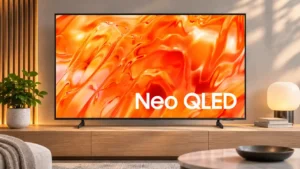
Tizen offers an extensive app selection and useful connected features; its busy navigation, account requirement and uneven speed are the drawbacks.
Pros: picture quality, overall satisfaction
Cons: sound quality, black levels
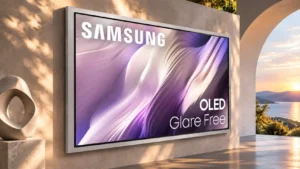
The refreshed Tizen interface is generally quick and capable, but ads, autoplay content, and occasional app issues detract from the experience.
Pros: picture quality, overall satisfaction
Cons: design and appearance, Dolby Vision support
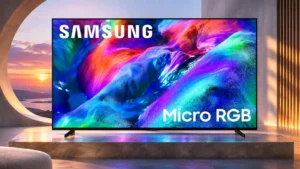
One UI Tizen is generally responsive, well organized and rich in features, although newer conversational AI functions occasionally feel unfinished.
Pros: overall satisfaction, color gamut
Cons: value for money, local dimming performance
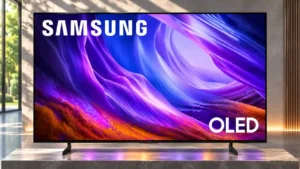
The redesigned Tizen layout feels improved.
Pros: black levels, picture quality
Cons: glare resistance, reflection handling
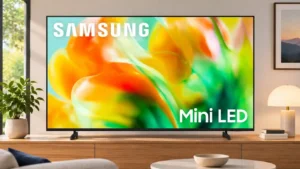
Tizen is comprehensive and usually quick, with clear navigation and many services, though regional gaps and occasional lag remain.
Pros: gaming performance, color accuracy
Cons: value for money, overall satisfaction
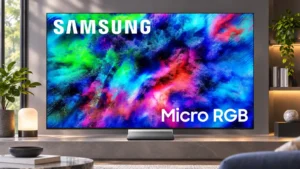
The redesigned Tizen interface is faster and easier to navigate, with broad app access. Advertising, occasional app problems and a less intuitive layout than some rivals remain frustrations.
Pros: color volume, overall satisfaction
Cons: value for money, color accuracy
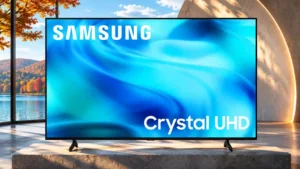
Tizen’s app breadth and polished everyday streaming appeal, though sluggish moments, intrusive ads and smart-first menus frustrate some users.
Pros: white balance accuracy, design and appearance
Cons: overall satisfaction, value for money