Best for Room calibration and correction
Samsung Q800F
5.0 attribute score
Highest scored product for this attribute based on supporting review evidence.

Highest scored product for this attribute based on supporting review evidence.
Balances the attribute score, supporting reviews, and overall product strength.
Has the broadest review evidence for this attribute.
Strongest overall product among items with scored evidence for this attribute.
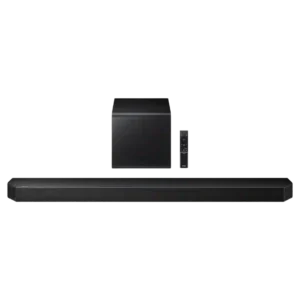
SpaceFit room calibration is consistently praised for adapting output to room acoustics and reducing the need for manual tuning.
Pros: Overall product quality, Overall sound quality
Cons: Bass performance, Surround sound simulation

Environmental audio processing is effective enough to keep playback from developing annoying room reverb in a difficult kitchen acoustic.
Pros: Overall product quality, Smart features
Cons: Privacy and data, On-device controls

Trueplay is strongly recommended because it can tame boom, tighten bass and improve clarity. Quick Tuning broadens access to Android, while the iOS advanced process can deliver a more noticeable...
Pros: Bass performance, Overall sound quality
Cons: Google, Wired input

Automatic room adaptation is one of the most consistently praised audio features. Reviewers say it helps control boominess and makes the compact speaker fill a room more convincingly.
Pros: Overall sound quality, Smart features
Cons: Value for money, On-device controls
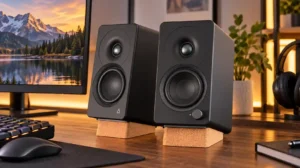
Parametric EQ is valued for targeting specific room resonances and desktop placement problems with more precision than broad tone controls.
Pros: Placement footprint, speaker size
Cons: HDMI ARC, HDMI ARC support
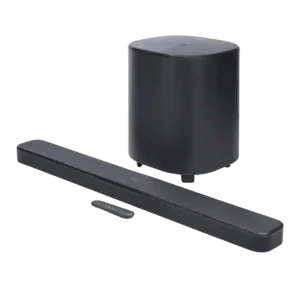
Room calibration was one of the most praised features, described as easy and useful for improving room-specific sound.
Pros: Dialogue clarity (for TV/soundbar use), Surround sound simulation
Cons: App reliability, Audio format support
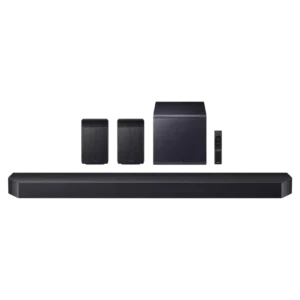
SpaceFit Sound Pro is one of the most consistently praised features, improving immersion and balance with almost no setup effort.
Pros: Home theater integration, Bass performance
Cons: Value for money, Design and aesthetics
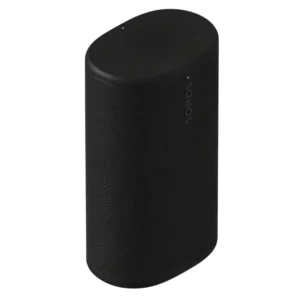
Trueplay is widely praised for adapting the Play to different rooms and placements, often reducing boom or improving tonal balance without manual work. The effect can be subtle in some...
Pros: Overall sound quality, Overall satisfaction
Cons: Price / value for money, App reliability
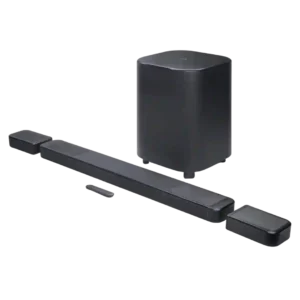
Room calibration is usually a major win: several testers heard tighter, better-balanced surround after running it. The main complaint is software presentation, especially the lack of an easy calibration on/off...
Pros: Rear speaker versatility, Overall product quality
Cons: Size and TV fit, Gaming HDMI passthrough

FlexConnect and Room Calibration Pro are the system’s defining strengths, quickly adapting sound to awkward speaker positions and off-center seats. A few early tests hit calibration failures or odd results,...
Pros: Inter-speaker connectivity, AI Room Calibration
Cons: Value for money, Music performance
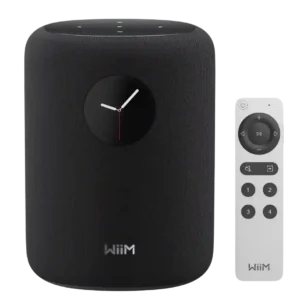
RoomFit is one of the most consistently praised features, with quick calibration and audible improvements to balance and placement-related bass problems. Results can vary by room, and one treated-room test...
Pros: Overall product quality, Overall sound quality
Cons: AirPlay compatibility, Smart assistant integration (Alexa
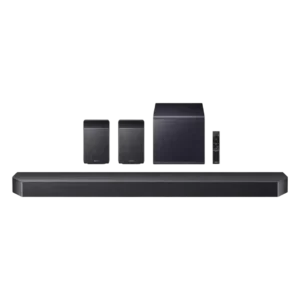
Room calibration is generally useful and effective, though several reviewers characterize the improvements as subtle or requiring small manual corrections.
Pros: Value for money, Surround sound simulation
Cons: Status indicators, Wi-Fi streaming reliability

Room tuning is usually quick and noticeably improves balance, spatial scale, and placement. A few tests found it confusing, limited compared with full room correction, or troublesome before firmware updates.
Pros: Overall product quality, Overall sound quality
Cons: Value for money, Video passthrough support
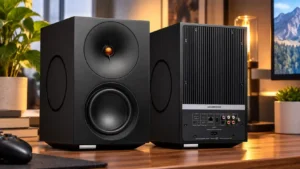
Room settings can quickly improve brightness, bass control, and listening comfort. They require manual input rather than microphone measurement, and physical placement still matters.
Pros: Design and aesthetics, Overall sound quality
Cons: Placement footprint, Midrange performance
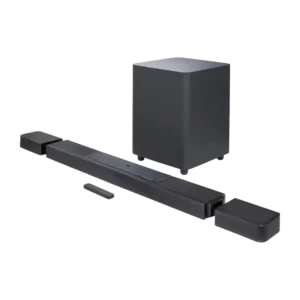
Room calibration was usually seen as helpful and effective, but one reviewer felt it did not make meaningful tonal changes.
Pros: Dialogue clarity (for TV/soundbar use), Subwoofer
Cons: EQ customization, Stereo imaging accuracy
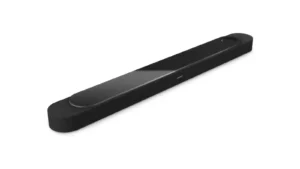
CustomTune is usually a real strength, with phone-based calibration praised for improving scale, clarity, and convenience. A few tests ran into failures, lost calibration, or little audible change, so results...
Pros: Design and aesthetics, Overall sound quality
Cons: Value for money, App reliability

TruePlay room calibration was often praised for improving clarity and spatial performance, but Android exclusion remained a common caveat.
Pros: Value for money, Dialogue clarity (for TV/soundbar use)
Cons: Video passthrough support, Soundstage height
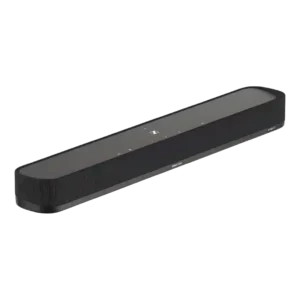
Room calibration is often described as easy and useful, helping the small bar create a more convincing surround field. One owner had the opposite experience when adding the Ambeo Sub,...
Pros: Subwoofer, Surround sound simulation
Cons: Value for money, Wired input
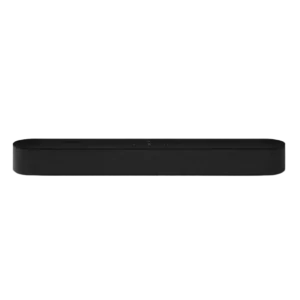
Trueplay room calibration was usually praised for improving room fit and sound, though reviewers noted the effect can be modest and iOS-only.
Pros: Value for money, Dialogue clarity (for TV/soundbar use)
Cons: Subwoofer, Bluetooth connectivity

Trueplay room calibration was praised for improving or tailoring sound, but its Apple-only limitation frustrated Android users.
Pros: Value for money, Dolby Atmos height effects
Cons: Audio format support, Video passthrough support

Room calibration is inconsistent: it made the soundstage more immediate in one room and produced a clear improvement in another, but made no audible difference in a third.
Pros: Design and aesthetics, Overall sound quality
Cons: Value for money, App reliability
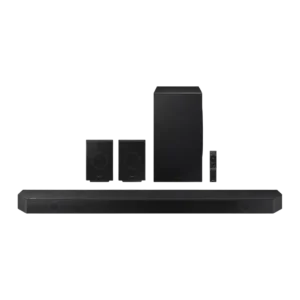
Room calibration drew divided reactions: some reviewers said SpaceFit worked well or optimized bass, while others noticed little or no audible change.
Pros: Subwoofer, Value for money
Cons: Remote control usability, Status indicators
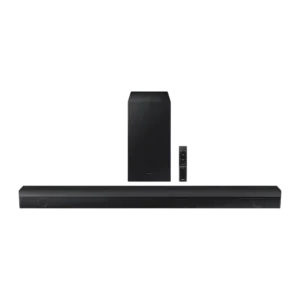
Room calibration evidence was mixed: one review called out the lack of room correction, while another praised AI Sonic-Adaptation.
Pros: Dialogue clarity (for TV/soundbar use), Subwoofer
Cons: Dolby Atmos height effects, Smart features

Trueplay can noticeably polish the Era 100 SL’s sound, but the missing microphones make iOS access the key dividing line. iPhone users generally find tuning effective and easy, while Android...
Pros: Overall satisfaction, Overall sound quality
Cons: Trueplay room tuning, Smart assistant integration (Alexa
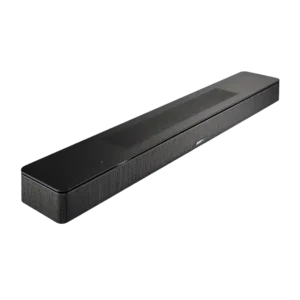
Reviewers repeatedly note the lack of room calibration versus rivals or Bose’s higher-end models, making room tuning a weak spot despite other processing features.
Pros: Dialogue clarity (for TV/soundbar use), Surround sound simulation
Cons: Subwoofer, Value for money
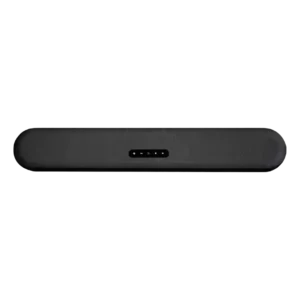
Room correction is a weak spot for buyers who expect simple automatic tuning. One reviewer notes that easy in-app room correction is missing compared with some rivals.
Pros: App reliability, Subwoofer
Cons: Remote control usability, Value for money
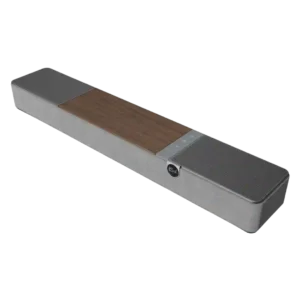
There is no room-calibration system, and reviewers accustomed to automatic room tuning clearly missed it.
Pros: Overall sound quality, Value for money
Cons: Remote control usability, Detail retrieval
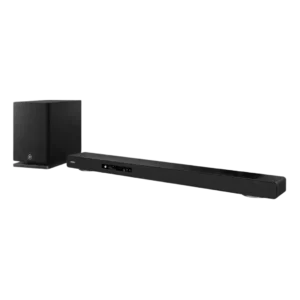
There is no automatic room calibration or microphone-assisted correction, a surprising omission at this price. Manual beam angle, height, and level controls can work well, but they demand more effort...
Pros: Home theater integration, Overall product quality
Cons: Value for money, Small-room suitability
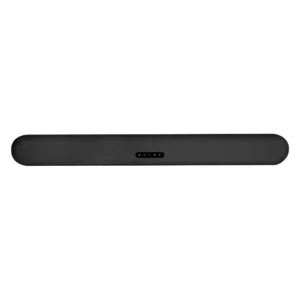
Room calibration was a notable omission: multiple reviewers criticized the lack of room correction at this price.
Pros: Dialogue clarity (for TV/soundbar use), Subwoofer
Cons: EQ customization, AI Room Calibration