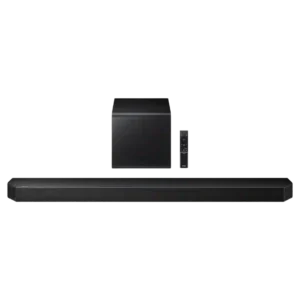
Physical controls on the bar are simple, accessible, and useful for quick adjustments without reaching for the remote.
Pros: Overall product quality, Overall sound quality
Cons: Bass performance, Surround sound simulation

Physical controls on the bar are simple, accessible, and useful for quick adjustments without reaching for the remote.
Pros: Overall product quality, Overall sound quality
Cons: Bass performance, Surround sound simulation

Physical controls on the main bar and detachable speakers are effective and provide a useful fallback to app control.
Pros: Rear speaker versatility, Overall product quality
Cons: Size and TV fit, Gaming HDMI passthrough
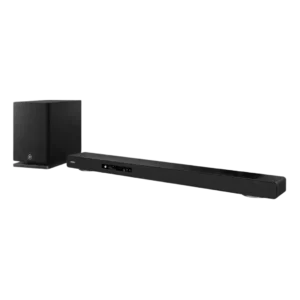
Physical controls are responsive and provide useful tactile feedback for quick operation. They complement the remote and on-screen interface rather than forcing app-only control.
Pros: Home theater integration, Overall product quality
Cons: Value for money, Small-room suitability

The top-panel controls are tactile, clearly labeled and intuitive, giving useful access to core functions without opening the app.
Pros: Design and aesthetics, Overall sound quality
Cons: Value for money, App reliability
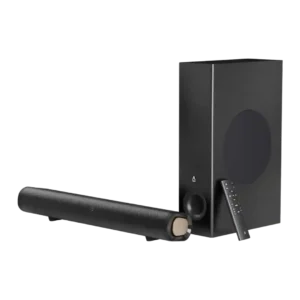
On-device controls are useful as backup basics, with reviewers appreciating physical buttons, though fuller control still depends on the remote.
Pros: Value for money, Surround sound simulation
Cons: Stereo imaging accuracy, Smart features

On-bar controls range from intuitive and nicely backlit to frustratingly hidden in horizontal placement. Physical usability depends heavily on orientation.
Pros: Overall product quality, Overall sound quality
Cons: Value for money, Video passthrough support
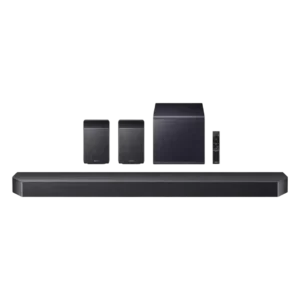
On-device controls are useful and accessible, though the strongest control praise tends to shift toward the app.
Pros: Value for money, Surround sound simulation
Cons: Status indicators, Wi-Fi streaming reliability

On-device controls are minimal but functional. Reviewers note the clean touch layout, while most deeper control still happens in the BluOS app.
Pros: App reliability, Subwoofer
Cons: Remote control usability, Value for money
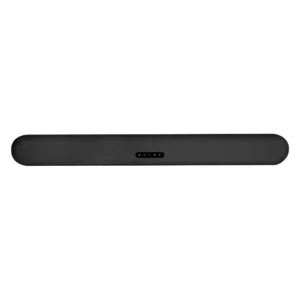
On-device controls received limited but positive evidence, with one reviewer calling the touch controls nice.
Pros: Dialogue clarity (for TV/soundbar use), Subwoofer
Cons: EQ customization, AI Room Calibration
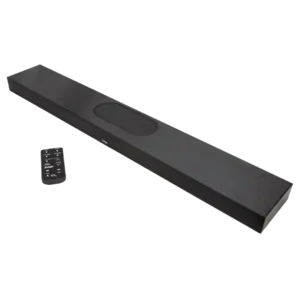
The controls are easy to learn through the remote, but there are no physical controls on the soundbar itself.
Pros: Dialogue clarity (for TV/soundbar use), Overall product quality
Cons: TV connection stability, Reliability
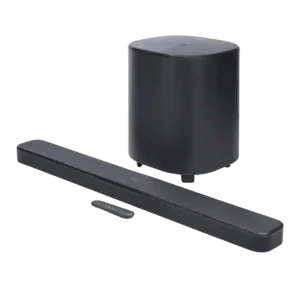
On-device controls drew a usability complaint from one reviewer who disliked that any button could turn the unit on.
Pros: Dialogue clarity (for TV/soundbar use), Surround sound simulation
Cons: App reliability, Audio format support