Best for On-device controls
Samsung Q800F
5.0 attribute score
Highest scored product for this attribute based on supporting review evidence.

Highest scored product for this attribute based on supporting review evidence.
Balances the attribute score, supporting reviews, and overall product strength.
Has the broadest review evidence for this attribute.
Strongest overall product among items with scored evidence for this attribute.
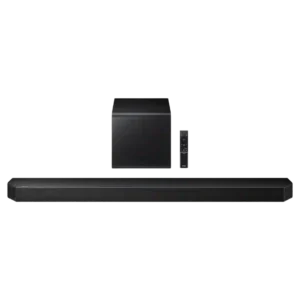
Physical controls on the bar are simple, accessible, and useful for quick adjustments without reaching for the remote.
Pros: Overall product quality, Overall sound quality
Cons: Bass performance, Surround sound simulation

Physical controls on the main bar and detachable speakers are effective and provide a useful fallback to app control.
Pros: Rear speaker versatility, Overall product quality
Cons: Size and TV fit, Gaming HDMI passthrough

The physical buttons are simple and easy to use for quick volume and playback adjustments when the remote or app is not at hand.
Pros: Overall sound quality, Value for money
Cons: Remote control usability, Detail retrieval

On-device controls received limited but strong praise, with one review calling the top touch controls a joy to use.
Pros: Value for money, Dialogue clarity (for TV/soundbar use)
Cons: Subwoofer, Bluetooth connectivity
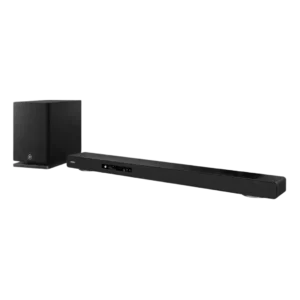
Physical controls are responsive and provide useful tactile feedback for quick operation. They complement the remote and on-screen interface rather than forcing app-only control.
Pros: Home theater integration, Overall product quality
Cons: Value for money, Small-room suitability

The top-panel controls are tactile, clearly labeled and intuitive, giving useful access to core functions without opening the app.
Pros: Design and aesthetics, Overall sound quality
Cons: Value for money, App reliability

The side volume knob and buttons are convenient, responsive, and cover the essentials. Their labels can be hard to see when the bar sits low beneath a screen.
Pros: Cohesive presentation, Value for money
Cons: Status indicators, App reliability

On-device controls cover the essentials and add convenience alongside the remote, app, and voice options. The only real concern is the feel of touch-sensitive buttons.
Pros: Subwoofer, Surround sound simulation
Cons: Value for money, Wired input
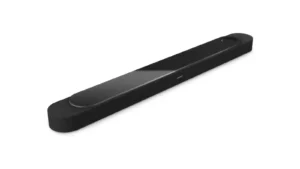
The new top-mounted touch controls are widely seen as a welcome, premium-feeling addition and make basic playback and volume changes easy without a remote.
Pros: Design and aesthetics, Overall sound quality
Cons: Value for money, App reliability
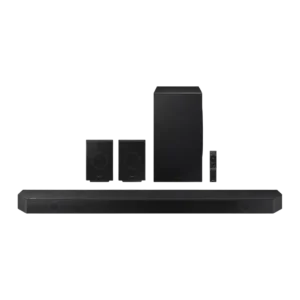
On-device controls received positive but limited evidence as useful when the remote is unavailable.
Pros: Subwoofer, Value for money
Cons: Remote control usability, Status indicators

On-device controls were praised in one review for working well directly on the unit.
Pros: Value for money, Dialogue clarity (for TV/soundbar use)
Cons: Video passthrough support, Soundstage height

Physical controls are straightforward and convenient for volume, input, playback, and switching speaker modes. They reduce dependence on the app for basic operation.
Pros: Inter-speaker connectivity, AI Room Calibration
Cons: Value for money, Music performance
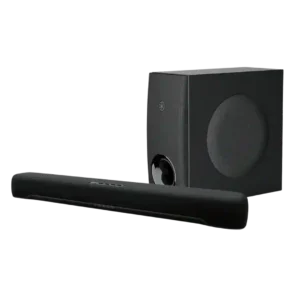
On-device and overall control options are considered clear and convenient where reviewers judged them.
Pros: Value for money, Dialogue clarity (for TV/soundbar use)
Cons: Frequency response balance, Home theater integration
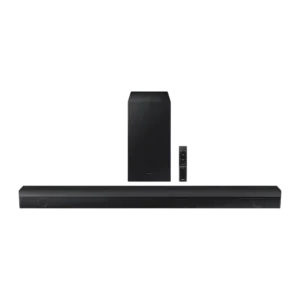
On-device controls were considered basic but useful and cleanly implemented.
Pros: Dialogue clarity (for TV/soundbar use), Subwoofer
Cons: Dolby Atmos height effects, Smart features
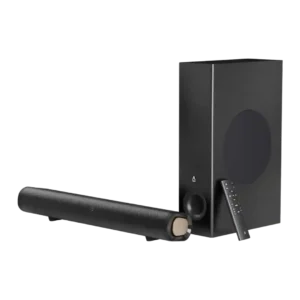
On-device controls are useful as backup basics, with reviewers appreciating physical buttons, though fuller control still depends on the remote.
Pros: Value for money, Surround sound simulation
Cons: Stereo imaging accuracy, Smart features

On-bar controls range from intuitive and nicely backlit to frustratingly hidden in horizontal placement. Physical usability depends heavily on orientation.
Pros: Overall product quality, Overall sound quality
Cons: Value for money, Video passthrough support
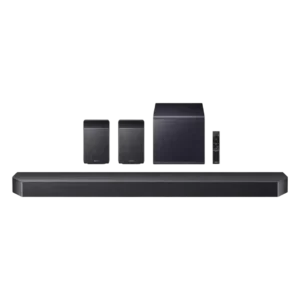
On-device controls are useful and accessible, though the strongest control praise tends to shift toward the app.
Pros: Value for money, Surround sound simulation
Cons: Status indicators, Wi-Fi streaming reliability

On-device controls are minimal but functional. Reviewers note the clean touch layout, while most deeper control still happens in the BluOS app.
Pros: App reliability, Subwoofer
Cons: Remote control usability, Value for money
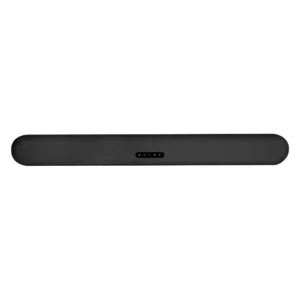
On-device controls received limited but positive evidence, with one reviewer calling the touch controls nice.
Pros: Dialogue clarity (for TV/soundbar use), Subwoofer
Cons: EQ customization, AI Room Calibration
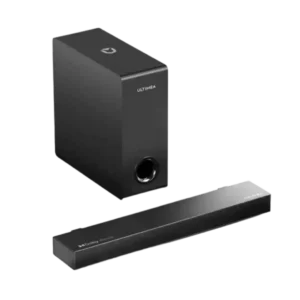
On-device controls were described positively as discreetly placed on the side of the soundbar.
Pros: Setup simplicity, Value for money
Cons: EQ customization, Subwoofer
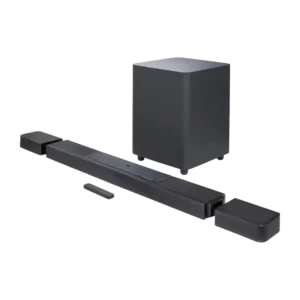
On-device controls were split: basic buttons were liked in one review, while another criticized missing direct controls for key modes.
Pros: Dialogue clarity (for TV/soundbar use), Subwoofer
Cons: EQ customization, Stereo imaging accuracy
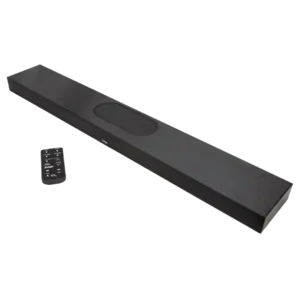
The controls are easy to learn through the remote, but there are no physical controls on the soundbar itself.
Pros: Dialogue clarity (for TV/soundbar use), Overall product quality
Cons: TV connection stability, Reliability
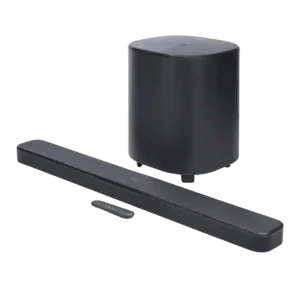
On-device controls drew a usability complaint from one reviewer who disliked that any button could turn the unit on.
Pros: Dialogue clarity (for TV/soundbar use), Surround sound simulation
Cons: App reliability, Audio format support

On-device controls are consistently limited, with reviewers noting few controls and missing playback buttons.
Pros: Dialogue clarity (for TV/soundbar use), Surround sound simulation
Cons: Subwoofer, Value for money

One reviewer disliked relying on on-bar buttons for Bluetooth pairing.
Pros: Value for money, Cohesive presentation
Cons: Subwoofer, Surround sound simulation