Best for software usability
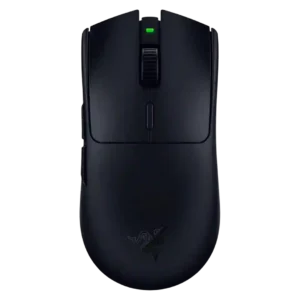
Razer Viper V4 Pro
4.6 attribute score
Highest scored product for this attribute based on supporting review evidence.

Highest scored product for this attribute based on supporting review evidence.
Balances the attribute score, supporting reviews, and overall product strength.
Has the broadest review evidence for this attribute.
Strongest overall product among items with scored evidence for this attribute.
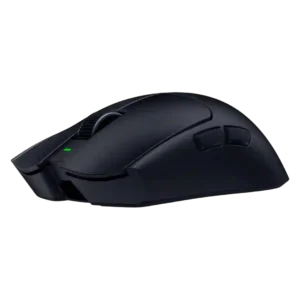
Software usability was mostly strong, especially with Synapse Web reducing install friction, though Synapse still drew occasional caveats.
Pros: value for money, weight
Cons: click noise, RGB features
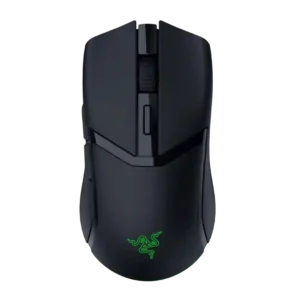
Software usability was broadly positive thanks to clear controls and deep settings, though Synapse could be finicky.
Pros: weight, value for money
Cons: click noise, AI Prompt Master
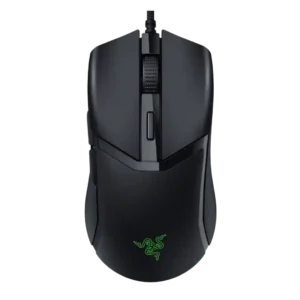
Software usability was generally positive for customization, RGB, DPI, calibration, and profiles, though Mac software support was limited.
Pros: value for money, shape comfort
Cons: onboard memory, side button quality
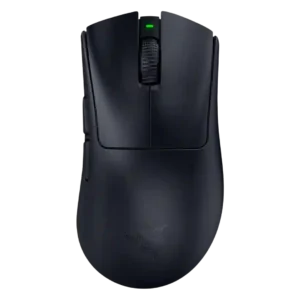
Software usability was mixed-to-positive: Synapse offers deep control and helpful explanations, but bloat, external tools, and confusing descriptions hurt it.
Pros: battery life, scroll wheel quality
Cons: value for money, click noise
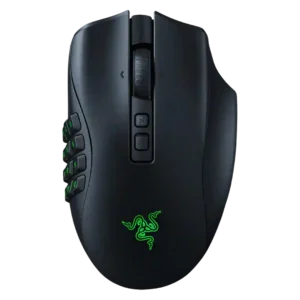
Software usability was powerful and often easy for basic setup, but the depth of options could feel overwhelming or clunky.
Pros: button customization, scroll wheel quality
Cons: weight, value for money
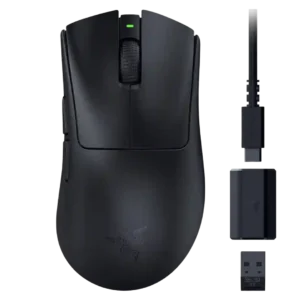
Software usability was generally useful for DPI, remapping, Dynamic Sensitivity, and rotation tools, though Synapse could feel unwieldy or bloated.
Pros: value for money, weight
Cons: Bluetooth support, cable flexibility
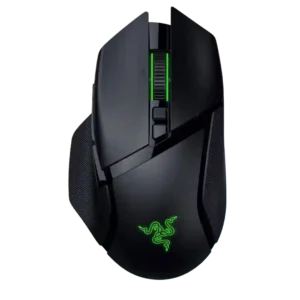
Software usability was powerful but mixed: reviewers liked the depth of controls, while some found Synapse annoying or overwhelming.
Pros: scroll wheel quality, battery life
Cons: value for money, weight
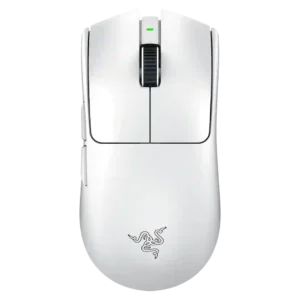
Software usability was mixed: Synapse offers deep, useful tuning, but some reviewers disliked its bloat, ads, crashes, or general feel.
Pros: build quality, software usability
Cons: value for money, polling rate
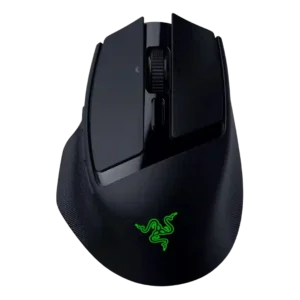
Software usability was mostly positive and intuitive, though reviewers noted basic support or extra configuration for deeper performance tuning.
Pros: ergonomic design, scroll wheel quality
Cons: AI Prompt Master, click noise
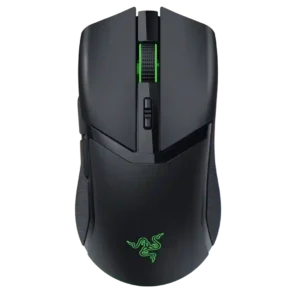
Software usability was mixed: Synapse offered deep control and customization, but several reviewers found it bloaty, unpleasant, or only necessary for advanced setup.
Pros: value for money, battery life
Cons: weight, balance and weight distribution
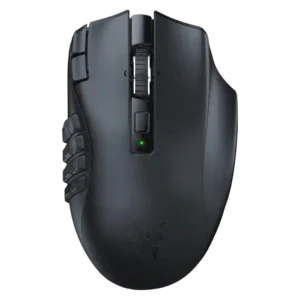
Software usability was mostly positive for remapping and customization, but deeper macro workflows and generic keybind setup felt limited to some reviewers.
Pros: MMO gaming suitability, 2.4GHz connectivity
Cons: charging convenience, value for money
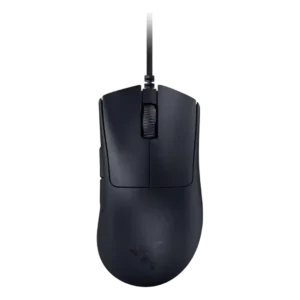
Software usability was mixed: Synapse was useful and intuitive for settings, but one reviewer called it bloated and frustrating.
Pros: value for money, weight
Cons: fingertip grip comfort, profile switching
Software usability was mixed: Synapse enabled useful customization and was often straightforward, but battery readings and setup requirements frustrated some reviewers.
Pros: value for money, grip texture
Cons: weight, charging convenience