#1

App-specific profiles are a major customization strength, letting the same controls behave differently across editing, office, browser, and creative software.
Pros: motion consistency, left and right click quality
Cons: switch durability, onboard memory
#2

Per-application profiles are a major productivity benefit, letting the same controls perform different jobs in spreadsheets, browsers, creative apps, and conferencing tools.
Pros: motion consistency, programmable buttons
Cons: palm grip comfort, hand support
#3

Per-application profiles are a major strength for creative and office workflows, letting the same controls behave differently in Photoshop, Final Cut, Excel, and other apps.
Pros: software usability, software stability
Cons: double-click reliability, warranty
#4
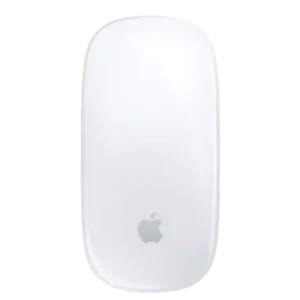
Profile support is mixed: native macOS controls lack per-app profiles, while third-party or workflow-specific setups can extend the mouse further.
Pros: handedness options, grip texture
Cons: programmable buttons, macro support
