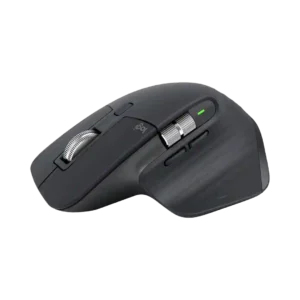
Basic pointing and scrolling work well without special software, so the mouse remains usable even before customization is installed.
Pros: motion consistency, left and right click quality
Cons: switch durability, onboard memory

Basic pointing and scrolling work well without special software, so the mouse remains usable even before customization is installed.
Pros: motion consistency, left and right click quality
Cons: switch durability, onboard memory
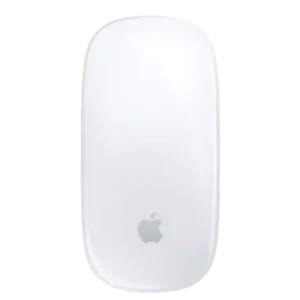
On a Mac, the mouse is essentially plug-and-play with no receiver, driver package, or setup wizard required.
Pros: handedness options, grip texture
Cons: programmable buttons, macro support
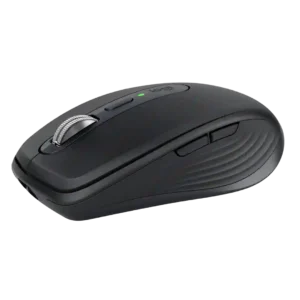
Basic receiver use is genuinely plug-and-play on supported desktop systems, requiring no driver installation before normal pointing and clicking.
Pros: motion consistency, programmable buttons
Cons: palm grip comfort, hand support
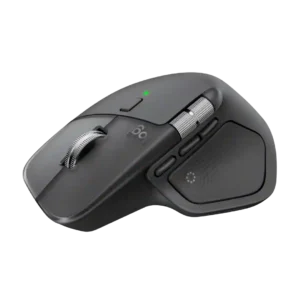
Opinions on plug-and-play support are mixed and depend heavily on workflow, preferences, or how deeply the mouse is customized.
Pros: software usability, software stability
Cons: double-click reliability, warranty