Best for fingertip grip comfort
Razer Viper V4 Pro
4.5 attribute score
Highest scored product for this attribute based on supporting review evidence.

Highest scored product for this attribute based on supporting review evidence.
Balances the attribute score, supporting reviews, and overall product strength.
Has the broadest review evidence for this attribute.
Strongest overall product among items with scored evidence for this attribute.
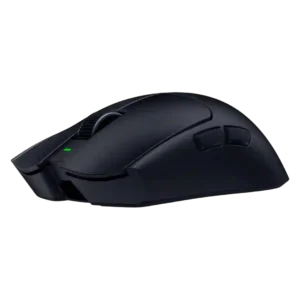
Fingertip grip comfort was strong overall, though aggressive fingertip users were sometimes pointed toward smaller alternatives.
Pros: value for money, weight
Cons: click noise, RGB features
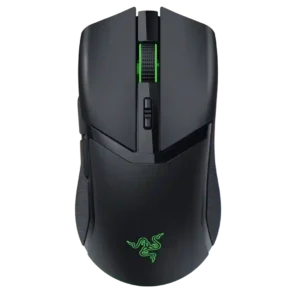
Fingertip grip comfort was also strong, with the compact body and grip shape praised by multiple reviewers.
Pros: value for money, battery life
Cons: weight, balance and weight distribution
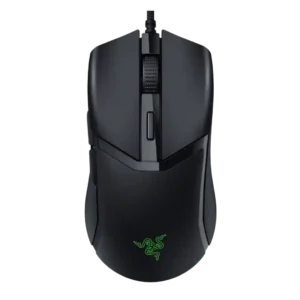
Fingertip grip comfort was positive in the one review that tested it directly.
Pros: value for money, shape comfort
Cons: onboard memory, side button quality
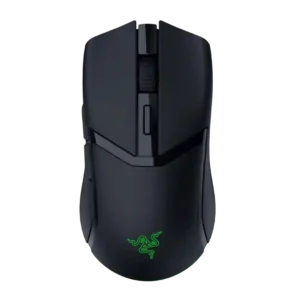
Fingertip grip comfort was mostly strong, though one reviewer preferred the original Viper Mini for fingertip use.
Pros: weight, value for money
Cons: click noise, AI Prompt Master
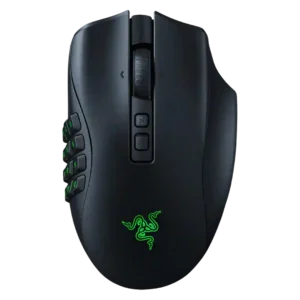
Fingertip grip was mentioned as usable, but support was limited and less central than palm or claw grip.
Pros: button customization, scroll wheel quality
Cons: weight, value for money
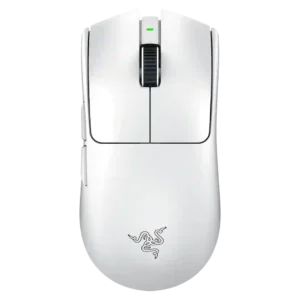
Fingertip comfort was positive for some reviewers but less consistent, as the larger, taller V3 Pro was not ideal for all fingertip users.
Pros: build quality, software usability
Cons: value for money, polling rate
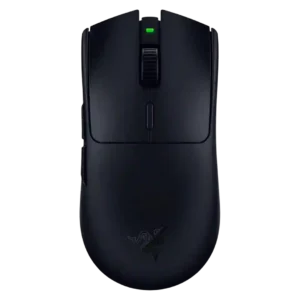
Fingertip grip comfort was more mixed: some found it workable or comfortable, while others preferred smaller/lighter Viper-style shapes.
Pros: value for money, grip texture
Cons: weight, charging convenience
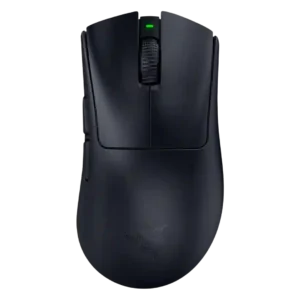
Fingertip comfort was mixed: some reviewers said it worked, while others found the large body limiting or intrusive.
Pros: battery life, scroll wheel quality
Cons: value for money, click noise
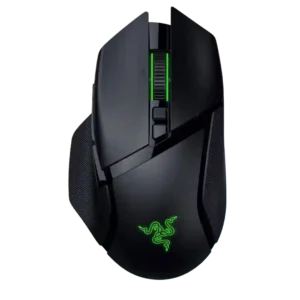
Fingertip comfort was mixed to weak because the mouse is heavy and shaped more for palm or claw grips.
Pros: scroll wheel quality, battery life
Cons: value for money, weight
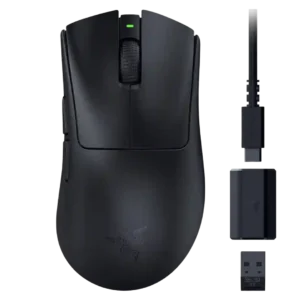
Fingertip grip comfort was more limited: some reviewers could make it work, but several advised fingertip users or smaller/larger hand extremes to be careful.
Pros: value for money, weight
Cons: Bluetooth support, cable flexibility
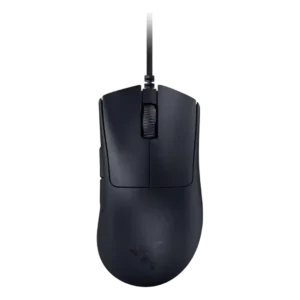
Fingertip grip comfort was mixed-to-negative because the large hump and body often limited fingertip control for smaller hands.
Pros: value for money, weight
Cons: fingertip grip comfort, profile switching
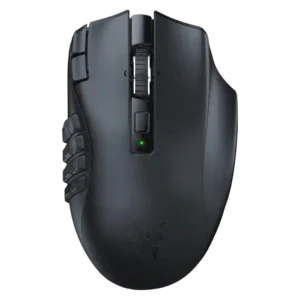
Fingertip grip was a poor match because the weight and thumb grid make that grip style impractical.
Pros: MMO gaming suitability, 2.4GHz connectivity
Cons: charging convenience, value for money