
The app is repeatedly praised as powerful, feature-rich, and central to unlocking the headphones' best capabilities.
Pros: Sound quality, Active noise cancellation
Cons: Premium feel, Multipoint connectivity reliability

The app is repeatedly praised as powerful, feature-rich, and central to unlocking the headphones' best capabilities.
Pros: Sound quality, Active noise cancellation
Cons: Premium feel, Multipoint connectivity reliability
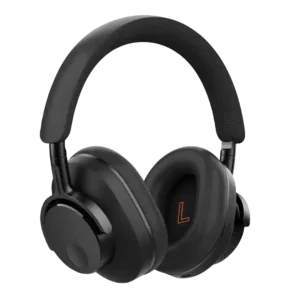
The app is widely praised for EQ, controls, and clean layout, though one reviewer wanted clearer EQ frequency labeling.
Pros: Overall recommendation, Comfort during long use
Cons: Headband padding quality, Spatial audio
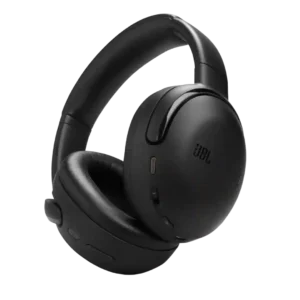
The JBL app was a major strength, described as comprehensive, user-friendly, class-leading, and packed with useful control and EQ options.
Pros: Sound quality, Dongle
Cons: Premium feel, Build quality
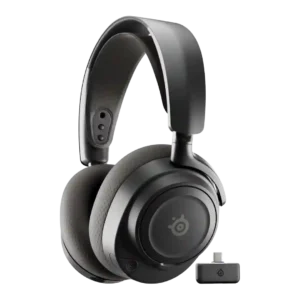
The app and GG/Sonar ecosystem were major strengths, especially mobile preset control, though a few advanced features still require desktop.
Pros: Sound quality, Value for money
Cons: Dongle, Noise isolation (passive)
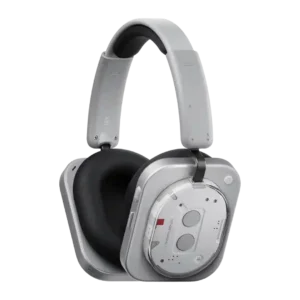
The app was one of the product’s strongest points, with reviewers praising its layout, speed, settings, and unusually deep EQ tools.
Pros: Sound quality, Battery
Cons: Weight comfort, Soundstage width
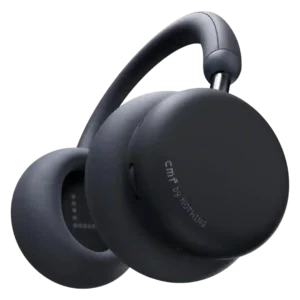
The Nothing X app is a consistent strength. Reviewers describe it as clean, polished, easy to navigate, and unusually pleasant for a budget headphone companion app.
Pros: Sound quality, Active noise cancellation
Cons: Treble clarity, Equalizer customization

G Hub is a major strength on desktop, offering detailed audio, mic, lighting, battery, and profile controls. The mobile app is useful on consoles but more limited and occasionally less...
Pros: Overall satisfaction, Sound quality
Cons: Fit/seal reliability, Multipoint connectivity reliability
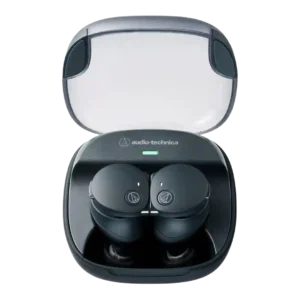
The Connect app was broadly praised as thorough, useful, and feature-rich, with repeated appreciation for customization, updates, and extra controls.
Pros: Battery, Bass performance
Cons: Button control usability, Active noise cancellation
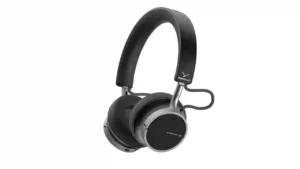
The companion app is broadly praised for being clean, fast, and easy to navigate. It covers ANC, transparency, EQ, button mapping, updates, and other practical settings without becoming overly complicated.
Pros: Battery, Design and Aesthetics
Cons: Clamping force comfort, Soundstage width

Fractal’s browser-based Adjust software is widely praised for avoiding a heavy installed utility while still offering useful control. A few browser or reliability quirks keep it from being flawless.
Pros: Included stand quality, Overall satisfaction
Cons: Active noise cancellation, Volume output
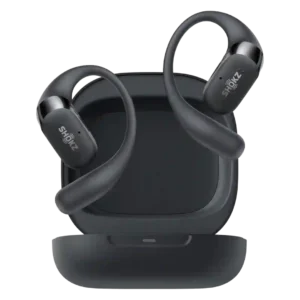
The app is mostly praised as helpful, clean, and customizable, though one reviewer notes it is not the most extensive.
Pros: Sound quality, Comfort during long use
Cons: Active noise cancellation, Sensors
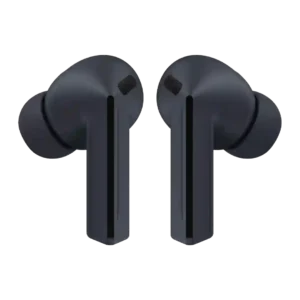
The app and Samsung settings integration are important to getting full value, unlocking ANC controls, EQ, AI features, updates, and other advanced controls.
Pros: Value for money, Active noise cancellation
Cons: Multipoint connectivity reliability, Charging

The app was praised as straightforward and helpful, offering enough customization without becoming overwhelming.
Pros: Overall recommendation, Value for money

The app was widely praised for options, customization, and usability, with only one review calling parts of it clunky.
Pros: Comfort during long use, Charging
Cons: Spatial audio, Volume output

The app/software was a major value driver because reviewers praised mobile presets, Sonar, GG customization, and usefulness, despite a few complexity complaints.
Pros: Value for money, Sound quality
Cons: Treble clarity, Noise isolation (passive)
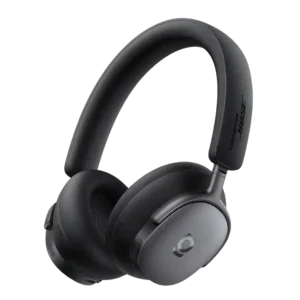
The app was generally praised as easy, useful, and optional, but one reviewer had trouble with a custom EQ crash.
Pros: Bass performance, Overall recommendation
Cons: Transparency mode quality, Immersive audio quality
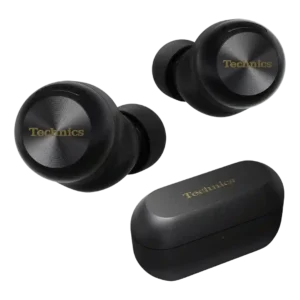
The app is mostly praised for useful controls, customization, stability, and EQ access, despite some complaints about layout.
Pros: Sound quality, Active noise cancellation
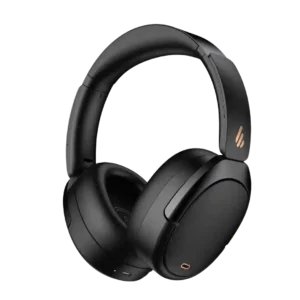
The app was praised for fun listening control and useful ANC adjustment.
Pros: Battery, Value for money

The app and settings experience is generally praised as simple and powerful, especially on Pixel phones, though one review complains about iPhone uncertainty and integrated settings complexity.
Pros: Sound quality, Battery
Cons: Touch control responsiveness, Charging

The Soundcore app was generally praised as slick, useful, simple, or intuitive, especially for EQ, controls, battery views, multipoint, and device finding.
Pros: Sound quality, Touch control responsiveness
Cons: Water/sweat resistance rating, Sensors
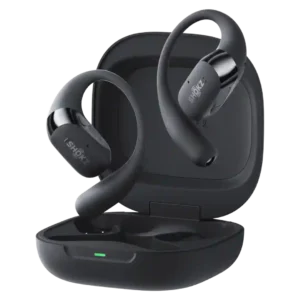
The app was generally considered useful, simple, or feature-rich for EQ, firmware, controls, Dolby, and tracking, though a few reviews described it as minimal or not essential.
Pros: Comfort during long use, Sound quality
Cons: Find My, Carry case quality

The app offers a 10-band EQ, control remapping, listening modes, spatial audio, connection management, and a useful volume limiter. Most find it easy and functional, though the interface, upselling, and...
Pros: Overall satisfaction, Sound quality
Cons: Bass performance, Volume output
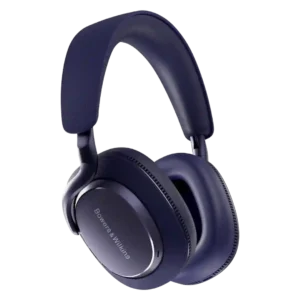
The app is generally seen as clean, useful, and easy to use, though not especially full-featured compared with richer competitors.
Pros: Sound quality, Active noise cancellation
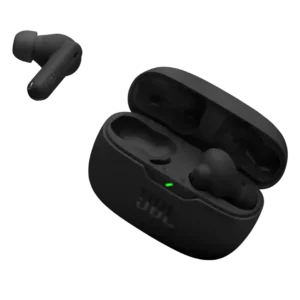
The app was valued for added features and customization, though one review said it is less comprehensive than higher-end JBL apps.
Pros: Value for money, Stability
Cons: Treble clarity, Transparency mode quality
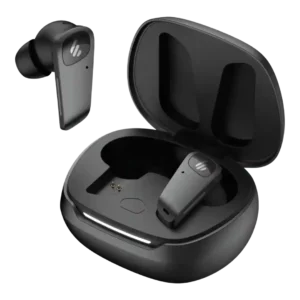
The app is mostly praised as useful, stable, and customizable, although one reviewer found its look ugly and another noted missing device-list convenience.
Pros: Sound quality, Bass performance
Cons: Value for money, Equalizer customization

The companion apps and software were useful for EQ and mobile/PC control, but one reviewer found the app workflow awkward in simultaneous mode.
Pros: Microphone, Comfort during long use
Cons: Dongle, Software/setup simplicity

The app was usually praised for functionality, layout and AI workflow, but some reviewers noted dependence, upsells or polish issues.
Pros: AI transcription and summaries, Sound quality
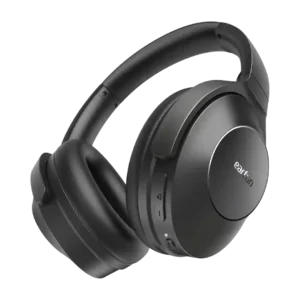
The app is a major strength overall, with praise for useful controls, simplicity, and EQ tools, offset by one connection complaint.
Pros: Battery, Equalizer customization
Cons: ANC background noise level, Active noise cancellation
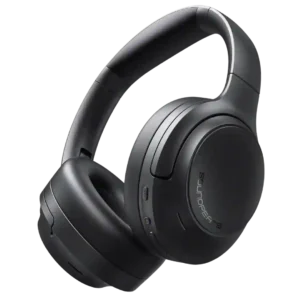
The companion app adds real value through ANC modes, EQ, gaming controls, and other settings, but its polish and labeling can feel unfinished or generic.
Pros: Overall satisfaction, Sound quality
Cons: Carry case quality, Transparency mode quality
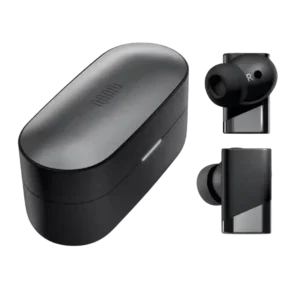
The app is usually praised as clean and useful, though feature limitations, wind-setting behavior, and a prelaunch firmware failure create some mixed evidence.
Pros: Sound quality, Active noise cancellation
Cons: Sensors, Ear tip size options

The PeatsAudio app is powerful but inconsistent across reviewers. Some praise its clean layout and reliable customization, while others call it basic, unpolished, registration-heavy, or buggy.
Pros: Comfort during long use, Sound quality
Cons: Carry case quality, Touch control responsiveness
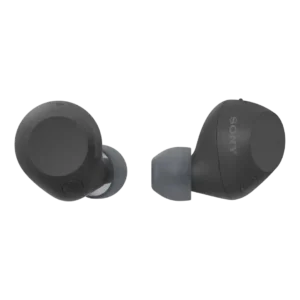
The app was mostly praised for control and customization, but some reviewers wanted easier setup, more features, or fewer connection frustrations.
Pros: Value for money, Sound quality
Cons: Codec support, LDAC
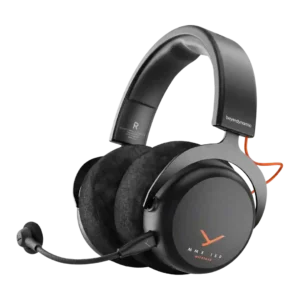
The app is viewed as reasonably useful, mainly because it offers presets, EQ, button settings, sidetone options, and other practical controls.
Pros: Sound quality, Comfort during long use
Cons: Equalizer customization, Console compatibility limitations
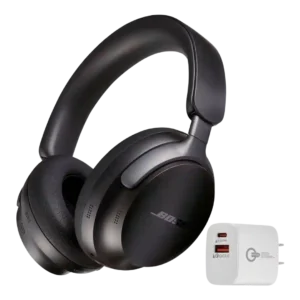
Reviewer evidence was mixed on app, balancing useful performance against clear limitations or preferences.
Pros: Active noise cancellation, Sound quality
Cons: Battery, Immersive audio quality
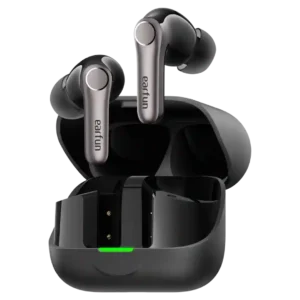
The EarFun Audio app is widely praised for its depth, useful layout, and extensive controls. A few reviewers found parts of it unstable or overly busy, but customization is a...
Pros: Value for money, Sound quality
Cons: Lossless audio support, Microphone noise reduction

INZONE Hub is generally easy to use and adds useful profiles, EQ, spatial sound, and app-sync features. The main frustration is platform support: Windows gets the full experience while consoles,...
Pros: Overall satisfaction, Sound quality
Cons: Bass performance, Treble clarity
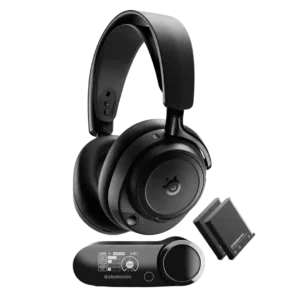
The app ecosystem is mixed: reviewers like mobile/console control and deep options, but some find the desktop software intrusive or frustrating.
Pros: Sound quality, Connectivity versatility
Cons: Value for money, Carry case quality

The apps offer unusually deep control over EQ, lighting, spatial audio, mic settings, and more. Reliability is inconsistent, with some reviewers reporting smooth operation and others repeated detection or sync...
Pros: Overall satisfaction, Bass performance
Cons: Value for money, Microphone
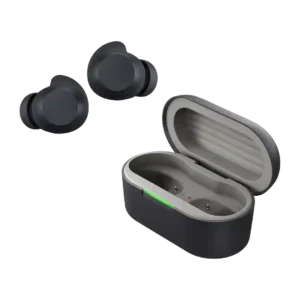
The companion app is mostly praised for customization, fit testing, ANC controls, and clarity, though one short review criticized it.
Pros: Battery, Active noise cancellation
Cons: Comfort during long use, Sound quality
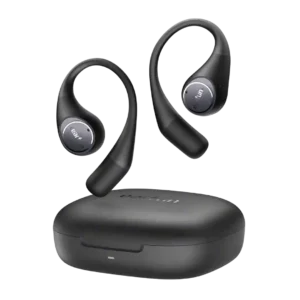
Reviewers generally valued the EarFun app for EQ, controls, and setup options, but some found it clunky or hard to navigate.
Pros: Value for money, Sound quality
Cons: Touch control responsiveness, Bass performance

Software opinions are mixed. Razer Audio is often described as easy and useful, while several Synapse/Android users complain about connection trouble, heavy resource use, or poor interface choices.
Pros: Overall satisfaction, Sound quality
Cons: Button control usability, Dongle
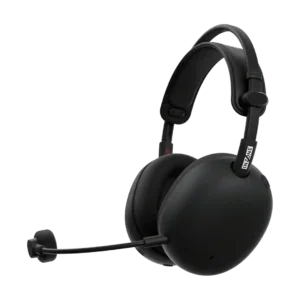
Sony’s mobile app makes on-the-go EQ and ANC adjustments useful, but the software experience is not seamless. Reviewers called the tools basic and sometimes frustrating when PC and mobile settings...
Pros: Overall satisfaction, Sound quality
Cons: Value for money, Battery
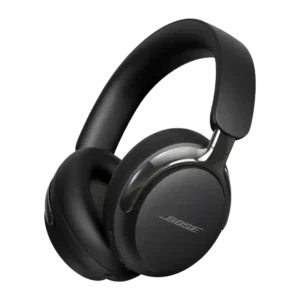
The app is generally easy to use, but reviewers often describe it as limited, basic, or not as feature-rich as rivals.
Pros: Active noise cancellation, Comfort during long use
Cons: Value for money, Equalizer customization
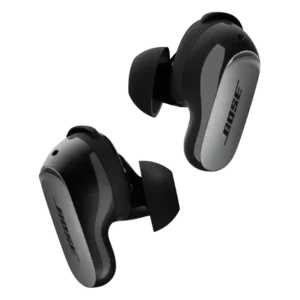
The Bose app is useful and sometimes clean, offering modes, controls, sources, EQ, and fit tools, but reviewers also found it mandatory, occasionally daunting, and not especially customizable.
Pros: Active noise cancellation, Sound quality
Cons: Value for money, Battery

The app is feature-rich but inconsistent: some reviewers like its tools, while others dislike clunky menus, pauses, and login friction.
Pros: Sound quality, Sensors
Cons: Active noise cancellation, Spatial audio
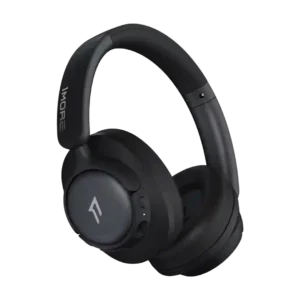
The app was polarizing: reviewers liked its controls and simplicity, but others found it buggy, laggy, crash-prone or poorly translated.
Pros: Battery, Sound quality
Cons: Midrange clarity, Button control usability

The app receives mixed marks: some reviewers find it solid or useful, while others describe it as limited, brief, glitchy or dependent on personalization.
Pros: Comfort during long use, Bass performance
Cons: Value for money, Equalizer customization

The app covers the essentials—EQ, ANC modes, firmware, and control settings—but polish is inconsistent. Its simple layout is approachable, yet parts can feel rudimentary or clunky.
Pros: Value for money, Sound quality
Cons: Button control usability, App

The app adds customization, EQ, ambient controls, and sports modes, but reviewers found some app-based controls inconvenient or gimmicky.
Pros: Stability, Eartips fit
Cons: Volume output, Active noise cancellation
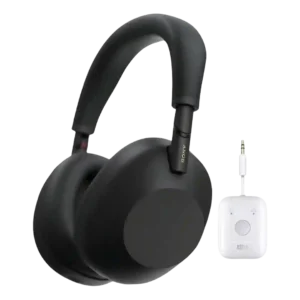
The app drew mixed-to-negative reactions because it is powerful but crowded, aged, or not especially intuitive.
Pros: Sound quality, Active noise cancellation
Cons: Touch control responsiveness, Spatial audio