Best for user interface
Amazfit GTR Mini
4.5 attribute score
Highest scored product for this attribute based on supporting review evidence.

Highest scored product for this attribute based on supporting review evidence.
Balances the attribute score, supporting reviews, and overall product strength.
Has the broadest review evidence for this attribute.
Strongest overall product among items with scored evidence for this attribute.
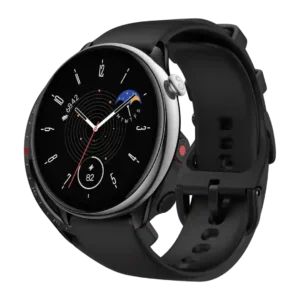
The user interface was considered easy to learn and understand, with reviewers emphasizing clean, lightweight, simple interactions.
Pros: battery life, workout tracking variety
Cons: call handling, smartphone notifications
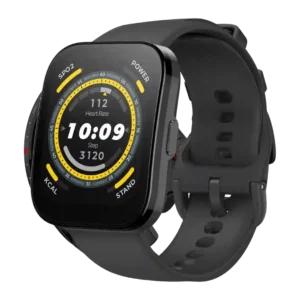
The watch interface is generally praised as intuitive, smooth, responsive, and well balanced.
Pros: value for money, battery life
Cons: smartwatch features, app ecosystem
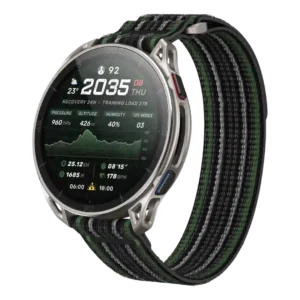
The on-watch interface makes good use of the larger screen and feels natural in the tested UI.
Pros: battery life, value for money
Cons: reliability
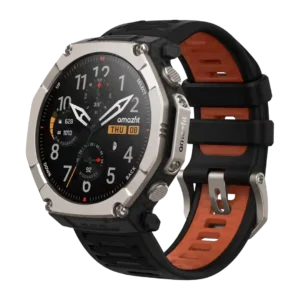
The user interface was generally easy to use, especially with the button/touch combination.
Pros: battery life, value for money
Cons: heart rate accuracy, comfort
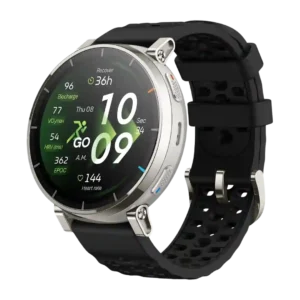
The user interface is mostly praised as smooth, beginner-friendly, and jargon-free, though translation quality is criticized in one German review.
Pros: value for money, battery life
Cons: heart rate accuracy, third-party app support
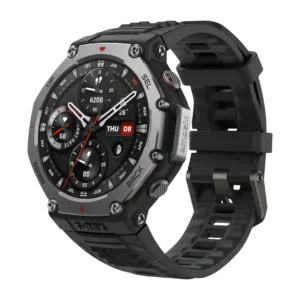
User interface feedback ranged from excellent and intuitive to overwhelming, depending on reviewer tolerance for feature density.
Pros: value for money, mapping and navigation
Cons: heart rate accuracy, recovery insights
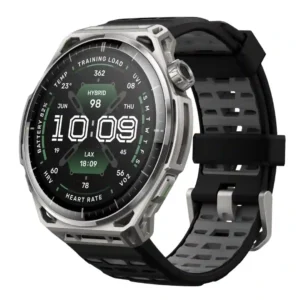
The interface is clear and polished for some users, but the redesigned navigation divided opinion. Several testers missed the older widget flow, while others praised the structured menus and quick...
Pros: battery life, brightness
Cons: fit, third-party app support
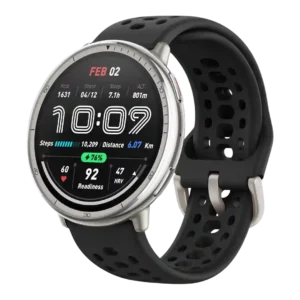
The UI ranged from seamless and fluid to clunky or cramped, depending on reviewer expectations and use case.
Pros: value for money, battery life
Cons: band quality, button controls
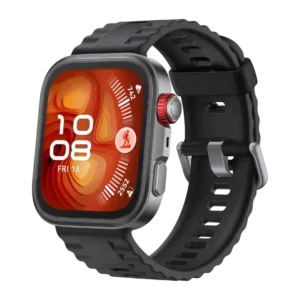
The user interface was considered intuitive and responsive by some reviewers, but the default button logic and density of features created confusion for others.
Pros: battery life, value for money
Cons: third-party app support, onboard music storage
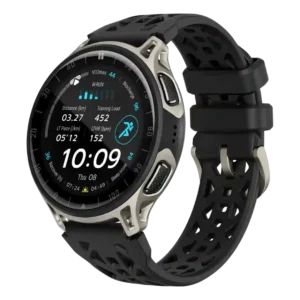
The user interface was approachable for basics and liked by some reviewers, but others found it cluttered, unintuitive in places or frustrating.
Pros: GPS accuracy, battery life
Cons: band quality, smartwatch features
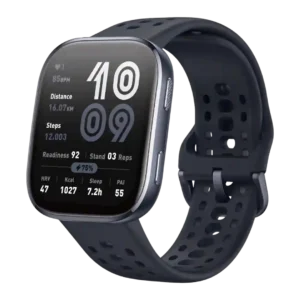
The UI divided reviewers, from easy and snappy to clunky, confusing, or requiring practice.
Pros: value for money, battery life
Cons: voice assistant quality, sleep tracking accuracy
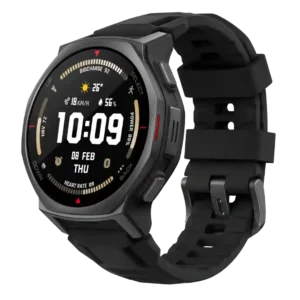
The user interface is polarized: a few reviewers found it intuitive enough, but several criticized rough edges, poor flow or very frustrating UX.
Pros: battery life, value for money
Cons: mapping and navigation, user interface
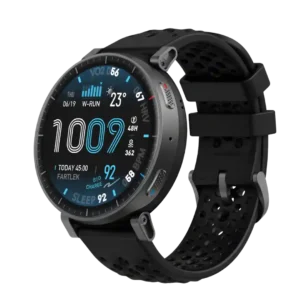
The user interface had limited direct scoring evidence and was criticized for making items harder to find quickly.
Pros: battery life, value for money
Cons: companion app quality, heart rate accuracy