#1
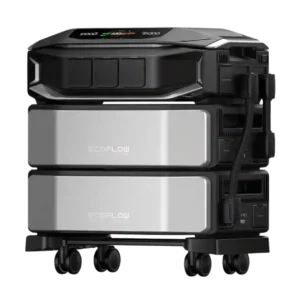
The app and Smart Home Panel provide detailed visibility into incoming solar or grid power, battery charging, output, and per-circuit consumption, which reviewers find valuable for managing backup runtime.
Pros: output stability, voltage regulation
Cons: solar cable compatibility, UPS functionality
#2
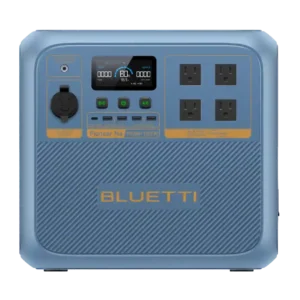
The app provides strong real-time visibility into power flow, making it easy to identify loads and adjust usage.
Pros: pure sine wave output, startup performance
Cons: MPPT controller performance, battery expandability
#3
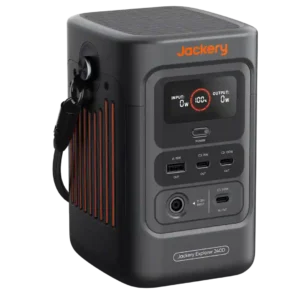
Live input and output wattage is genuinely useful for balancing solar input, device draw, and remaining energy.
Pros: power output, rated output
Cons: AC outlet count, repairability
#4
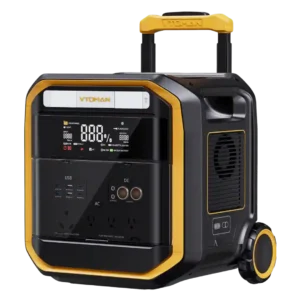
The screen clearly shows remaining charge plus live input and output wattage, making load management simple.
Pros: power output, surge capacity
Cons: specification accuracy, peak output
#5
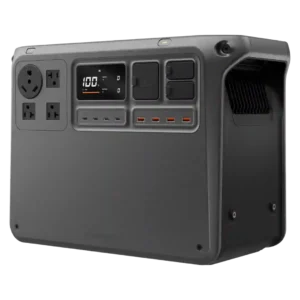
The screen and app clearly show incoming and outgoing wattage for quick load management.
Pros: rated output, peak output
Cons: startup reliability, full-load noise
#6
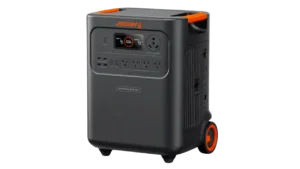
The display and app make input and output power easy to follow in real time.
Pros: output stability, voltage regulation
Cons: DC output, 12-volt outlet
#7
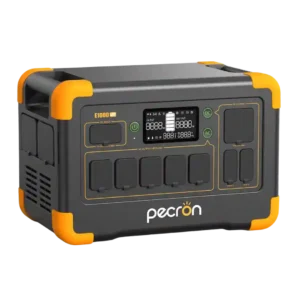
App-based temperature and operating information adds useful visibility beyond the front display.
Pros: inverter quality, LiFePO4 battery
Cons: idle noise, built-in light
#8
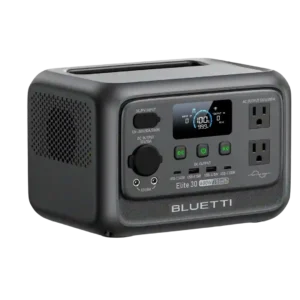
Real-time wattage data is genuinely useful for sizing loads and estimating runtime. One tested unit intermittently showed zero output despite continuing to power devices.
Pros: rated output, output stability
Cons: over-voltage protection, cold-weather performance
#9
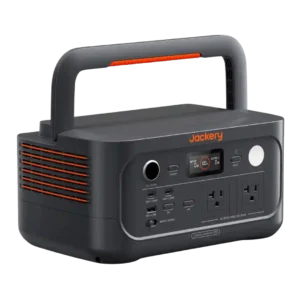
Low-wattage output monitoring is a weakness: the screen can show 0W even while a laptop is charging.
Pros: output stability, pure sine wave output
Cons: remaining runtime estimate, Bluetooth connectivity
