Best for button remapping options
Retro Fighters BattlerGC Pro
5.0 feature score
Highest scored product for this feature based on supporting review evidence.

Highest scored product for this feature based on supporting review evidence.
Balances feature score, supporting reviews, and overall product strength.
Has the broadest review evidence for this feature.
Strongest overall product among items with scored evidence for this feature.
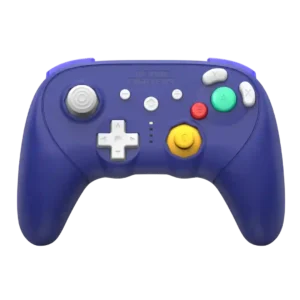
On-the-fly remapping is a standout convenience, letting players change rear-button assignments without needing a PC.
Pros: Hall effect stick performance, bumper quality
Cons: material quality, consistency across sessions

Button remapping options were praised across app and onboard workflows, including keyboard mapping and rear-button remaps.
Pros: hand fatigue over long sessions, macro support
Cons: compatibility with Xbox, compatibility with PlayStation
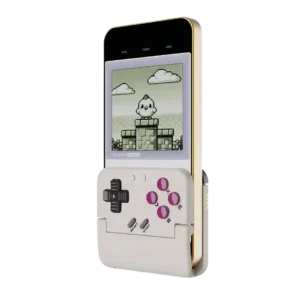
Button remapping is a useful strength, especially for swapping A/B layouts between Nintendo-style and Xbox-style games. It helps classic titles feel more natural.
Pros: travel friendliness, portability
Cons: brand software support, consistency across sessions

On-controller remapping is simple and fast, with no software required for the rear buttons. Weak printed instructions are the main reason setup feels confusing in a few cases.
Pros: ergonomics, hand fatigue over long sessions
Cons: compatibility with PlayStation, microphone passthrough quality
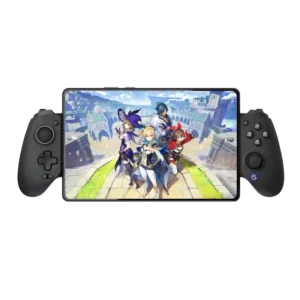
Both software remapping and physically swappable ABXY layouts make platform changes easier.
Pros: d-pad accuracy, analog stick precision
Cons: gyro aiming performance, brand software support
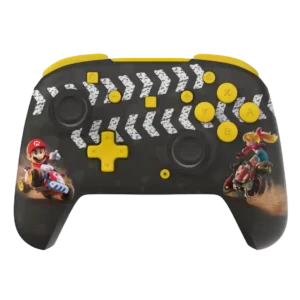
Remapping is flexible on models with rear controls, letting players assign alternate actions for different games.
Pros: analog stick precision, analog stick smoothness
Cons: Switch wake support, Amiibo/NFC support
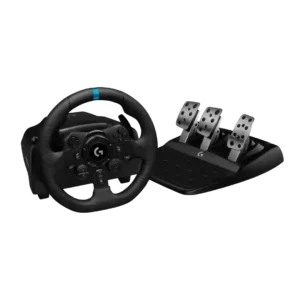
G Hub makes it easy to reassign wheel controls and adjust core input behavior.
Pros: wired performance, accessibility features
Cons: cable length and quality, shifter and handbrake support
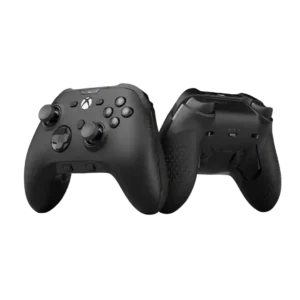
Button remapping options were generally praised as fast and practical, though one review noted remapping limitations outside controller buttons.
Pros: grip texture, analog stick smoothness
Cons: compatibility with Nintendo Switch, platformer control precision
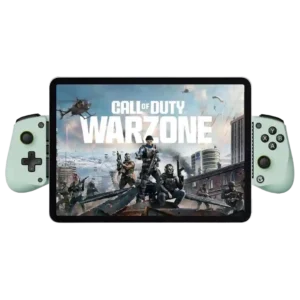
Reviewers discuss button remapping options as part of the X5 Lite’s budget mobile-controller tradeoff. Comments are practical and tied to phone gaming, device fit, or the limits of the Lite...
Pros: trigger smoothness, connection reliability
Cons: firmware update support, analog trigger precision
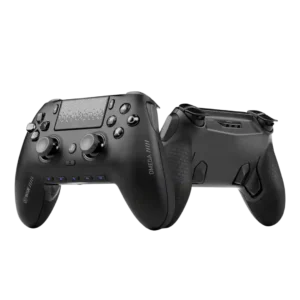
Button remapping is extensive, especially on PC and through the app. PS5 users still get useful remapping, though not the full freedom of PC mode.
Pros: input lag, consistency across sessions
Cons: charging dock support, 2.4GHz dongle performance

Remapping is flexible for controller inputs and can be very quick, including on-the-fly changes. The main limitation is that several buttons can only mirror existing controller commands rather than keyboard...
Pros: face button travel, trigger responsiveness
Cons: Start and Select button design, button label visibility
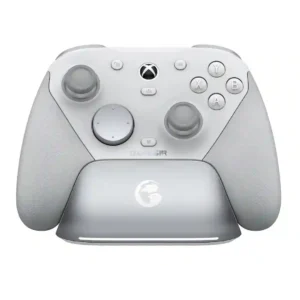
Button mapping is flexible both through Nexus and with on-controller shortcuts, so extra inputs can be assigned quickly. The system is easy to use, although some external software cannot treat...
Pros: ease of setup, mobile compatibility
Cons: compatibility with PlayStation, button label visibility
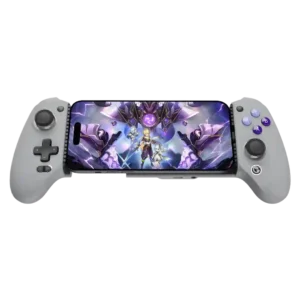
Remapping is broad and often easy, whether performed on the controller or through the app. Touch-only games may still require per-game setup and experimentation.
Pros: weight balance, face button responsiveness
Cons: firmware update support, customer support
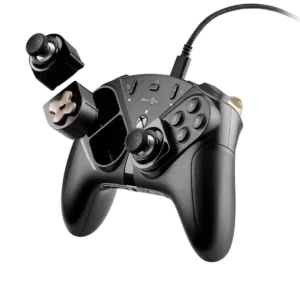
Remapping is powerful when it works, with rear buttons and other inputs configurable through software or onboard controls. One customer, however, could not get the desired keyboard mapping to function.
Pros: durability, button quality
Cons: ease of setup, firmware update support
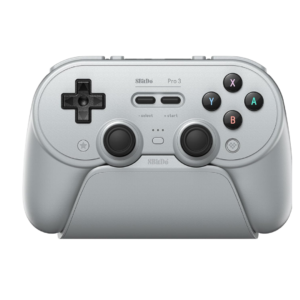
Buttons can be reassigned through onboard shortcuts, Steam Input, or Ultimate Software profiles. The flexibility is strong, although certain modes and extra-button combinations impose frustrating limits.
Pros: Hall effect stick performance, analog stick smoothness
Cons: cloud gaming compatibility, audio jack quality
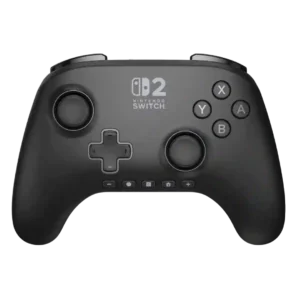
Rear-button remapping is quick and useful for many reviewers, but several customers are frustrated that A/B swapping or broader system remapping is unavailable.
Pros: wireless latency, input lag
Cons: trigger smoothness, analog trigger precision
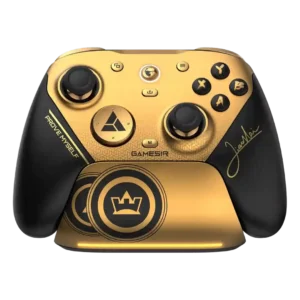
Remapping is powerful through the Windows software, but one owner disliked that direct on-controller mapping is less convenient than expected.
Pros: hand fatigue over long sessions, charging speed
Cons: compatibility with Xbox, compatibility with PlayStation