Best for button placement
Apple Magic Mouse
5.0 feature score
Highest scored product for this feature based on supporting review evidence.

Highest scored product for this feature based on supporting review evidence.
Balances feature score, supporting reviews, and overall product strength.
Has the broadest review evidence for this feature.
Strongest overall product among items with scored evidence for this feature.
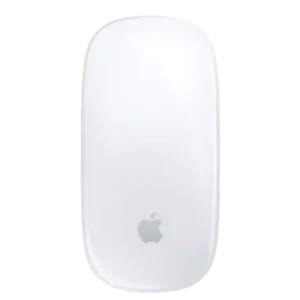
The virtual left- and right-click zones align naturally with the fingers, making the minimalist top surface easy to click.
Pros: handedness options, grip texture
Cons: programmable buttons, macro support
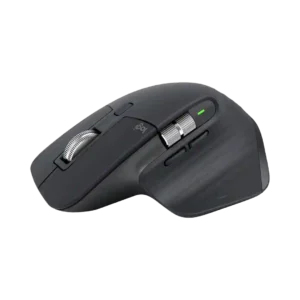
Most controls fall naturally under the fingers and thumb, but the hidden thumb-rest button and underside device-switch button can require an awkward reach.
Pros: motion consistency, left and right click quality
Cons: switch durability, onboard memory
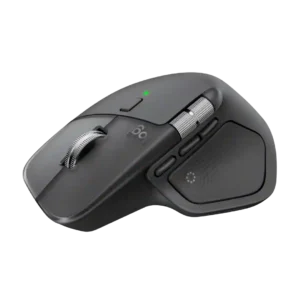
Button placement is usually praised as easy to reach and improved over older models, though a few reviewers needed time to adapt to shifted side controls or disliked the gesture-button...
Pros: software usability, software stability
Cons: double-click reliability, warranty

Most controls are easy to reach and identify, but the Actions Ring button drew criticism for sitting too close to the scroll wheel.
Pros: Accuracy and tracking precision, materials quality
Cons: onboard memory, tilt wheel support
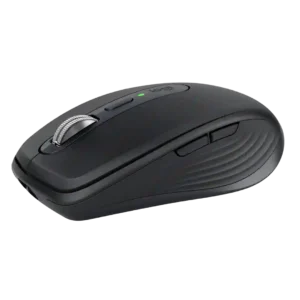
Button placement is a mixed area. The underside device-switch control and rearward side button can require awkward hand movement, and some users would prefer easier top-side access.
Pros: motion consistency, programmable buttons
Cons: palm grip comfort, hand support