#1

Micro-switch buttons are one of the most consistently praised parts of the controller, offering crisp, tactile and very fast presses. Some testers find the rigid click harsh over long sessions.
Pros: face button travel, trigger responsiveness
Cons: Start and Select button design, button label visibility
#2
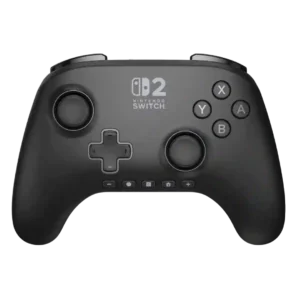
Buttons are usually described as responsive, smooth, and satisfying, with only isolated criticism of the overall layout rather than their basic operation.
Pros: wireless latency, input lag
Cons: trigger smoothness, analog trigger precision
#3
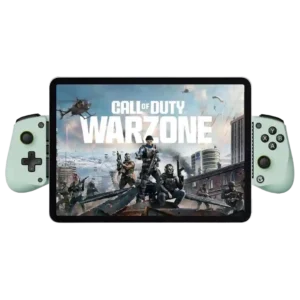
The buttons are usually considered responsive and usable, though clearly membrane-based. Some like the quiet or satisfying presses, while others find them mushy or loud.
Pros: trigger smoothness, connection reliability
Cons: firmware update support, analog trigger precision
#4
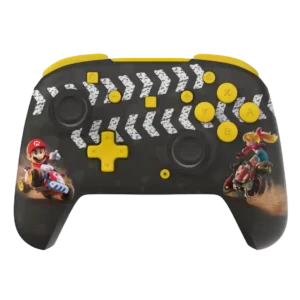
Buttons are usually crisp, firm, and satisfying, but a minority of reviews criticize excessive stiffness or sponginess on specific variants.
Pros: analog stick precision, analog stick smoothness
Cons: Switch wake support, Amiibo/NFC support
#5
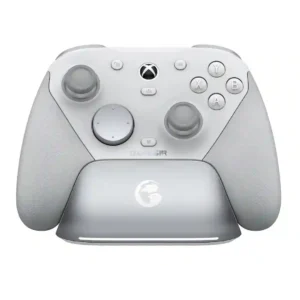
Optical and mechanical switches are widely praised for crisp, tactile actuation and a more premium feel than membrane buttons. Face-button feel is the exception, with a few reviewers calling the...
Pros: ease of setup, mobile compatibility
Cons: compatibility with PlayStation, button label visibility
#6
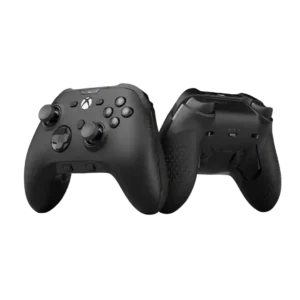
Button quality was mixed: some reviewers liked the tactile feel, while others criticized membrane switches as dated or underwhelming for the price.
Pros: grip texture, analog stick smoothness
Cons: compatibility with Nintendo Switch, platformer control precision
#7
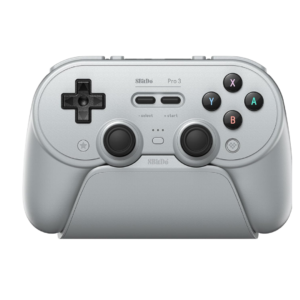
Most controls feel tactile and solid, but the face buttons are polarizing because they are loud and sometimes feel hollow or inconsistent. Mushy Start and Select buttons are another recurring...
Pros: Hall effect stick performance, analog stick smoothness
Cons: cloud gaming compatibility, audio jack quality
