Best for App usability and reliability
Bluesound Pulse Cinema Mini
4.7 attribute score
Highest scored product for this attribute based on supporting review evidence.

Highest scored product for this attribute based on supporting review evidence.
Balances the attribute score, supporting reviews, and overall product strength.
Has the broadest review evidence for this attribute.
Strongest overall product among items with scored evidence for this attribute.
Overall: 4.1/5
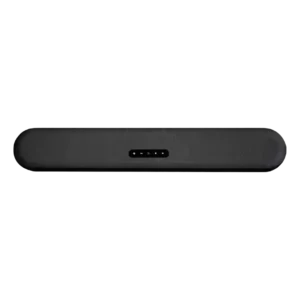
BluOS is one of the product’s clearest wins. Reviewers describe the app as fast, stable, intuitive, deep, and central to why the speaker feels premium.
Pros: App reliability, Subwoofer
Cons: Remote control usability, Value for money
Overall: 4.2/5
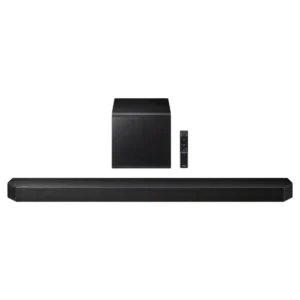
SmartThings is generally praised as responsive, logically laid out, and easy to navigate. One owner still found Samsung’s broader software experience annoyingly overcomplicated.
Pros: Overall product quality, Overall sound quality
Cons: Bass performance, Surround sound simulation
Overall: 4.3/5
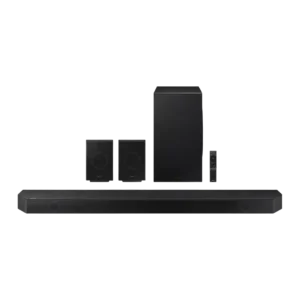
The SmartThings app was usually praised for easier setup and deeper control, despite remote/display limitations pushing users toward it.
Pros: Subwoofer, Value for money
Cons: Remote control usability, Status indicators
Overall: 4.2/5
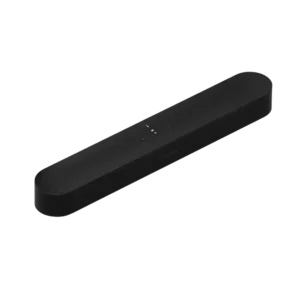
The Sonos app was mostly praised as stable, polished, and easy to use, with one reviewer noting it can feel confusing at first.
Pros: Value for money, Dialogue clarity (for TV/soundbar use)
Cons: Video passthrough support, Soundstage height
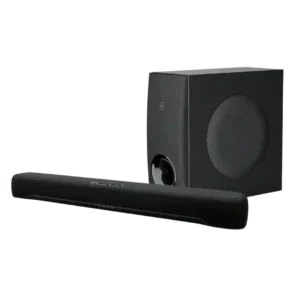
Overall: 3.9/5
The app is repeatedly described as usable, stable, quick to connect, and helpful for seeing settings that LEDs do not clearly show.
Pros: Value for money, Dialogue clarity (for TV/soundbar use)
Cons: Frequency response balance, Home theater integration
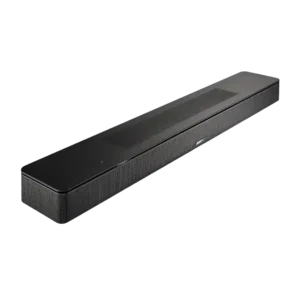
Overall: 3.7/5
The Bose app is generally praised as easy, clean, and useful for setup and control, though one review flags a repeated AI Dialogue setup prompt.
Pros: Dialogue clarity (for TV/soundbar use), Surround sound simulation
Cons: Subwoofer, Value for money

Overall: 3.9/5
Klipsch Connect Plus is usually a highlight: it is described as responsive, easy to navigate, polished, and useful for tuning. A small number of owners report severe connectivity failures that...
Pros: Overall sound quality, Value for money
Cons: Remote control usability, Detail retrieval
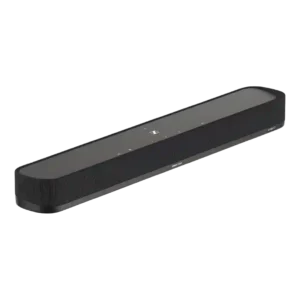
Overall: 3.8/5
Most reviewers like the Smart Control app, calling it logical, stable, comprehensive, and easy to use. Customer feedback is sharply mixed because one subwoofer user says the app broke the...
Pros: Subwoofer, Surround sound simulation
Cons: Value for money, Wired input
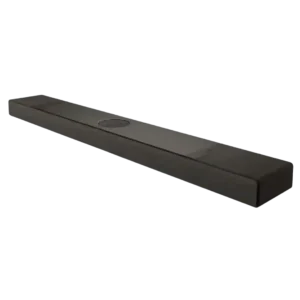
Overall: 4.4/5
KEF Connect is generally clean, fast, stable, and easy to navigate, with useful setup and EQ controls. There are notable exceptions, including slow service browsing, early setup trouble, and TV-mode...
Pros: Overall product quality, Overall sound quality
Cons: Value for money, Video passthrough support
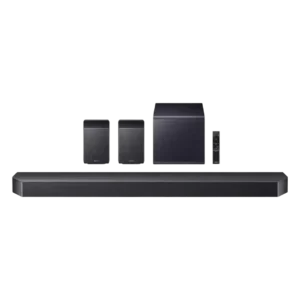
Overall: 4.4/5
The SmartThings app is generally praised as helpful and easier than the display/remote, with only minor complaints about using it for deeper adjustments.
Pros: Value for money, Surround sound simulation
Cons: Status indicators, Wi-Fi streaming reliability
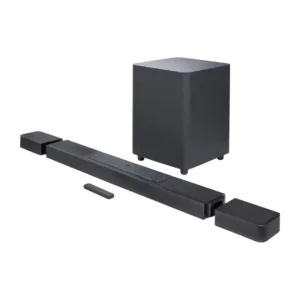
Overall: 4.1/5
The JBL One app was usually praised as easy and useful, though one reviewer called it only good, not great.
Pros: Dialogue clarity (for TV/soundbar use), Subwoofer
Cons: EQ customization, Stereo imaging accuracy
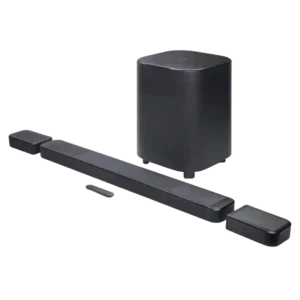
Overall: 4.4/5
App impressions are split. Several reviewers found JBL One clean, responsive and easy, while others encountered confusing calibration screens or repeated connection drops.
Pros: Rear speaker versatility, Overall product quality
Cons: Size and TV fit, Gaming HDMI passthrough
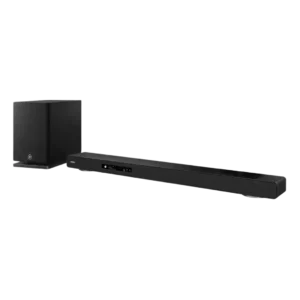
Overall: 4.2/5
MusicCast is often described as intuitive, dependable, and easy for streaming or level adjustments. Opinions split on depth: some found it refreshingly simple, while others called its controls limited, fragmented,...
Pros: Home theater integration, Overall product quality
Cons: Value for money, Small-room suitability
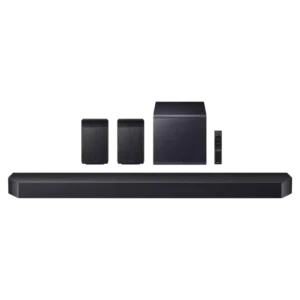
Overall: 4.3/5
SmartThings is generally fast, stable, and easy to navigate, but the newer Samsung Sound app caused severe pairing trouble for one reviewer.
Pros: Home theater integration, Bass performance
Cons: Value for money, Design and aesthetics

Overall: 4.3/5
App reliability and usability were mixed: some found Sonos polished and easy to navigate, while others disliked the layout or had reconnection trouble.
Pros: Value for money, Dolby Atmos height effects
Cons: Audio format support, Video passthrough support
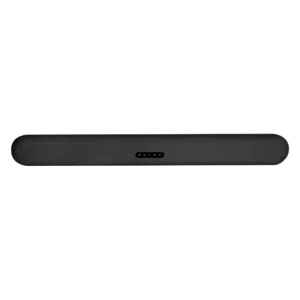
Overall: 4.2/5
App experience was mixed: several reviewers found BluOS fast, intuitive, or reliable, while one strongly criticized its UI and control limits.
Pros: Dialogue clarity (for TV/soundbar use), Subwoofer
Cons: EQ customization, AI Room Calibration

Overall: 4.1/5
App reliability and usability were mixed: several reviewers called the app intuitive or fluid, while others hit setup retries, configuration friction, or frustrating system changes.
Pros: Value for money, Dialogue clarity (for TV/soundbar use)
Cons: Subwoofer, Bluetooth connectivity
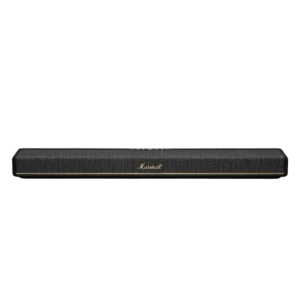
Overall: 4.2/5
The Marshall app is capable but inconsistent. Some testers found it stable and responsive, while others hit pairing failures, slow reconnects, loading delays, freezes, and small bugs.
Pros: Design and aesthetics, Overall sound quality
Cons: Value for money, App reliability
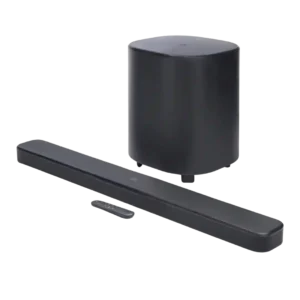
Overall: 4.2/5
The JBL One app drew mixed feedback: quick detection and feature access were praised, but EQ saving and in-app music limitations hurt confidence.
Pros: Dialogue clarity (for TV/soundbar use), Surround sound simulation
Cons: App reliability, Audio format support
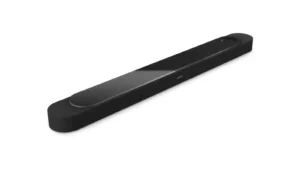
Overall: 4.1/5
The redesigned Bose app is often described as clean, intuitive, and stable, but several tests ran into crashes, lost speaker setups, or frustrating pairing problems.
Pros: Design and aesthetics, Overall sound quality
Cons: Value for money, App reliability
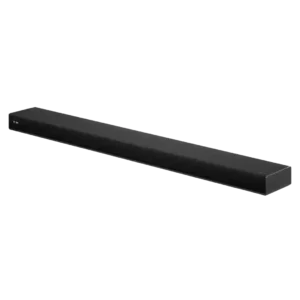
Overall: 3.9/5
ThinQ is well organized once everything is connected, with useful tuning and grouping controls. Early reviewers repeatedly ran into pairing errors, stale connection status, and calibration quirks, though later firmware...
Pros: Inter-speaker connectivity, AI Room Calibration
Cons: Value for money, Music performance

Overall: 4.0/5
The Creative software can be stable and useful on a properly connected Windows PC, yet detection failures, USB-only restrictions, and limited macOS support frustrate some owners.
Pros: Cohesive presentation, Value for money
Cons: Status indicators, App reliability