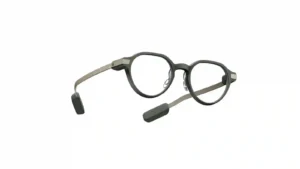
Text and interface elements are usually crisp and sharp, with occasional blur, reflections, or bright-light visibility issues.
Pros: comfort, display quality
Cons: app quality, value for money

Text and interface elements are usually crisp and sharp, with occasional blur, reflections, or bright-light visibility issues.
Pros: comfort, display quality
Cons: app quality, value for money

The image is often described as sharp, vivid, and impressively clean in the center. Experiences vary at the edges, where some users report softness, glare, ghosting, or uneven focus that...
Pros: overall satisfaction, AI features
Cons: heat management, field of view
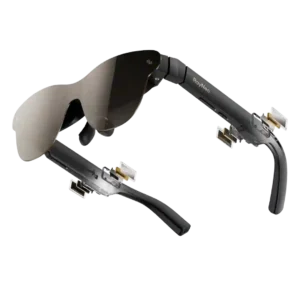
Center clarity is often excellent and can look remarkably crisp, but edge blur and corner visibility are recurring fit-dependent weaknesses, especially for desktop text and HUD elements.
Pros: image clarity, display brightness
Cons: comfort, volume level
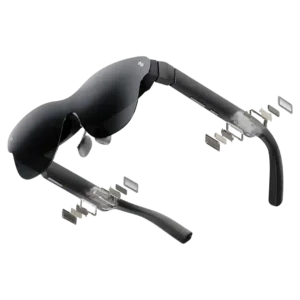
Center clarity is often excellent, with crisp text and sharp video. The main caveat is edge blur, which can appear when fit, IPD, or screen position is less than ideal.
Pros: overall satisfaction, media playback
Cons: comfort, field of view