Best for Button control usability
EarFun Clip 2
4.9 attribute score
Highest scored product for this attribute based on supporting review evidence.

Highest scored product for this attribute based on supporting review evidence.
Balances the attribute score, supporting reviews, and overall product strength.
Has the broadest review evidence for this attribute.
Strongest overall product among items with scored evidence for this attribute.
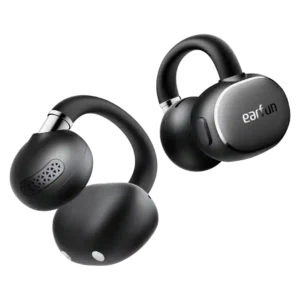
The physical buttons are one of the most praised design choices, registering reliably with sweaty hands and avoiding accidental touch inputs. Actions are customizable in the app.
Pros: Overall satisfaction, Sound quality
Cons: Maximum volume clarity, Noise isolation (passive)

Separated physical buttons make volume changes and track skipping easy even mid-run, with sweaty hands or gloves. Their reliable tactile feel is consistently preferred to finicky touch controls.
Pros: Charging, Stability
Cons: Bass performance, Sound quality
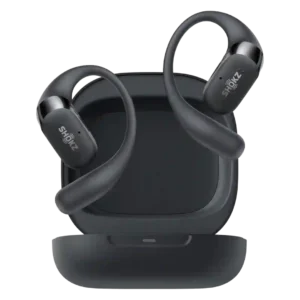
Physical button controls are one of the clearest upgrades, widely praised as easier, more precise, and better for workouts than touch-only controls.
Pros: Sound quality, Comfort during long use
Cons: Active noise cancellation, Sensors
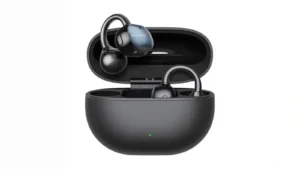
Physical buttons are overwhelmingly preferred to touch controls because they give clear tactile feedback and avoid accidental commands while adjusting the fit. Minor complaints include small, flush buttons and one...
Pros: Overall satisfaction, Sound quality
Cons: Spatial audio
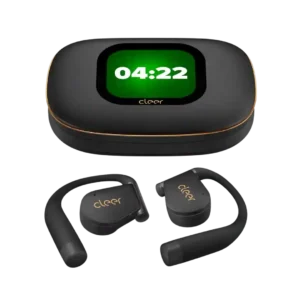
Physical buttons complement the touch controls and give users flexible ways to manage playback and calls. Most found them useful, though one reviewer needed time to learn the case and...
Pros: Overall satisfaction, Carry case quality
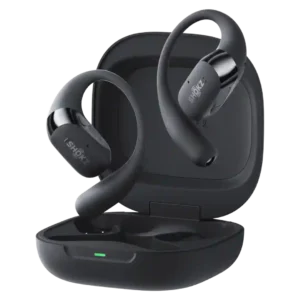
Physical buttons were widely praised as easier, more reliable, and more comfortable than touch-only controls, though one ultrarunner wanted an on/off button.
Pros: Comfort during long use, Sound quality
Cons: Find My, Carry case quality

Dedicated physical buttons are especially useful when running or sweating. Their spacing and position take practice, and the small volume keys can be hard to distinguish with gloves.
Pros: Sound quality, Overall satisfaction
Cons: Volume output, Sound leakage
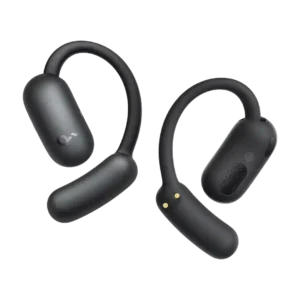
Control usability is generally positive when reviewers discuss operation, with reliable playback and call control after learning the touch target.
Pros: Value for money, Equalizer customization
Cons: Bass performance, Preset EQ profile quality

Pressure-sensitive controls cut accidental taps and are a notable improvement over the old touch system. Finding the small buttons can still be fiddly, particularly with gloves.
Pros: Weight comfort, Sound quality
Cons: Noise isolation (passive), Wireless charging
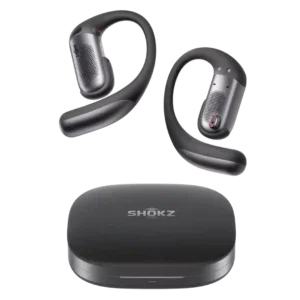
Physical buttons are more dependable than touch controls with sweat, gloves, or movement and are easy to find once learned. The small size and multi-click combinations can feel fiddly.
Pros: Sound quality, Comfort during long use
Cons: Value for money, Volume output
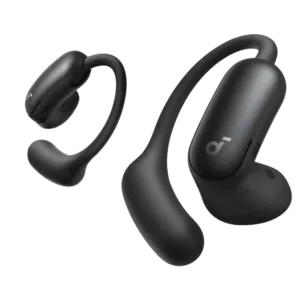
Physical buttons are generally preferred to touch controls because they are deliberate, responsive, and easy to customize. Downsides include extra pressure in ANC position and a few customer reports of...
Pros: Overall satisfaction, Sound quality
Cons: Active noise cancellation, Carry case quality
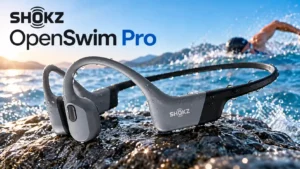
Most find the tactile controls workable while running or swimming, including with wet hands or gloves. Smaller volume and mode buttons can be fiddly, with occasional accidental switching.
Pros: Sound quality, Comfort during long use
Cons: Bass performance, Cable quality
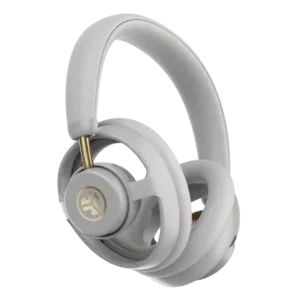
The customizable physical buttons are usually responsive, easy to locate, and preferable to touch controls. One owner found them extremely small and difficult to distinguish.
Pros: Overall satisfaction, Sound quality
Cons: Bass performance, Volume output
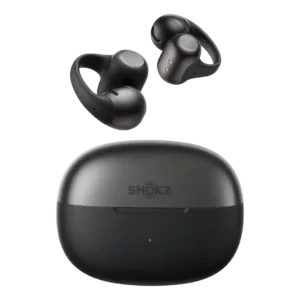
Controls improved over the first generation and can be customized heavily, but they remain one of the more divisive parts of the product. Pinch controls tend to fare better than...
Pros: Overall satisfaction, Sound quality
Cons: Value for money, Noise isolation (passive)
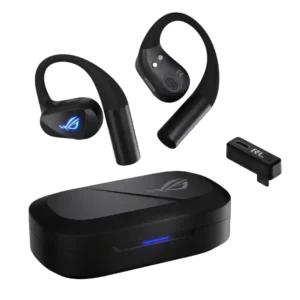
Physical buttons are easy to find and tactile, but the default multi-press scheme is contentious. Four presses for volume and three presses for mute or assistant functions feel unnecessarily cumbersome...
Pros: Overall satisfaction, Sound quality
Cons: Value for money, Bass performance

The separated physical buttons make pausing, skipping, and adjusting volume straightforward, even during activity. Small controls, unintended commands, and especially loud confirmation beeps frustrate some users.
Pros: Situational awareness, Value for money
Cons: Sound quality, Bass performance

Physical play and pause controls are convenient while exercising, but closely packed volume buttons and triple presses can be fiddly with gloves.
Pros: Situational awareness, Overall satisfaction
Cons: Bass performance, Volume output
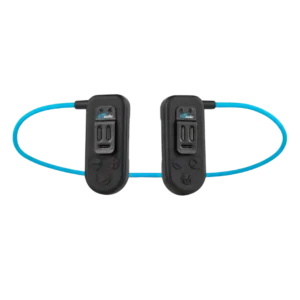
The physical buttons are tactile and generally workable in the water, with some testers finding them simple and intuitive. Others found the layout crowded, the command combinations clunky, or experienced...
Pros: Overall satisfaction, Offline playback and onboard storage
Cons: Software/setup simplicity, Design and Aesthetics
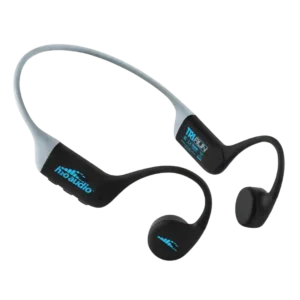
Physical buttons are widely preferred for workouts and are often easy to reach without breaking stride. Experiences were not uniform: some volume controls felt finicky or sticky, and one wearer...
Pros: Comfort during long use, Stability
Cons: Sound quality, Overall satisfaction
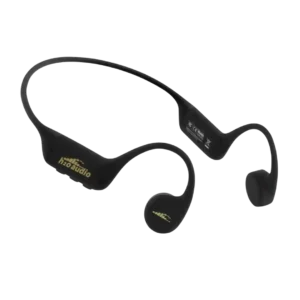
Controls are divisive: some reviewers found them reachable or simple, while many criticized stiff buttons, accidental presses, and unreliable secondary commands.
Pros: Water/sweat resistance rating, Offline playback and onboard storage
Cons: Bass performance, Button control usability
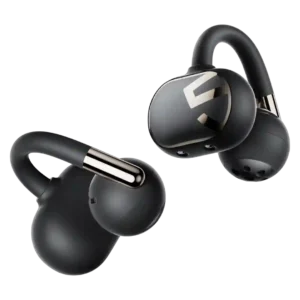
The tap-based control scheme works for basic playback, but volume adjustment is a recurring usability complaint. Reviewers often wanted simpler volume gestures or the tactile certainty of physical buttons.
Pros: Comfort during long use, Sound quality
Cons: Carry case quality, Touch control responsiveness
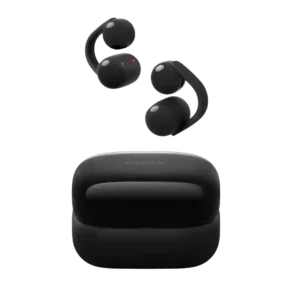
Control usability is limited by restricted customization and repeated tapping, even when the controls themselves work.
Pros: Battery, Stability
Cons: Value for money, Charging