#1
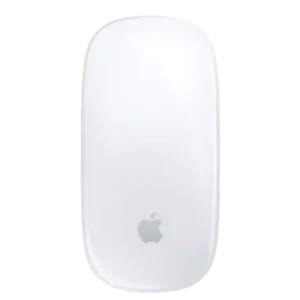
Multi-Touch gestures are the Magic Mouse’s signature strength, offering fluid scrolling, desktop switching, page navigation, and other Mac actions directly on the top surface.
Pros: handedness options, grip texture
Cons: programmable buttons, macro support
#2

Gesture controls can be powerful once configured, but they are more useful to workflow-heavy users than to people who prefer simple mouse behavior.
Pros: motion consistency, left and right click quality
Cons: switch durability, onboard memory
#3
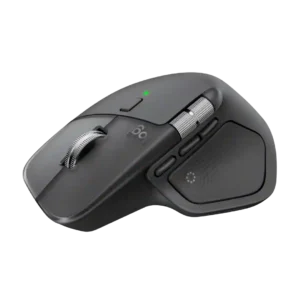
Gesture controls remain useful for desktop switching, Mission Control, and navigation, but opinions vary on whether they beat familiar keyboard or trackpad gestures.
Pros: software usability, software stability
Cons: double-click reliability, warranty
#4

Gestures can be recreated through programmable buttons and software, but the experience is less effortless than a dedicated gesture control or touch-sensitive mouse. Setup can also become repetitive across apps.
Pros: motion consistency, programmable buttons
Cons: palm grip comfort, hand support
