#1
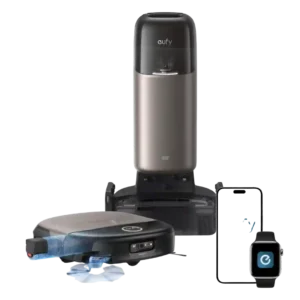
The dock display and app controls are clear, responsive and easy to understand. Angled controls and visible status information reduce the need to bend down or guess what the robot...
Pros: Overall opinion, Mopping performance
Cons: Support and Reliability, Price and Value
#2
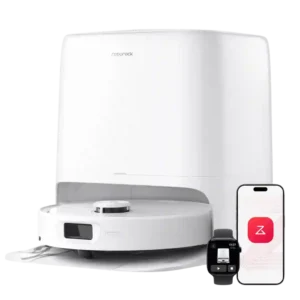
The app is one of the product's clearest advantages: clean, highly configurable, and approachable despite its depth. Room editing, suction, water level, pass count, schedules, and dock behavior are all...
Pros: Suction and Airflow, Obstacle Avoidance (Robot)
Cons: Streaking / Residue, Solution / Liquid system
#3
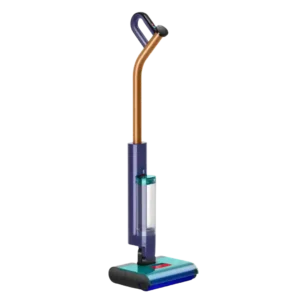
The LCD and physical controls are a real strength: hydration modes are easy to change, battery and tank status are clear, and the screen gives useful maintenance prompts.
Pros: Self-cleaning cycle, Overall opinion
Cons: Emptying and Mess Control, Price and Value
#4
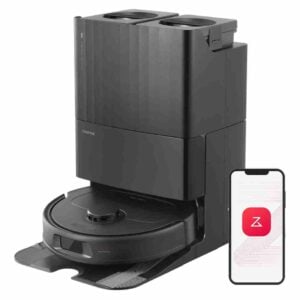
The app and controls were praised as premium, stable, detailed and easy to work with compared with competitors.
Pros: Overall opinion, AI, Smart, App and Automation
Cons: Obstacle Avoidance (Robot), Hair‑Wrap / Tangle Resistance
#5
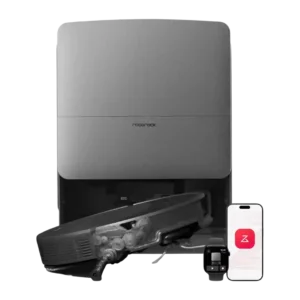
The Roborock app is widely regarded as powerful, stable and easy to navigate, with deep room, route, suction and water controls. Its many choices can feel excessive, and a few...
Pros: Overall opinion, Obstacle Avoidance (Robot)
Cons: Price and Value, Stuck resistance
#6
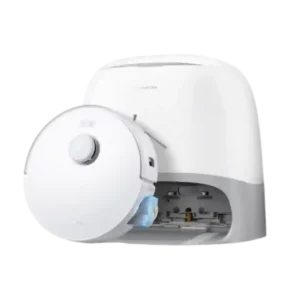
The Roborock app and controls were widely praised for power and customization, though some reviewers found settings buried or initially daunting.
Pros: Overall opinion, Mopping performance
Cons: Obstacle Avoidance (Robot), Dried-On Stain Removal
#7
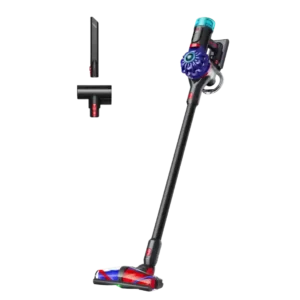
The top power button and three clearly differentiated modes are easier to live with than Dyson's old trigger design, especially for users with hand discomfort. The lack of an information...
Pros: Overall opinion, Price and Value
Cons: Comparative performance, Emptying and Mess Control
#8
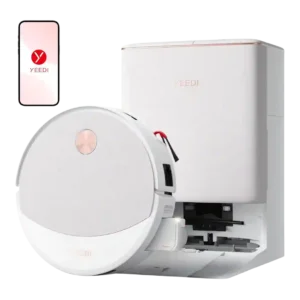
The app and controls were considered clean and easy to use, though reviewers also noted lag, low app ratings, and room for more customization.
Pros: Overall opinion, Suction and Airflow
#9
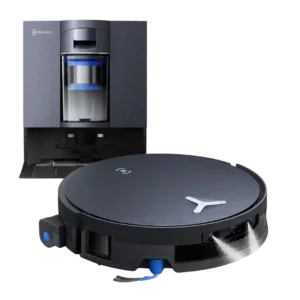
Controls and app usability are mostly praised as intuitive and easy, though one reviewer said the app still needs refinement.
Pros: Dried-On Stain Removal, Mop lifting system
Cons: Emptying and Mess Control
#10
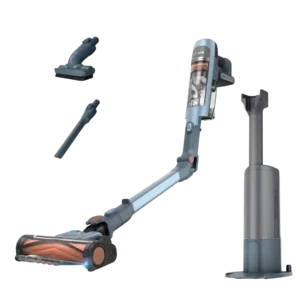
The two-button controls and color display are straightforward and useful. Minor complaints include moving the dirt indicator away from the floorhead and showing battery life as an icon instead of...
Pros: AI, Smart, App and Automation, Emptying and Mess Control
Cons: Dock noise, Battery and Charging
#11
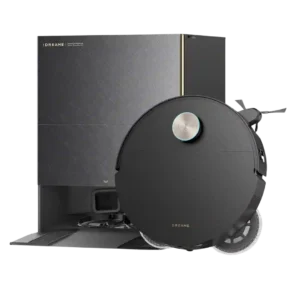
Controls and UI were polarized: some reviewers praised the intuitive and comprehensive app, while Gizmodo called it cluttered.
Pros: Overall opinion, Obstacle Avoidance (Robot)
Cons: Map and Path Efficiency (Robot Vacuums), Heating element
#12
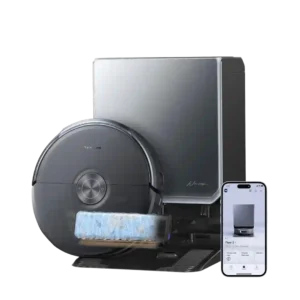
The app offers deep room, schedule, carpet, camera, and cleaning controls, and many find the main interface intuitive. Carpet defaults, remapping, and buried advanced settings can make it more complicated...
Pros: Mopping performance, Overall opinion
Cons: Edge and Baseboard Cleaning (Hard Floors), Price and Value
#13
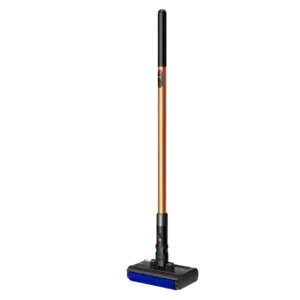
Controls were seen as simple and clean, but reviewers also noted limited customization, no full charge display, and some confusion around boost operation.
Pros: Weight, Low-profile design
Cons: Overall opinion, Price and Value
#14
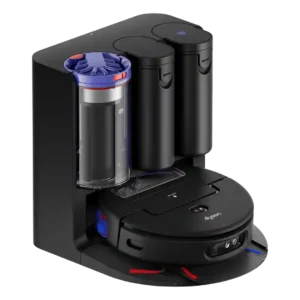
Controls and app feedback was mixed, with praise for core usability but complaints about unintuitive cleaning starts, map editing, missing advanced features, and learning curve.
Pros: Overall opinion, Mopping performance
Cons: Price and Value, AI, Smart, App and Automation
#15
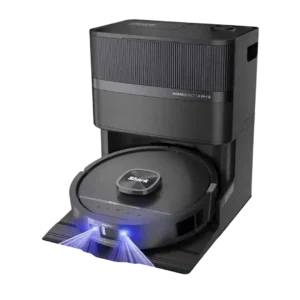
Controls and UI were split: some reviewers found the app simple, while others found map editing difficult, limited, or dated.
Pros: Mopping performance, Dried-On Stain Removal
Cons: Map and Path Efficiency (Robot Vacuums), Price and Value
