Best for remote layout
TCL QM8L
5.0 feature score
Highest scored product for this feature based on supporting review evidence.

Highest scored product for this feature based on supporting review evidence.
Balances feature score, supporting reviews, and overall product strength.
Has the broadest review evidence for this feature.
Strongest overall product among items with scored evidence for this feature.
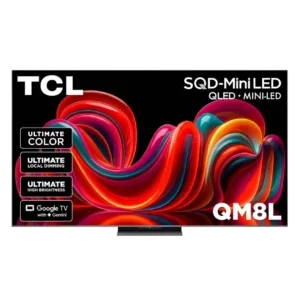
Side-mounted brightness and picture-mode controls save repeated menu trips, while dedicated input and shortcut buttons remain easy to find.
Pros: overall image accuracy, resolution
Cons: motion clarity, response time
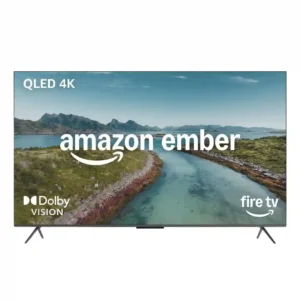
Most reviewers find the remote simple, clear, and easy to grip. One expert notes that the small number pad can be fiddly for large hands.
Pros: local dimming performance, HDR format support
Cons: gradient handling, banding control
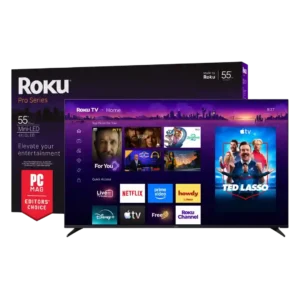
Programmable shortcuts and a guide button are useful, but live-TV viewers may miss traditional number buttons.
Pros: resolution, display technology
Cons: customer support, optical audio output

The remote offers practical shortcut and settings buttons, but its long shape and some button choices are less convenient for certain users.
Pros: sustained brightness, HDR format support
Cons: gaming mode quality, Bluetooth audio support

Core controls are generally easy to reach, but the odd mute-button placement and menu-based brightness adjustment create minor frustration.
Pros: resolution, HDR format support
Cons: software updates, account requirements
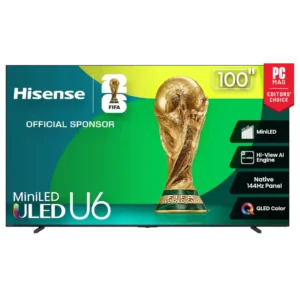
Remote layout divides opinion. One source praises the intuitive button arrangement, but others complain that the remote lacks a dedicated input/source button.
Pros: resolution, HDR format support
Cons: advertising intrusiveness, gaming dashboard

The revised layout is cleaner for some users, yet missing backlighting, charging, and a straightforward source button keeps it from feeling fully premium.
Pros: panel type, display technology
Cons: account requirements, DTS support
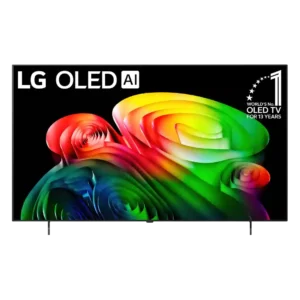
The remote layout has avoidable annoyances, including missing dedicated input and mute buttons, though the customizable favorite button provides workarounds.
Pros: display technology, response time
Cons: setup ease, account requirements
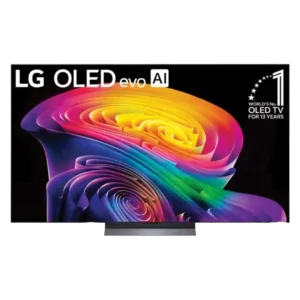
App shortcuts, the pointer, and a customizable heart button are convenient, but the missing conventional mute button frustrates some users.
Pros: resolution, contrast ratio
Cons: HDR10+ support, account requirements