Best for Hub requirement
Aqara G100
5.0 attribute score
Highest scored product for this attribute based on supporting review evidence.

Highest scored product for this attribute based on supporting review evidence.
Balances the attribute score, supporting reviews, and overall product strength.
Has the broadest review evidence for this attribute.
Strongest overall product among items with scored evidence for this attribute.
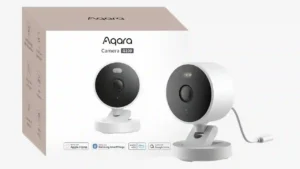
The camera is attractive for setups that want to avoid extra hardware, with reviewers praising no-hub operation and, in one review, local hub functionality for Aqara devices.
Pros: Overall satisfaction, Video resolution and detail
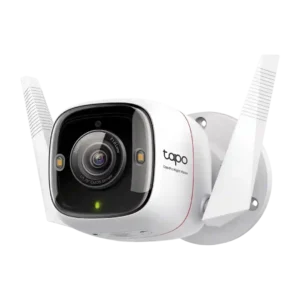
Hub requirement was a strength because reviewers noted it does not require a hub or security base.
Pros: Night vision, Price value
Cons: wired, Smart home accessory compatibility
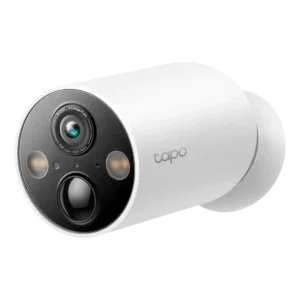
The lack of a hub requirement was praised for simplifying installation and use.
Pros: Video resolution and detail, Night vision
Cons: Low-light performance, Mobile app reliability
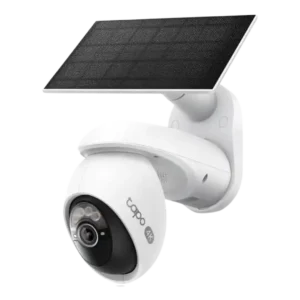
No base station requirement was praised because the camera connects directly to Wi-Fi.
Pros: Installation and Mounting, Night vision
Cons: Articulation range, PTZ (pan/tilt/zoom) control responsiveness
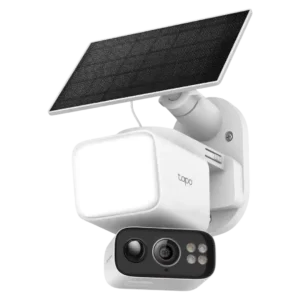
A hub was not required, which reviewers treated as a positive even when they liked the optional hub for centralized storage.
Pros: Floodlight brightness, Detection features
Cons: Continuous recording capability, Detection range
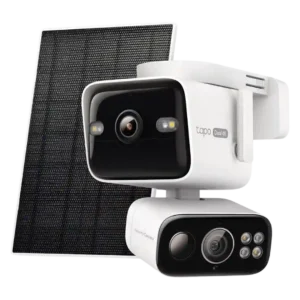
A hub was not treated as required; the camera could be used on its own with local recording.
Pros: Dual-camera design, Local storage option convenience
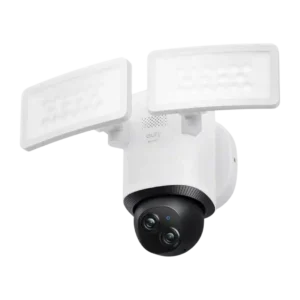
The hub is optional for core use, but reviewers noted HomeBase adds valuable storage and AI while raising initial cost.
Pros: Video resolution and detail, Floodlight brightness
Cons: HomeKit integration, Smart-home integration (Alexa, Google, Siri, HomeKit, Matter, Thread)
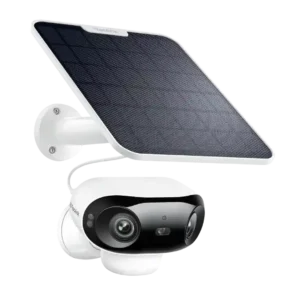
The hub was optional rather than required, and reviewers liked that it could add storage or RTSP-style functionality without forcing a base station.
Pros: Field of view, Video resolution and detail
Cons: Battery life, Frame rate
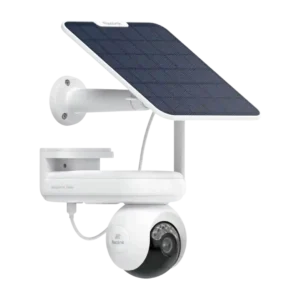
The hub was treated as optional rather than mandatory, with one reviewer choosing it for centralized encrypted storage.
Pros: Video resolution and detail, Night vision
Cons: Frame rate, Size and footprint
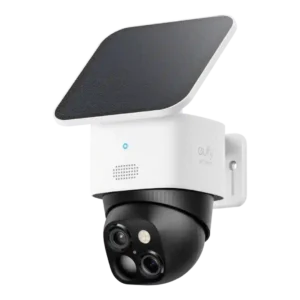
The hub is optional for basic use but can be costly; reviewers value the added AI and storage when HomeBase is used.
Pros: Power options (solar panel), Video resolution and detail
Cons: False alert filter effectiveness, Notification management
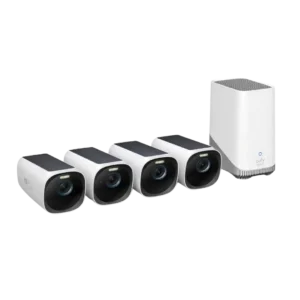
The hub is a tradeoff: it enables local storage and AI, but some reviewers dislike the required hub, Ethernet, or storage upgrade.
Pros: Video resolution and detail, Power options (solar panel)
Cons: HomeKit integration
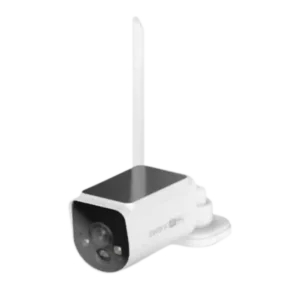
The hub was useful for storage and backup but also created placement and Ethernet-dependency pain points.
Pros: Connectivity options, Video resolution and detail
Cons: Web portal access, Cable management
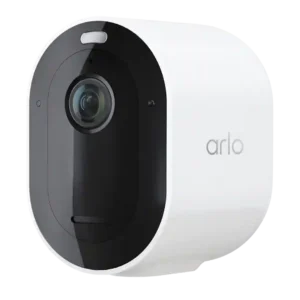
The hub requirement is context-dependent: reviewers like that a hub is not needed for basic use, but criticize needing one for local storage or HomeKit.
Pros: Video resolution and detail, Night vision
Cons: Cloud storage plan value, Price value
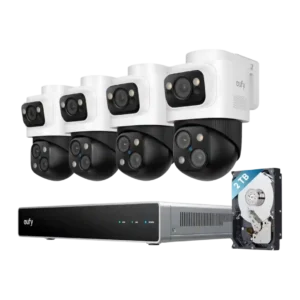
The required NVR/hub created placement limits because it must remain within cabling distance of cameras.
Pros: Cross-camera tracking, Smart search accuracy
Cons: Installation and Mounting, Smart-home integration (Alexa, Google, Siri, HomeKit, Matter, Thread)
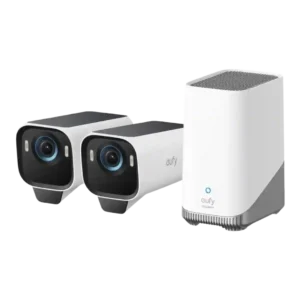
The HomeBase requirement was mixed to negative because it enables local storage and AI but adds required hardware and sometimes caused setup/network friction.
Pros: Night vision, Price value
Cons: Hub requirement
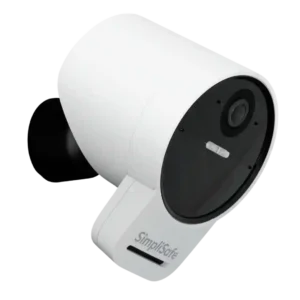
PCMag treated the base-station/security-system requirement as a limitation versus standalone outdoor cameras.
Pros: Detection features, Installation and Mounting
Cons: Price value, Video resolution and detail
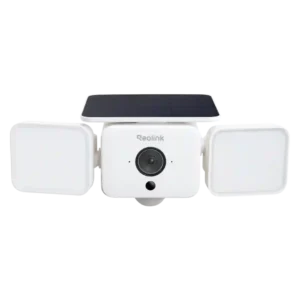
A hub is optional for basic use but may be required for Home Assistant or centralized storage, adding cost and sometimes reducing range.
Pros: Installation and Mounting, App controls and settings
Cons: Mounting flexibility, False alert filter effectiveness