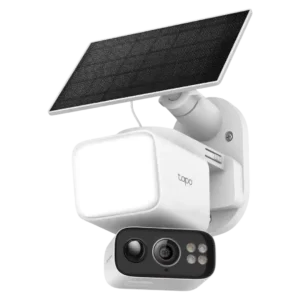
Motion-zone controls were praised for letting users tailor detection by subject type and area rather than using one broad zone.
Pros: Speaker volume, Lens distortion correction
Cons: Field of view, Detection range

Motion-zone controls were praised for letting users tailor detection by subject type and area rather than using one broad zone.
Pros: Speaker volume, Lens distortion correction
Cons: Field of view, Detection range
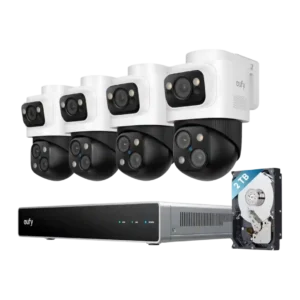
Custom activity and response controls were praised for letting users tailor zones, alerts, and camera behavior by area.
Pros: Detection range, Recording start-time lag
Cons: ONVIF/RTSP support, HomeKit integration
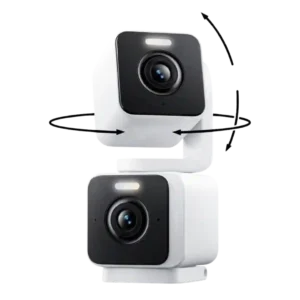
Activity zones were useful because they helped block unwanted trigger areas like moving bushes or branches.
Pros: Installation and Mounting, Articulation range
Cons: ONVIF/RTSP support, Connectivity options
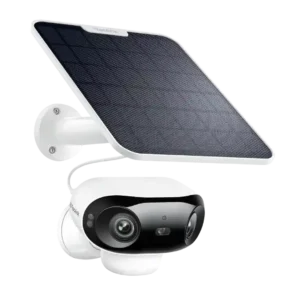
Reviewers liked the ability to tune sensitivity, zones, non-detection areas, object sizes, and schedules to reduce unwanted motion captures.
Pros: Connectivity options, Detection range
Cons: HomeKit integration, Continuous recording capability
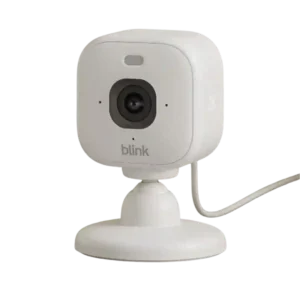
Motion zones are easy to adjust and the screenshot-based editor helps show what will be excluded. The system can still require narrower zones to avoid false alarms, and zones are...
Pros: Lens distortion correction, Streaming reliability
Cons: Continuous recording capability, HomeKit integration
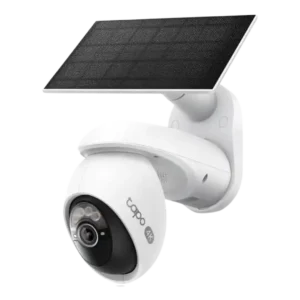
Motion zones were useful and flexible in several reviews, but reviewers also noted that zones can shift with pan/tilt movement and cause false alarms.
Pros: On-device processing (AI), Installation and Mounting
Cons: ONVIF/RTSP support, HomeKit integration
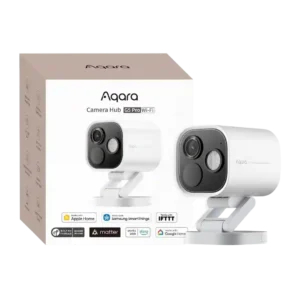
Motion-zone controls were useful but imperfect, with one reviewer wanting global zones and another noting automation scenes could use detections effectively.
Pros: Durability, Low-light performance
Cons: Power options (solar panel), PTZ (pan/tilt/zoom) control responsiveness