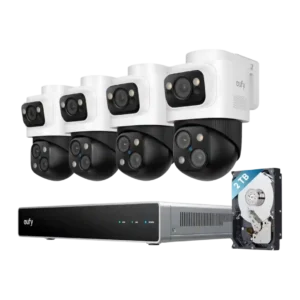
Controls were generally praised across the app and NVR interface for responsiveness, clear structure, live view speed, and simple setup.
Pros: Detection range, Recording start-time lag
Cons: ONVIF/RTSP support, HomeKit integration

Controls were generally praised across the app and NVR interface for responsiveness, clear structure, live view speed, and simple setup.
Pros: Detection range, Recording start-time lag
Cons: ONVIF/RTSP support, HomeKit integration
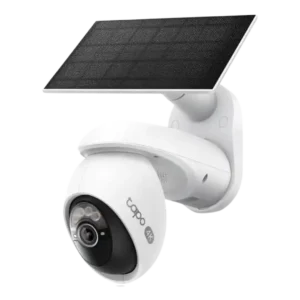
The Tapo app and controls were consistently liked for ease, depth, and practical camera settings.
Pros: On-device processing (AI), Installation and Mounting
Cons: ONVIF/RTSP support, HomeKit integration
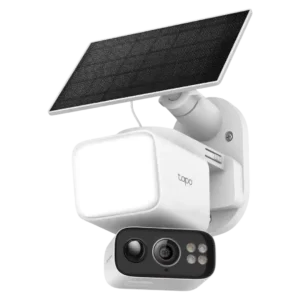
The Tapo app offered many useful settings and controls, but setup menus and some bugs kept the app experience from being universally smooth.
Pros: Speaker volume, Lens distortion correction
Cons: Field of view, Detection range
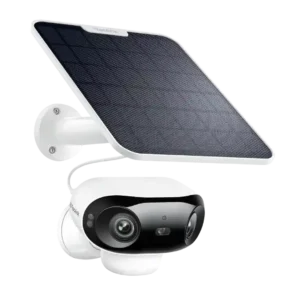
App controls were generally strong, with clean settings, deep customization, event filters, and flexible setup, though one review found the app needs refinement.
Pros: Connectivity options, Detection range
Cons: HomeKit integration, Continuous recording capability
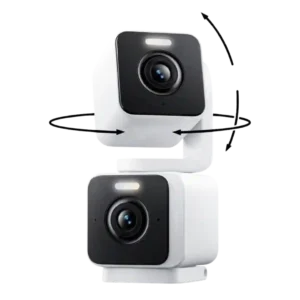
The app controls were often praised as easy and flexible, but one reviewer criticized the lack of motion-tracking settings.
Pros: Installation and Mounting, Articulation range
Cons: ONVIF/RTSP support, Connectivity options
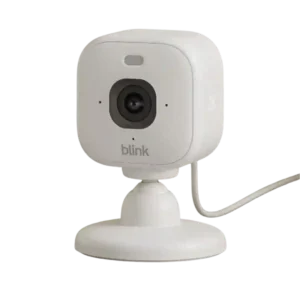
The app exposes useful controls for motion, lighting, audio, privacy, and video settings, and some reviewers find it thoughtfully designed. Others call it basic or criticize awkward controls such as...
Pros: Lens distortion correction, Streaming reliability
Cons: Continuous recording capability, HomeKit integration
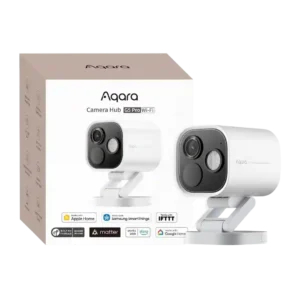
Reviewers found the app powerful but uneven: several praised extensive controls and fine-tuning, while others called the interface busy, complicated, or not their preferred design.
Pros: Durability, Low-light performance
Cons: Power options (solar panel), PTZ (pan/tilt/zoom) control responsiveness