Best for Button control usability
Fractal Design Scape Headset
4.7 attribute score
Highest scored product for this attribute based on supporting review evidence.

Highest scored product for this attribute based on supporting review evidence.
Balances the attribute score, supporting reviews, and overall product strength.
Has the broadest review evidence for this attribute.
Strongest overall product among items with scored evidence for this attribute.
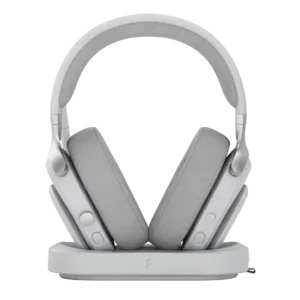
The physical controls are a highlight, especially the damped crown/volume wheel. Reviewers repeatedly praised its tactility, easy reach and reliable media clicks, with only minor learning-curve complaints.
Pros: Included stand quality, Overall satisfaction
Cons: Active noise cancellation, Volume output
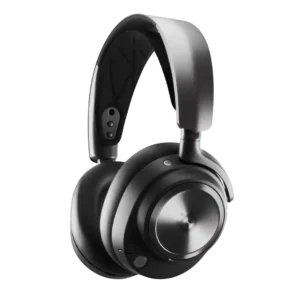
Controls are generally praised for distinct buttons, tactile wheels, useful mute indicators, and intuitive access, with only minor dock-use caveats.
Pros: Battery, Comfort during long use
Cons: Console compatibility limitations, USB-C
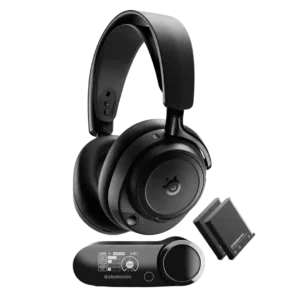
Physical controls are usually praised for tactile wheels, intuitive placement, and good feedback, though one reviewer says smaller buttons feel less premium.
Pros: Sound quality, Connectivity versatility
Cons: Value for money, Carry case quality
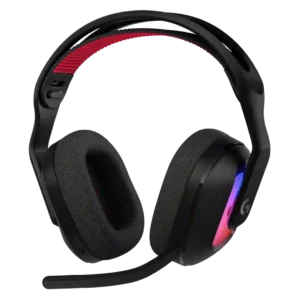
Most physical controls are easy to reach and tactile, including mute, volume, and source switching. Some users dislike the placement of the wheel and buttons because they can be bumped...
Pros: Overall satisfaction, Sound quality
Cons: Fit/seal reliability, Multipoint connectivity reliability
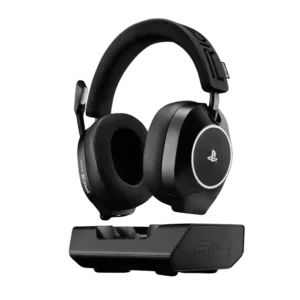
Controls were usually easy to reach and identify, but one reviewer found a button unresponsive or unclear.
Pros: Sound quality, Included stand quality
Cons: Detachable microphone convenience
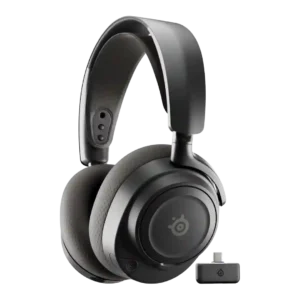
Physical controls were usually praised as tactile, easy to reach, and intuitive, though one reviewer disliked cheap-feeling dials.
Pros: Sound quality, Value for money
Cons: Dongle, Noise isolation (passive)
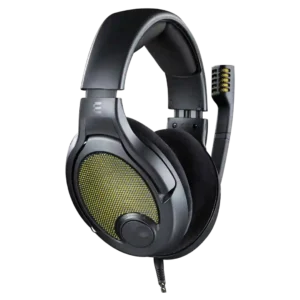
The simple right-earcup volume wheel is usually praised for being easy to find and adjust quickly. Several reviewers dislike its light resistance or the fact that turning it fully down...
Pros: Sound quality, Overall satisfaction
Cons: Build quality, Clamping force comfort
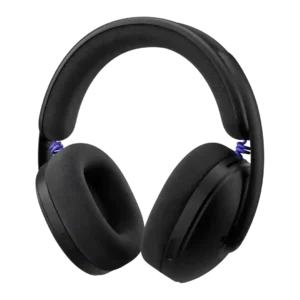
Physical controls were mostly well-liked for clear shapes, easy reach, and tactile feel, though some reviewers missed a volume wheel.
Pros: Comfort during long use, Design and Aesthetics
Cons: Build quality, Microphone
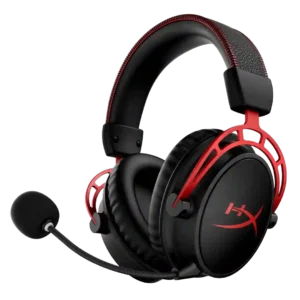
Physical controls are mostly easy to find and use, but some reviewers dislike the inline analog control or find a power button awkward.
Pros: Sound quality, Comfort during long use
Cons: Ear cup swivel/rotation range, Connectivity versatility
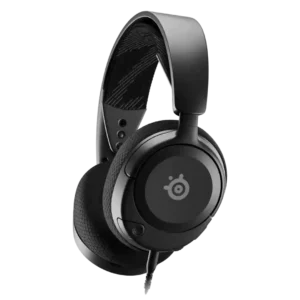
Controls are usually considered simple and convenient, but a few reviewers criticize mute button location or feedback.
Pros: Value for money, Sound quality
Cons: Bass performance, Clamping force comfort
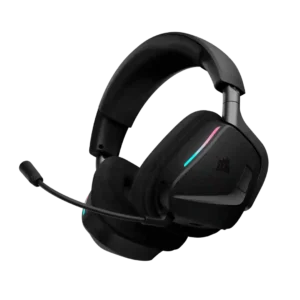
On-ear controls are convenient when they work well, with some praising tactile volume adjustment and easy access. Others find the buttons or mixer finicky, springy, or unintuitive.
Pros: Overall satisfaction, Sound quality
Cons: Reliability, App
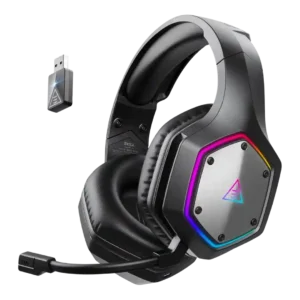
Controls were generally easy and useful, especially physical buttons and volume wheels, though one inline controller felt damage-prone.
Pros: Sound quality, Comfort during long use
Cons: RGB lighting customization, Build quality
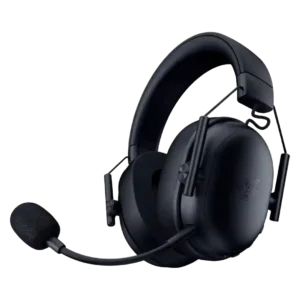
The physical controls are usually simple, tactile, and convenient, especially for mute and volume. There are smaller usability complaints about finding the mute button quickly, plus one broken volume wheel.
Pros: Overall satisfaction, Sound quality
Cons: Software/setup simplicity, Clamping force comfort
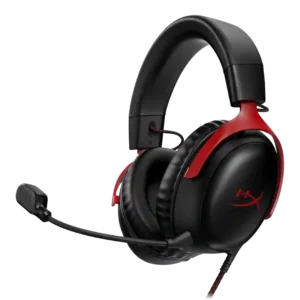
On-headset controls were usually praised for ease and convenience, though some reviewers disliked the mute location or loud mute-button noise.
Pros: Value for money, Microphone
Cons: Spatial audio, Midrange clarity
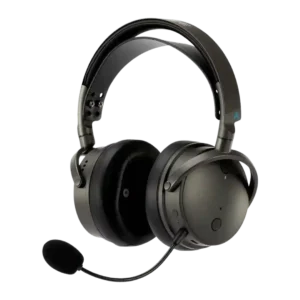
Physical controls are often appreciated, but reviewers also mention a learning curve, confusing multifunction wheels, or poor placement.
Pros: Sound quality, Battery
Cons: Headband adjustability, Weight comfort
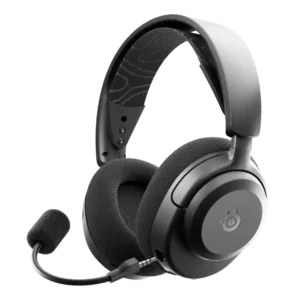
Control usability was mostly simple and easy, but some reviewers disliked crowded or less intuitive one-hand control layouts.
Pros: Value for money, Sound quality
Cons: Treble clarity, Noise isolation (passive)
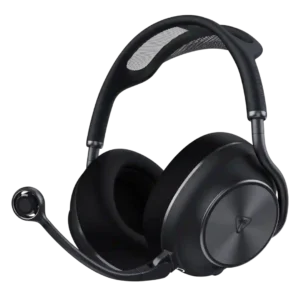
The physical wheels and buttons are generally tactile, logically placed, and partly remappable. Some find the controls crowded, the volume steps too coarse, or individual functions hard to identify by...
Pros: Overall satisfaction, Sound quality
Cons: Weight comfort, Stability
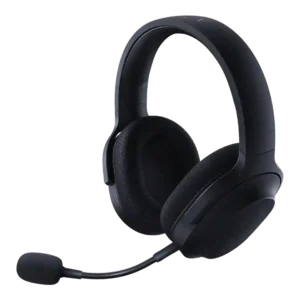
Controls were usually easy to reach and precise, but reviewers disliked loose volume wheels, unclear mute state, or awkward volume positioning.
Pros: Sound quality, Microphone
Cons: Dongle, Equalizer customization
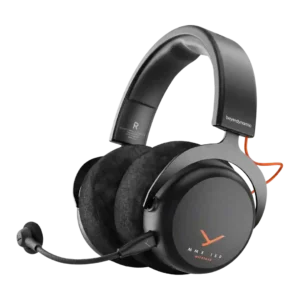
Controls are praised for simple volume, mute, and mode access, but criticized when the wheel feels clicky or loses function over 3.5mm.
Pros: Sound quality, Comfort during long use
Cons: Equalizer customization, Console compatibility limitations
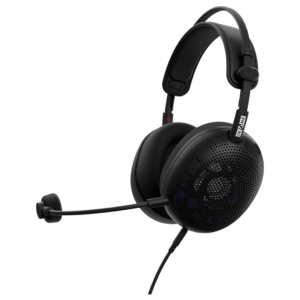
Control usability was mixed: the mute control drew praise, but the volume wheel and lack of mute cues drew criticism.
Pros: Sound quality, Microphone
Cons: Microphone noise reduction, Spatial audio
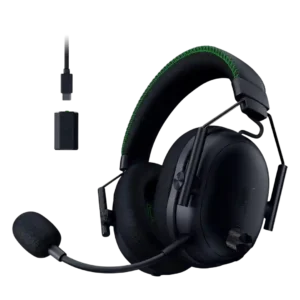
Physical controls were generally useful and snappy, but reviewers disagreed on usability, with some loving them and others finding buttons hard to distinguish or unintuitive.
Pros: Microphone, Comfort during long use
Cons: Dongle, Software/setup simplicity
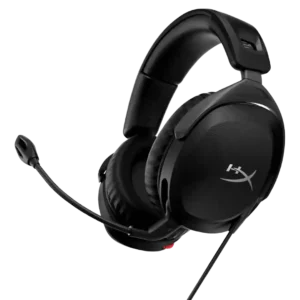
Controls were simple and often convenient, especially the volume wheel and flip-to-mute behavior, though some reviewers disliked cheap feel or overly easy movement.
Pros: Value for money, Microphone
Cons: Build quality, Bass performance
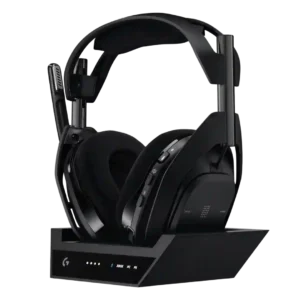
Controls are usually praised as tactile and easy to learn, but reviewers also report accidental presses and limited remapping.
Pros: Sound quality, Microphone
Cons: Value for money, Software/setup simplicity
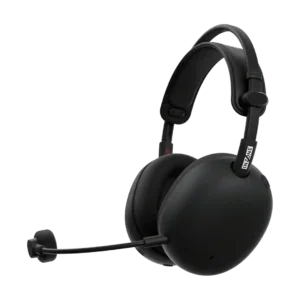
The large, well-spaced controls are often easy to locate by touch, especially the mute button, but usability is not uniformly polished. The volume wheel, mode chimes, and some platform-specific control...
Pros: Overall satisfaction, Sound quality
Cons: Value for money, Battery
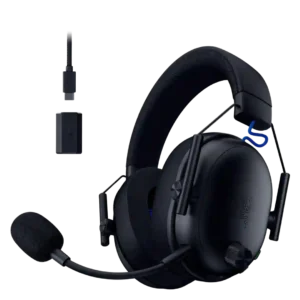
Physical controls are often praised for tactile feel, placement, and quick access, but not everyone likes them. Two customers find the knobs awkward or excessively slow for large adjustments.
Pros: Overall satisfaction, Sound quality
Cons: Button control usability, Dongle
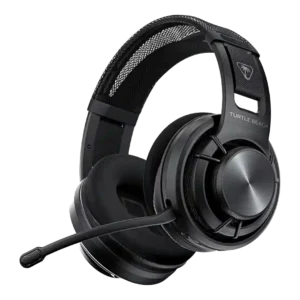
Controls are split: several reviewers liked the easy left-cup layout, while others criticized similar-feeling buttons, stiff presses, cheap volume feel, or delayed adjustment.
Pros: Comfort during long use, Sound quality
Cons: App, Bass performance
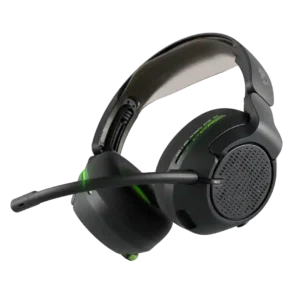
The controls offer a lot directly on the headset, but the multifunction joystick can feel overloaded, imprecise, or easy to mis-trigger. Other reviewers found the layout satisfying and easy to...
Pros: Overall satisfaction, Bass performance
Cons: Value for money, Microphone
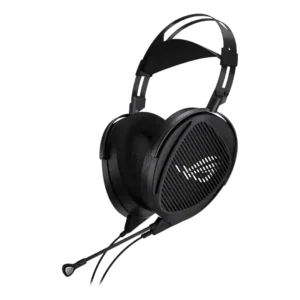
The inline mute and volume controls are convenient, but the wheel can be overly sensitive and some users heard clicks or artifacts when toggling the mic.
Pros: Overall satisfaction, Sound quality
Cons: Microphone, Headband adjustability
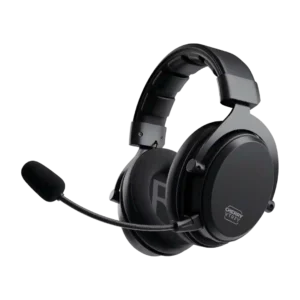
Physical controls were easy to understand in some reviews, but precision and feedback were criticized.
Pros: Connectivity versatility, Sound quality
Cons: Equalizer customization, App
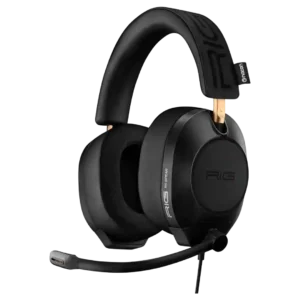
Controls were divisive: flip-to-mute and sliders were convenient for some, but missing cup controls and a poor volume ramp frustrated others.
Pros: Sound quality, Value for money
Cons: Button control usability, Dongle
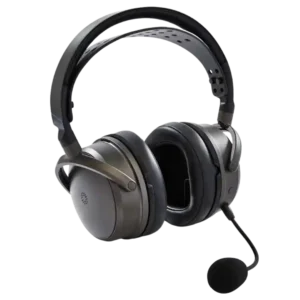
The recessed dials and physical controls are generally functional, but the tiny recessed mic-mute switch receives repeated criticism for being hard to find and operate quickly. Multi-function wheels also take...
Pros: Overall satisfaction, Sound quality
Cons: Weight comfort, Comfort during long use
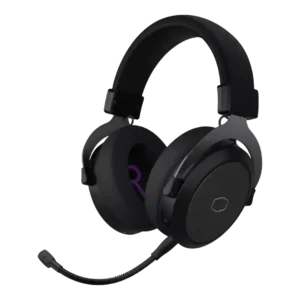
Controls are criticized as cluttered and unreliable, with buttons sometimes failing to register commands.